

Desert Online General Trading LLC
Dubai, United Arab Emirates
Desert Online General Trading LLC
Dubai, United Arab Emirates


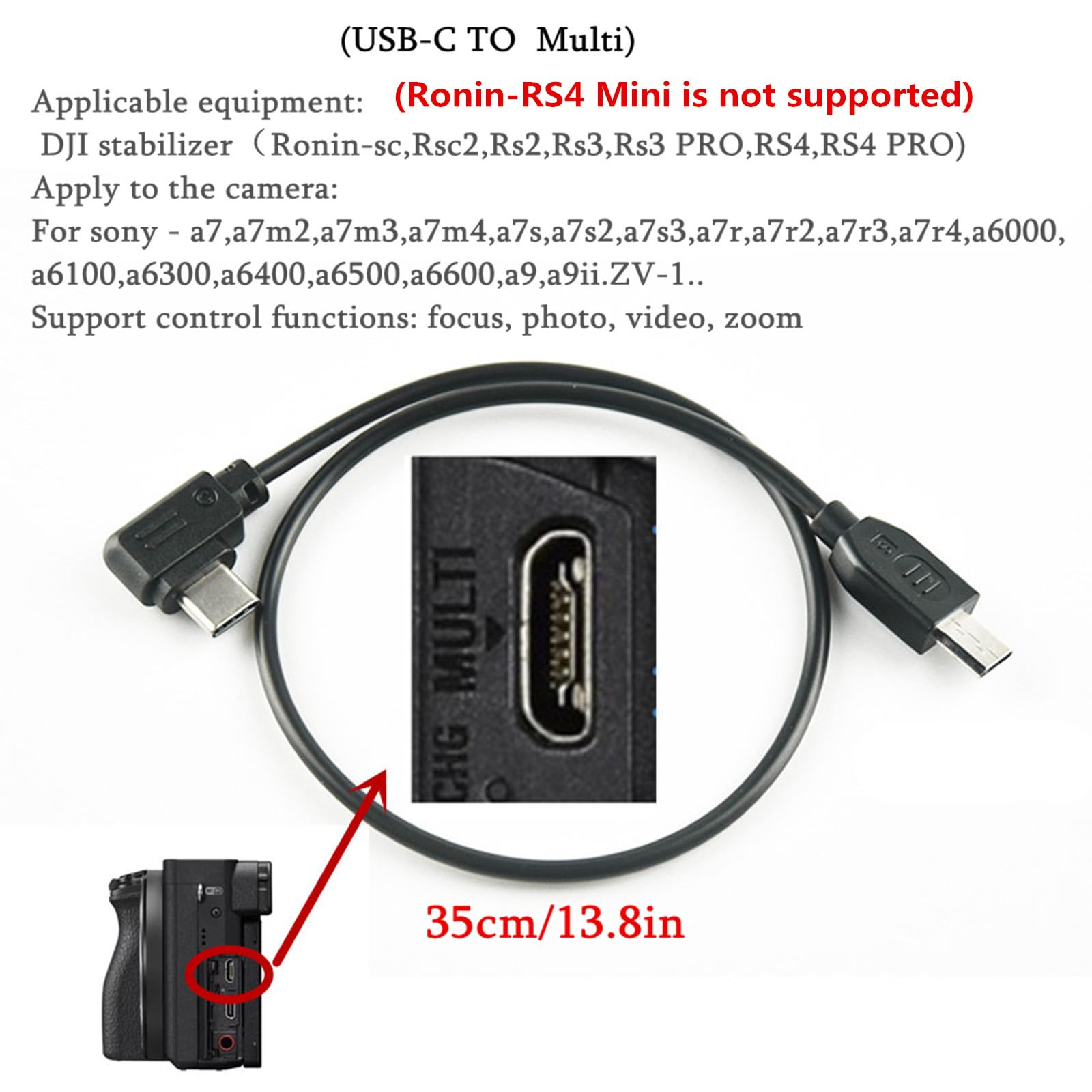



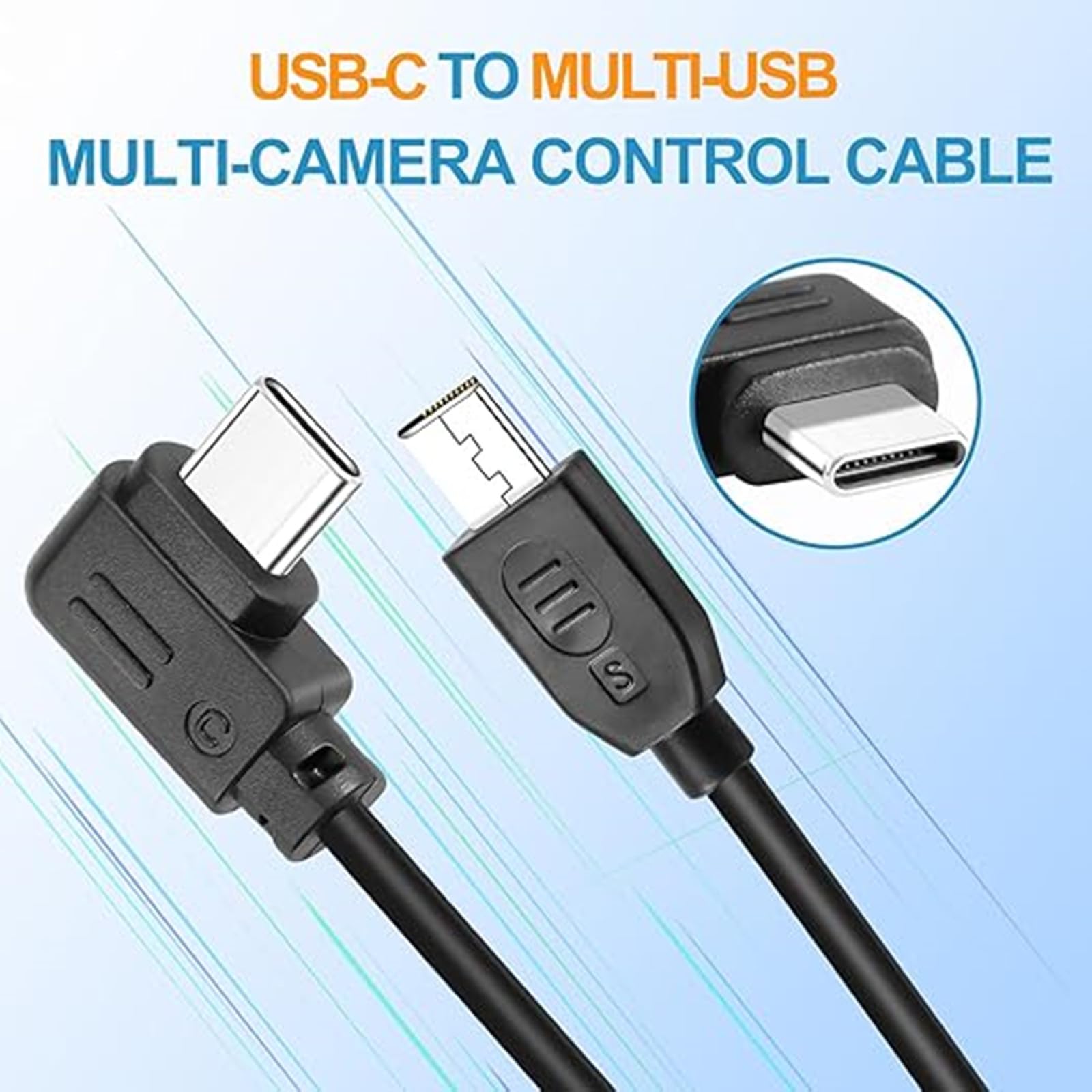
Multi function camera control line(USB-C TO Sony Multi)Applicable equipment: DJI stabilizer(Ronin-sc,Rsc2,Rs2,Rs3,Rs3 PRO,RS4,RS4 PRO) Apply to the camera:for sony - a7,a7m2,a7m3,a7m4,a7s,a7s2,a7s3,a7r,a7r2,a7r3,a7r4,a6000,a6100,a6300,a6400,a6500,a6600,a9,a9ii.ZV-1..Support control functions: focus, photo, video, zoomOperation Procedure Description: (1) Set the camera usb as the computer remote controla. Turn off the "Use Smartphone Control" camera menu. The detailed setting method is as follows: Choose: Menu > Network Use a smart phone option is off.b. Set the USB Connection function of the camera to Remote Control. specificThe setting method is as follows:Old menu: Setup a select USB connection a select computer remote control a.New menu: network > transmission/remote a ? computer remote control function a open; Or a network ? computer remote control function on.(2) Plug in the cable, turn on the camera power, you can control the function. (Points for attention)a): To ensure that the stabilizer can correctly identify the sony camera, power on the stabilizer first and then the camera after connecting cables.b): When paired with a lens with (Power Zoom) function, optical zoom can be controlled; If a lens does not have the Power Zoom function, you need to enable the digital zoom function of the camera to control the digital zoom. The detailed setting method is as follows: Select Menu Select Settings Select Zoom Settings Select digital zoom.c): If you need to switch to another camera control cable after connecting with MULTI cable, restart the power supply to stabilizer
Trustpilot
2 days ago
3 weeks ago