We remain fully operational. Our teams are working around the clock to ensure your deliveries continue safely.

DOWNLOAD THE APP


Customer Services
Copyright © 2025 Desertcart Holdings Limited
DOWNLOAD THE APP

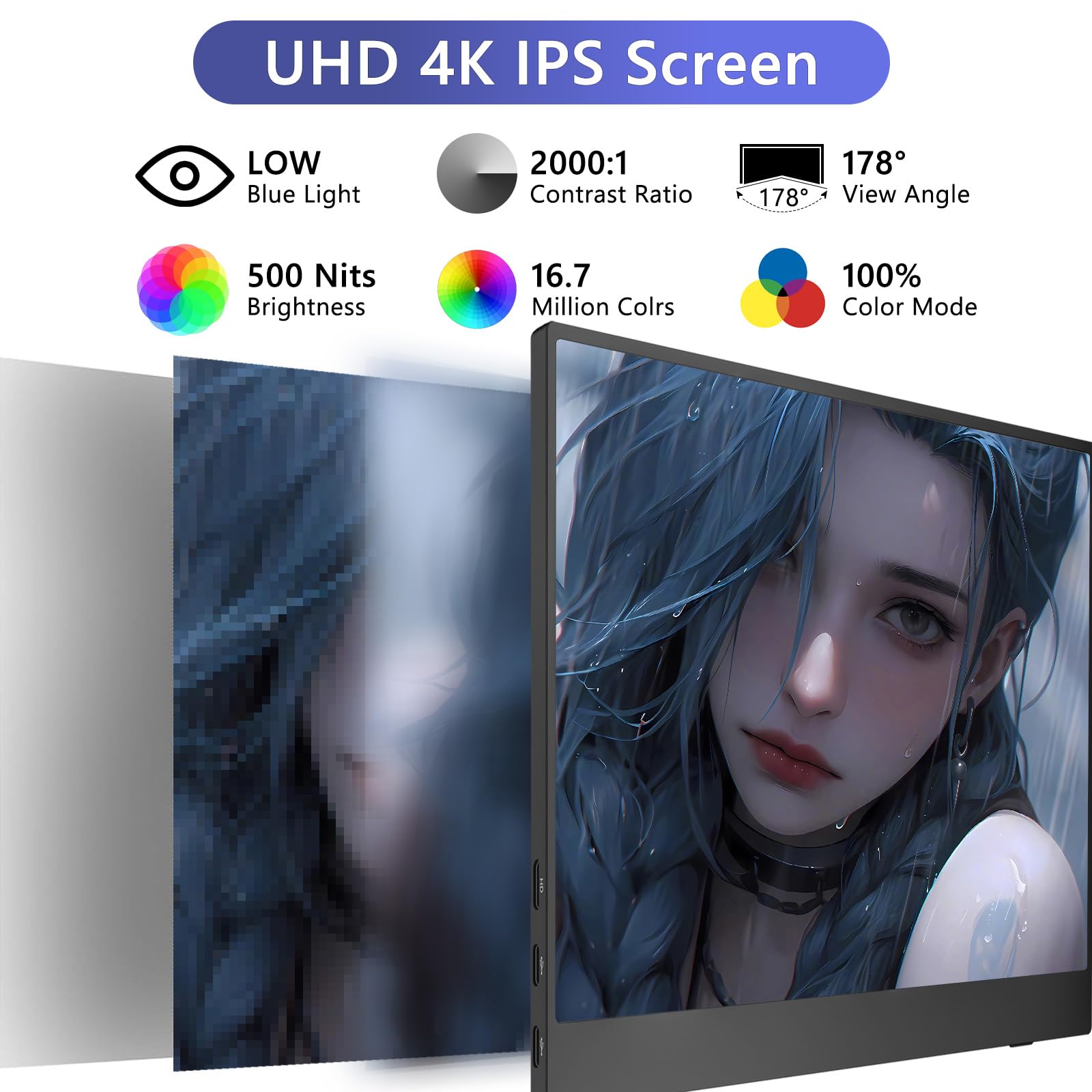
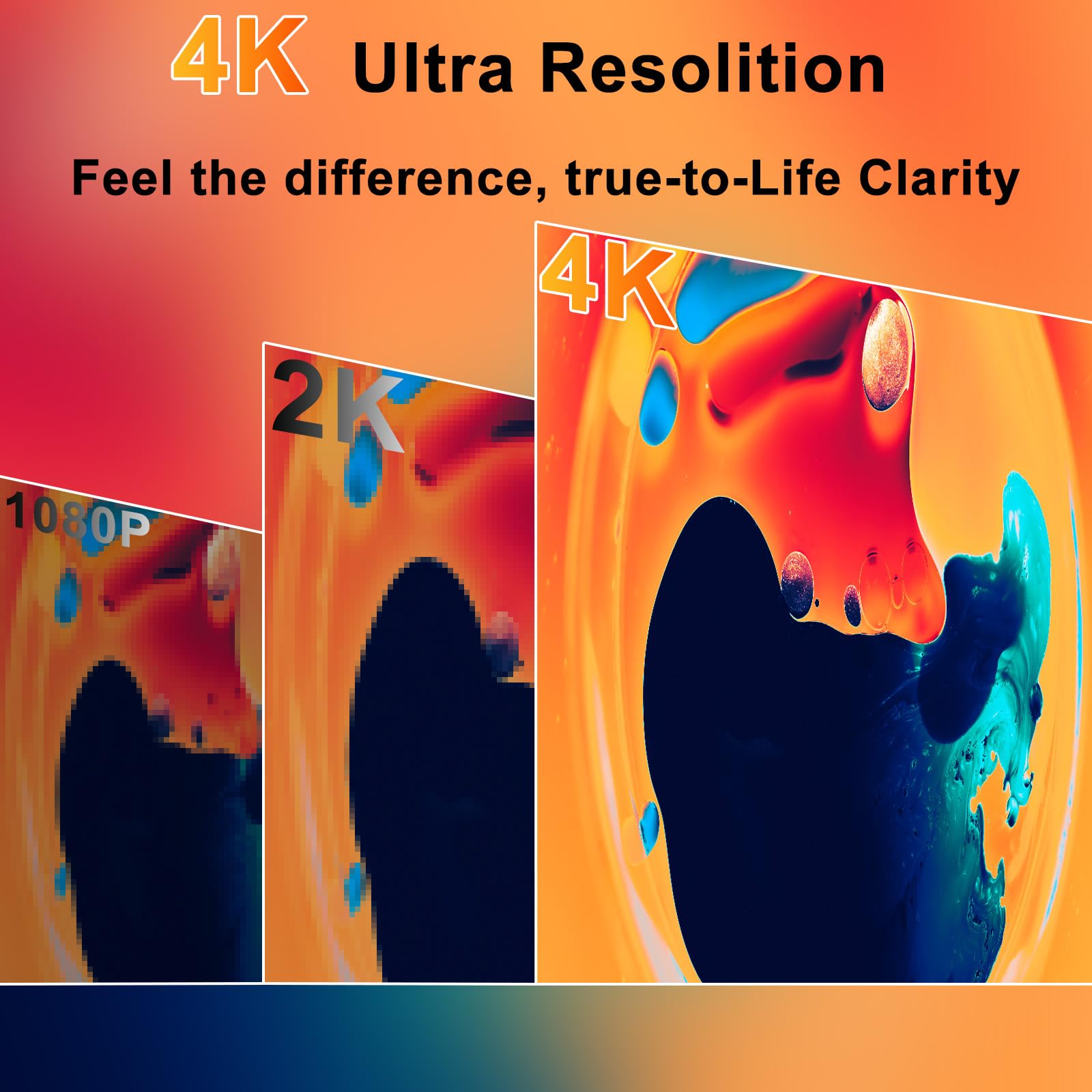


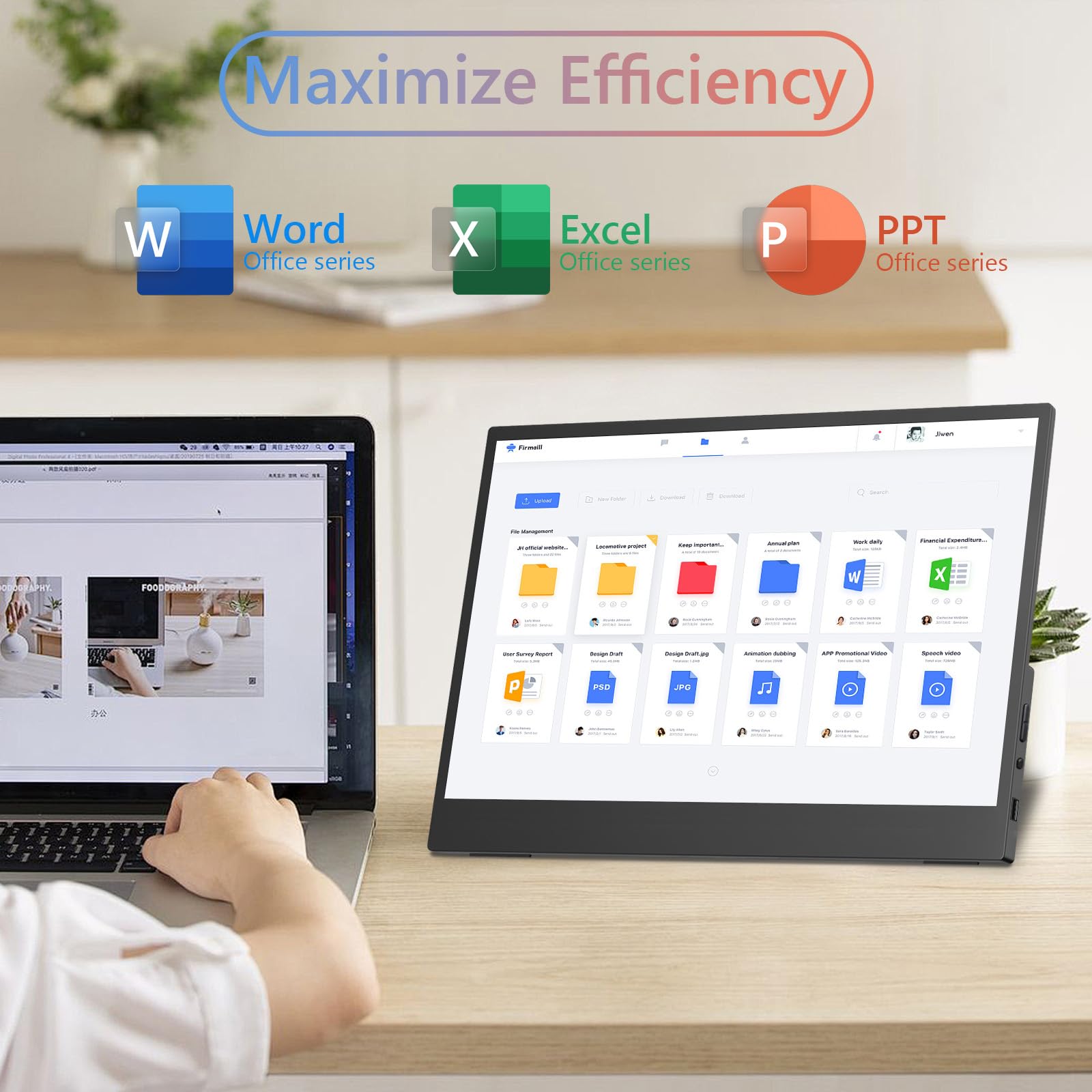
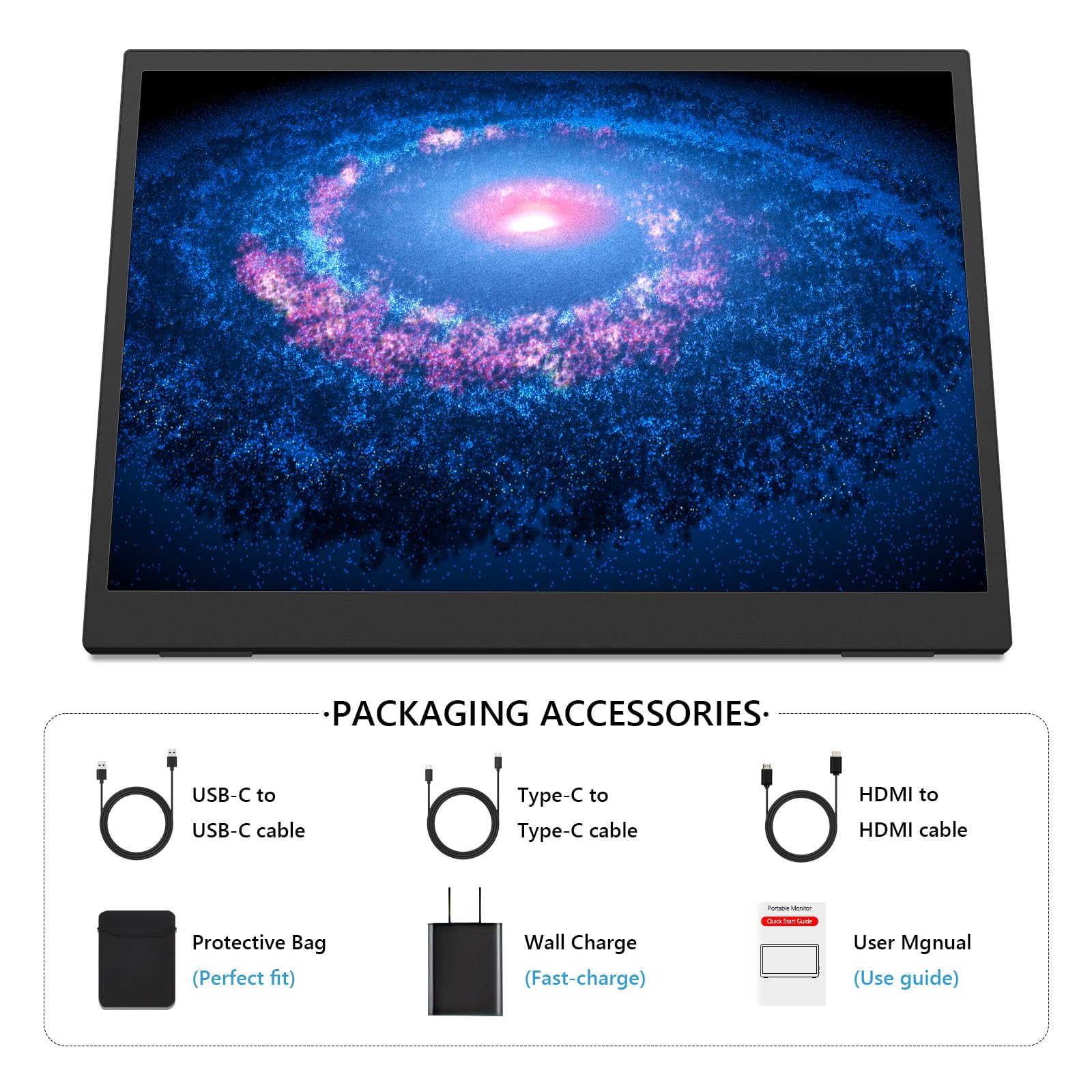
🚀 Elevate your workspace anywhere with crystal-clear 4K brilliance!
This 15.6-inch portable monitor delivers stunning 4K UHD resolution (3240×2160) with HDR and FreeSync, boasting 100% sRGB color accuracy and 500 nits brightness. Its anti-glare matte IPS display reduces eye strain, while the ultra-slim, lightweight design ensures effortless portability. Compatible with USB-C and HDMI devices, it supports seamless plug-and-play connectivity for laptops, Macs, phones, and gaming consoles. Adjustable stand and VESA mount options provide flexible setup for work or play on the go.


| ASIN | B0DPX36PDM |
| Aspect Ratio | 3:2 |
| Best Sellers Rank | #24,011 in Electronics ( See Top 100 in Electronics ) #590 in Computer Monitors |
| Customer Reviews | 3.9 3.9 out of 5 stars (46) |
| Date First Available | December 9, 2024 |
| Image brightness | 500 Candela per Square Meter |
| Item Weight | 1.28 pounds |
| Item model number | P15.6/4K |
| Manufacturer | Topmonitor |
| Product Dimensions | 13.1 x 0.59 x 9.4 inches |
| Resolution | 3240*2160 Pixels |
| Standing screen display size | 15.6 Inches |
| Total Usb Ports | 3 |
B**N
4K Monitor, with a great price
So I ordered this monitor, I had the 2K from the same seller, I sent the 2K back because, I wanted to upgrade and get the 4K Monitor, and so I did. The 2K Monitor is also a very good Monitor but it’s not 4K and the viewing angles were not very good. Here are a list of things that are better now that I have the 4k model: Better side viewing angles, It’s truly 4K, Great Price, 2000 contrast ratio, better than 1500, Speakers are the same as the 2K, Colors are better, you get srgb option on the 4K version, Both screens are glossy, they are not matte, Both screens are lite weight, and have kick stands , and regular size hdmi, not mini hdmi, You can hook your phone up to the monitor just by using one type C cable. Now if you’re using a Roku stick, or a fire stick on the 4k monitor, set the hdr on either stick at adaptive, if not the colors will not look good. On Eco setting on monitor, set it to movie, On Color Temp set it to 6500k, Leave hdr on auto, in monitor settings, And turn the brightness to 7, You’ll get the best color if you set your 4K monitor up that way, and you’re going to want to get yourself a Bluetooth speaker that has aux, Make sure it has 24 hour battery life and good bass, I recommend the tribit xsound go, the latest version.
M**S
Great little monitor
This is a really nice, thin, and light monitor with very clear and crisp output. Easy to hookup as a remote TV viewer or laptop monitor.
K**O
Disappointed – Not as Advertised
purchased this portable monitor because it was advertised as 4K (3840x2160), but unfortunately, that is not the case. The actual resolution is only 1920x1080, which is Full HD—not 4K as claimed. This was very disappointing, as I specifically chose this product for the higher resolution. The display quality is okay for 1080p, but the listing is misleading. I hope the seller corrects the description to avoid confusion for other buyers.
C**S
Great Value but need to use bottom USB-C port and potentially additional software.
Price for performance is excellent. When purchased in Dec of 2025 this monitor at around $113 is a great value. Very pixel dense and bright. For some reason my panel only reached the max brightness when using the lower USB-C port. Incorrect resolution when paired with a Mac. Must use a software like BetterDisplay to force the panel to use the correct resolution. Works great with this stand for travel: https://www.amazon.com/dp/B0D2YD6599?ref=ppx_yo2ov_dt_b_fed_asin_title
J**N
Problems with USB-C
First off native resolution is 3840x2560. HDMI can only run this at 30hz. if you can switch to 3840x2160, the display will run at 60hz. Second, while I can power the display from a USB-C port, my computer won't recognize the display. I have to plug in a HDMI cable to get it to work. Not a big deal but it would have been nice to jus have one cable. Display is clear and sharp. I wanted a small portable display for troubleshooting and setup and this fits the bill. The manual says I can connect it just via the USB-C to a PC or phone but it doesn't seem to work on WIN 11 or on my S24 phone. Turns out on further research that you need a USB-C with alt display capability not just any USB-C port. They don't make this clear in the advertising. I can work around this for my use but it could be a problem for others.
M**L
Great if your computer supports 3:2
Works great on the new MacBook Pro M4 without having to plug power into the monitor. Single USB-C cable. Downside is the 3:2 doesn't fully work out of the box and things are squished.
Q**.
Excellent portable monitor for both Windows and MacOS
Perfect portable monitor: 1. Lightweight 2. High build quality even it's only plastic 3. Use buttons for navigation (I hate the pointy wheel other portable monitors have; it hurts my finger) 4. Very high resolution. Actual resolution is 3840x2560. (I'm using 225% on windows, I'll try on MacOS 200% will be best) 5. Glossy finish, makes the colors pop. I love glossy but if you like matte finish, you might find it reflective. 6. I like the extra usb-a, useful if you connect a mouse or keyboard. 7. Built-in kickstand is very helpful I've been trying out a lot of portable monitors and so far, I like this one the most.
M**G
HDMI only runs at 30 Hz when using 3240 × 2160. Choppy.
HDMI only runs at 30 Hz when using 3240 × 2160, which is pretty rough for work—it looks choppy. Dropping the resolution helps a bit, but it ends up distorting the screen. USB-C can give you 4K at 60 Hz, but I’d rather save that port for other things. The product page doesn't mention any of this.
Trustpilot
2 weeks ago
1 day ago