Some deliveries may take a little longer than usual due to regional shipping conditions.

DOWNLOAD THE APP


Customer Services
Copyright © 2025 Desertcart Holdings Limited
DOWNLOAD THE APP
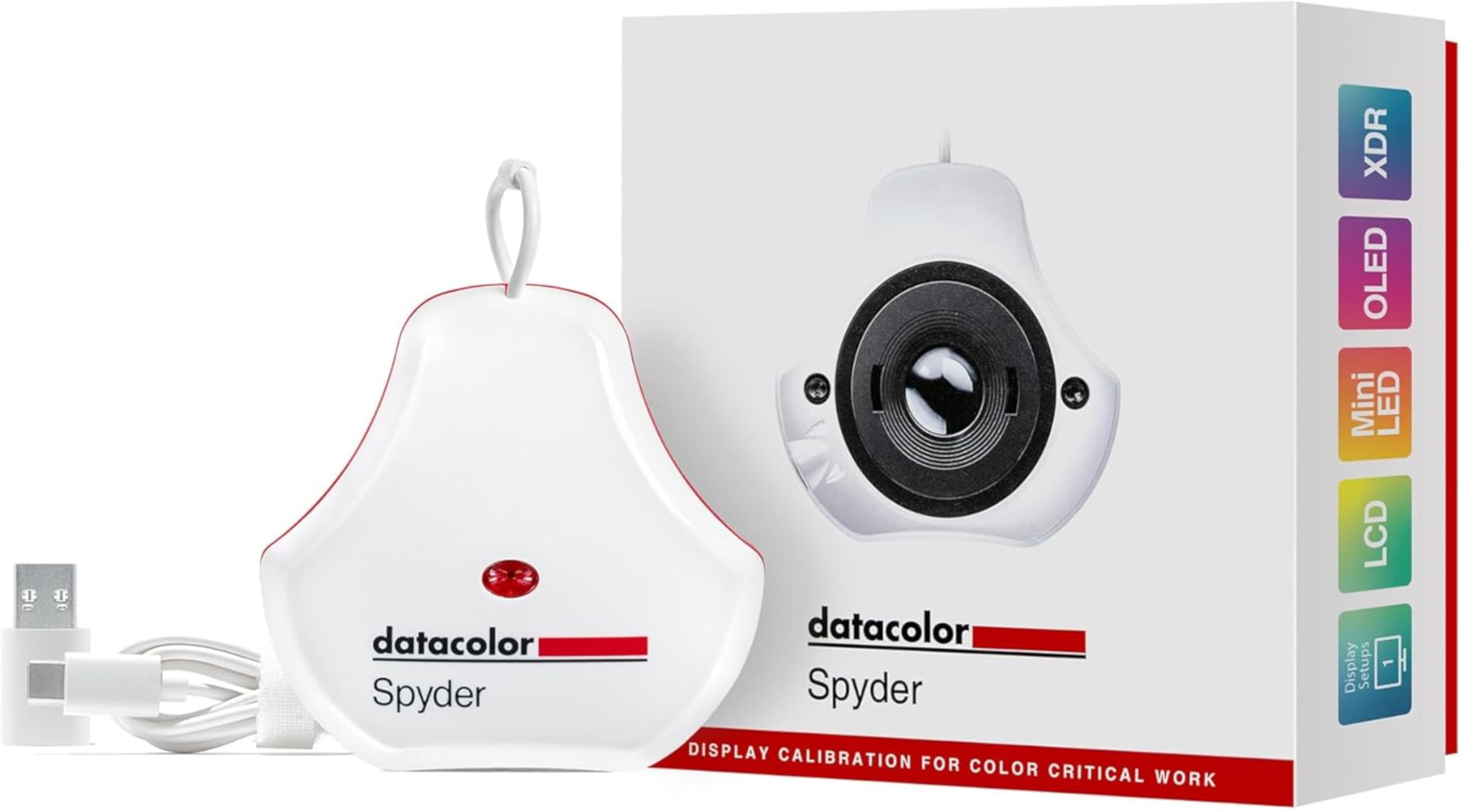

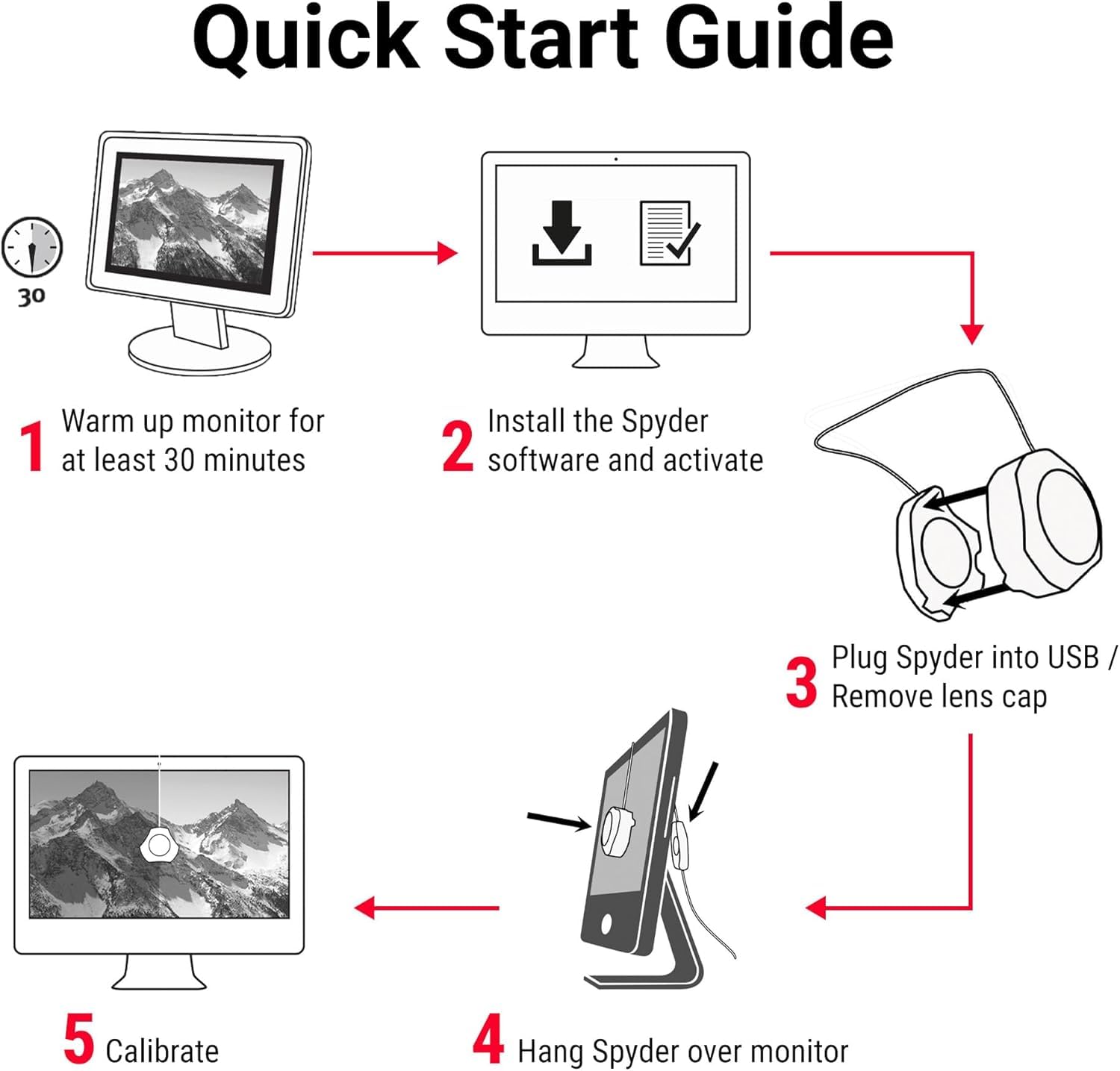
🎯 Nail your true colors, every time—because your work deserves no less.
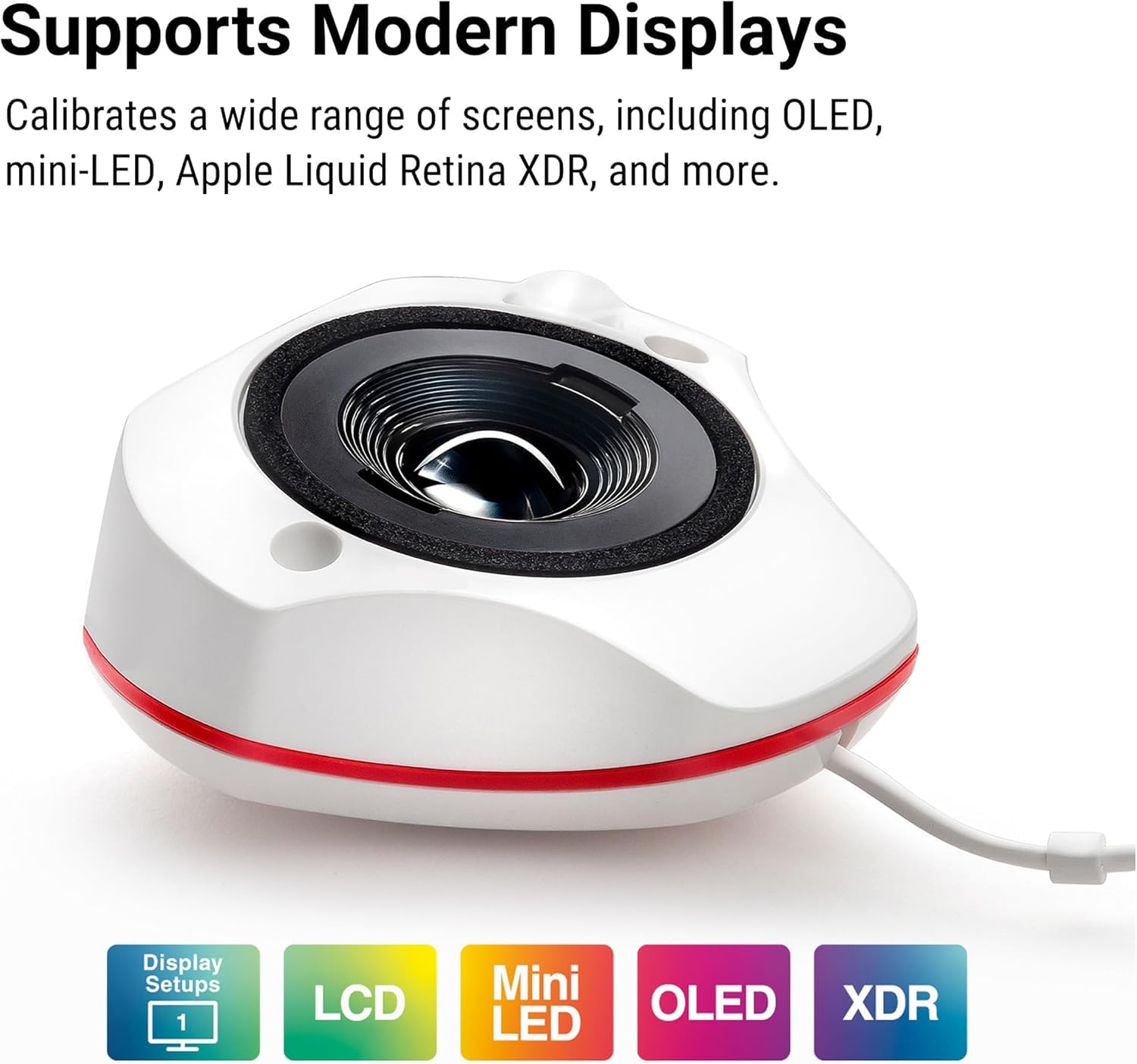
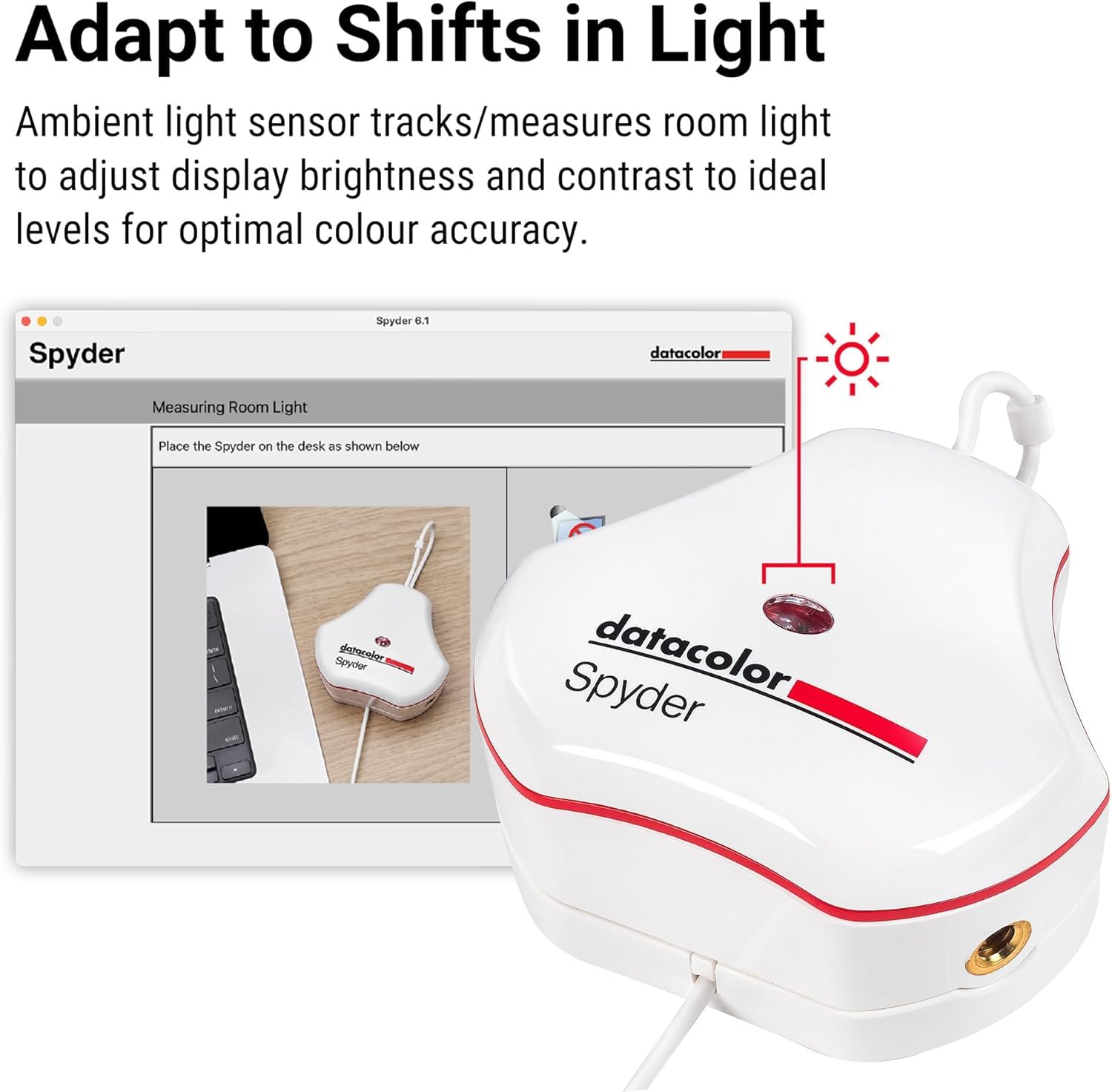
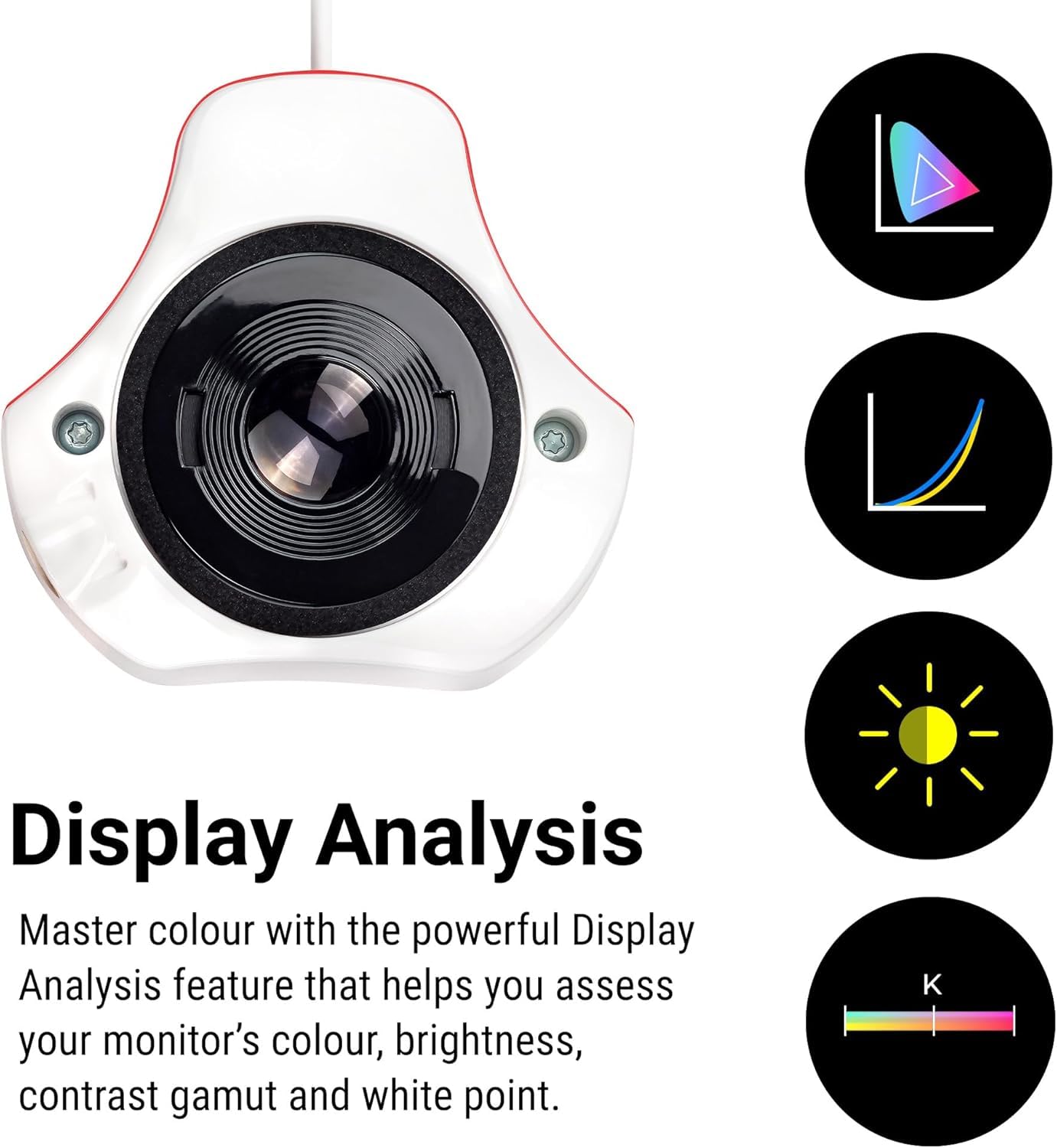
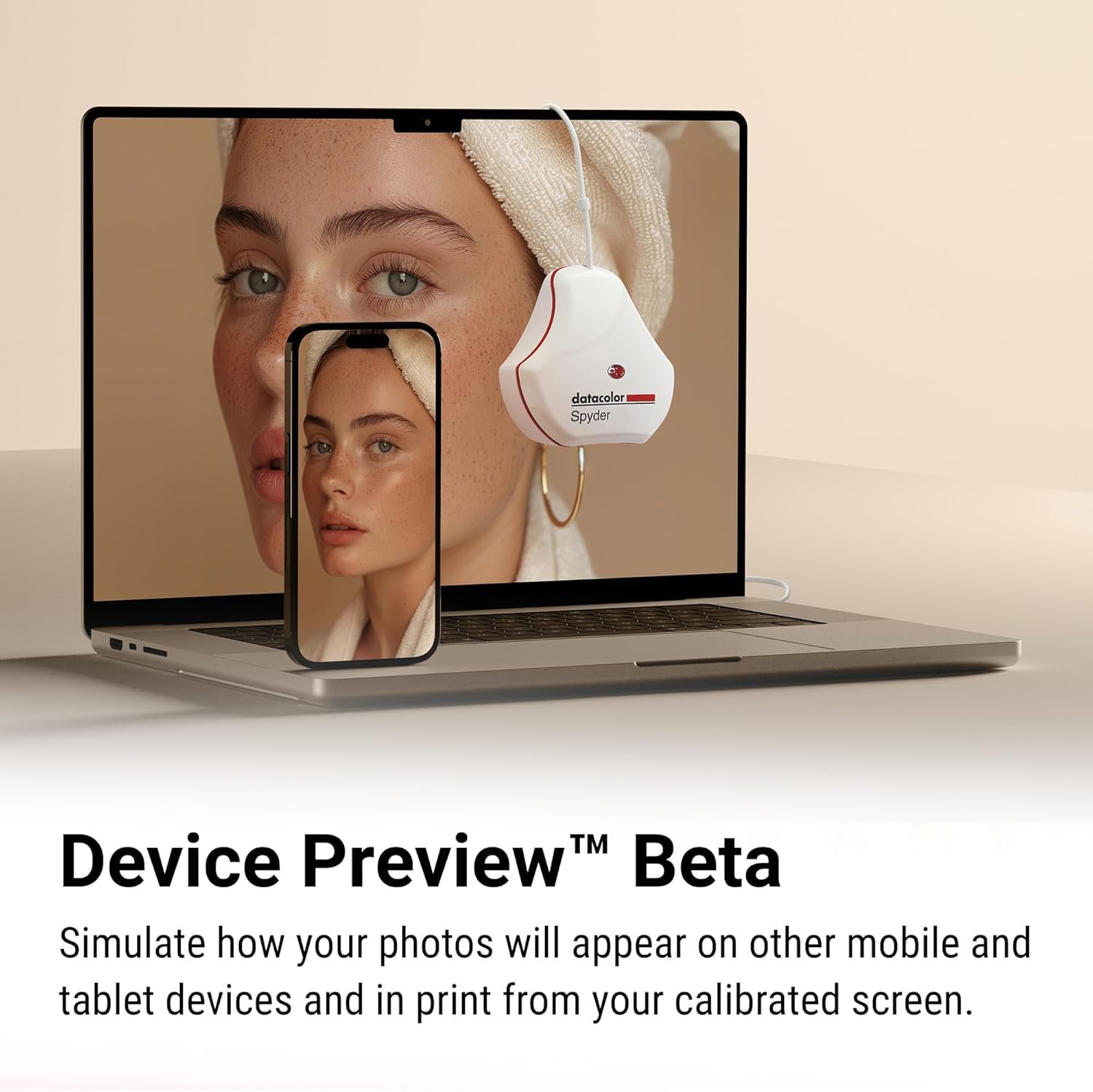
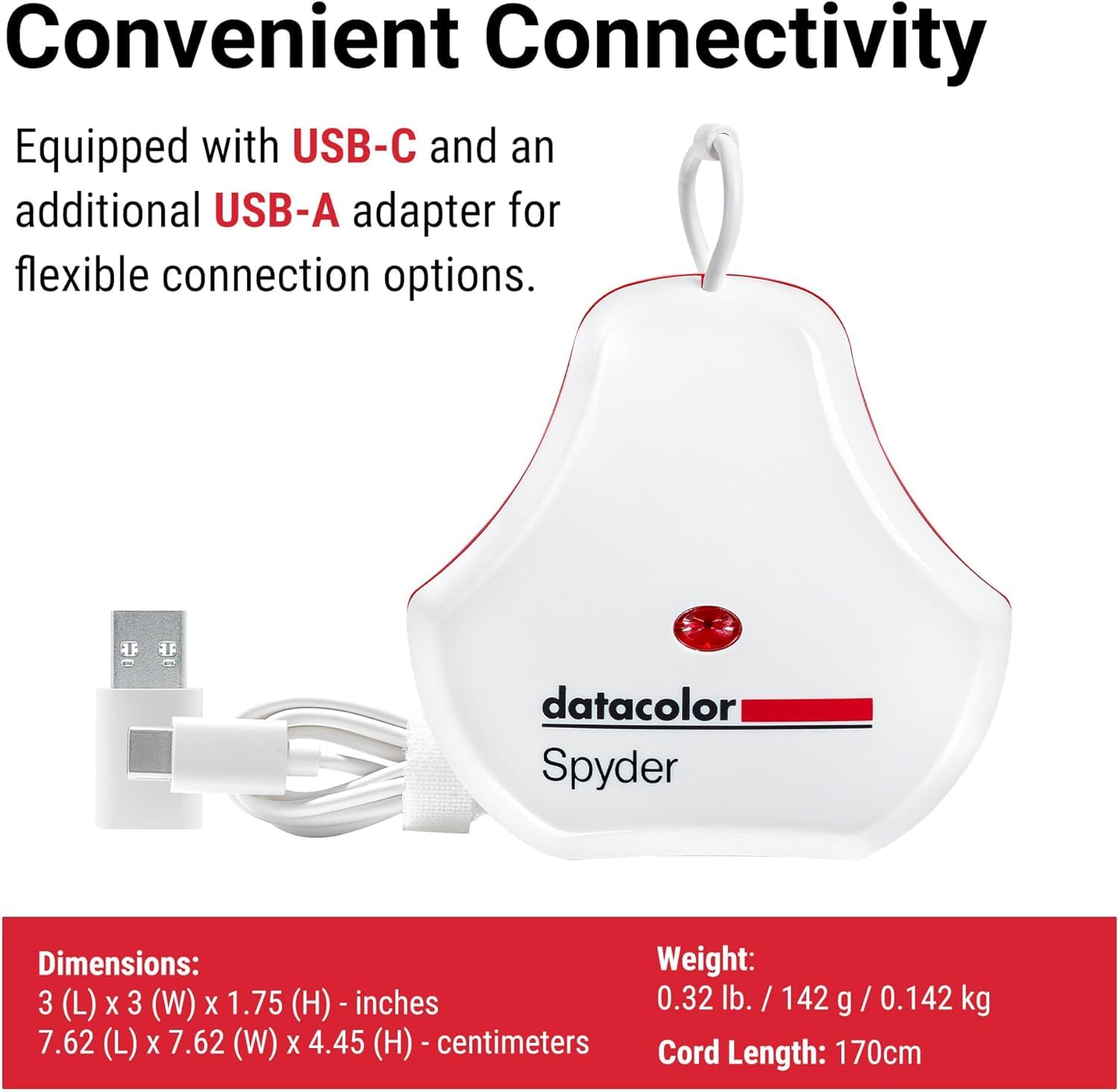
The Datacolor Spyder is a professional-grade monitor calibrator designed for graphic designers, photographers, and content creators. It supports a wide range of modern displays including OLED, mini-LED, and Apple Liquid Retina XDR, delivering precise color accuracy in just 90 seconds. Featuring an ambient light sensor and DevicePreview™ Beta, it ensures your screen adapts to lighting conditions and previews your work across devices, making it an essential tool for flawless digital workflows.


P**E
Intuitive and easy color calibration!
This works great to calibrate my Eizo monitor. Very easy to use (once I downloaded the correct software—that could have been easier as the QR code did not steer me to the SW for my Spyder X).
R**S
Accurate, Reliable, Affordable, Fast and Easy to Use!
Finally I have a simple, accurate and easy to use monitor calibration tool! I've tried the other popular brand the i1 Studio, now owned by Calibrite (previously X-Rite) and found it was inconsistent due to having too many features in one unit. The calibration process was lengthy, complicated and ambiguous, but worst of all the software backward compatibility when X-Rite handed its consumer products to Calibrite resulted in buggy operation. The attempt to force an upgrade to new product was apparent. The Datacolor Spyder, on the other hand is a joy to use, much faster and color/contrast/brightness are all very accurate! After calibrating two side-by-side monitors, the images are almost perfectly identical, and certainly when the are printed out there will be no difference at all. Indeed, I may end up purchasing the Datacolor Print calibrating product, just to simplify and improve printing, which given the price of ink and paper, should pay for itself many times over. All in all, I'm very satisfied with the Spyder product, and the price is very affordable as well.
H**U
Great for Improving Color Accuracy on Non‑Pro Monitors
The SpyderPro does an excellent job bringing non‑professional monitors much closer to accurate color. After calibration, I compared my display to my iPad, and once everything was dialed in, I couldn’t tell the difference between the two. Being able to use the device across multiple monitors is a big plus if you work with several screens. The only downside is the manual process of holding and repositioning the sensor during calibration. It works, but it’s not the most convenient workflow. Overall, it’s a strong tool for anyone who wants better color accuracy without investing in a high‑end reference monitor.
K**D
Quick and Easy
Easy to use and quick. The only issue I have is not unit specific but one of the two monitors doesn't have a kelvin setting and the contrast levels can't be set well. As such one of the two monitors has flat and overly dull colors. I don't think this is a problem with datacolor though.
S**S
This product is worthless! you cant get anyone to help sit it up
It doesnt work. cant get it registered or use it. I have spent hours trying to get this to work , I have sent messages to the company and they have been no help except telling me its on my end , i have worked with people for my computer and they cant get it to work either. Pretty sad you buy a product and cant use it.. Im wanting a refund on it since its doing me no good.
M**Y
Seems to work, not the most informative/usable software however
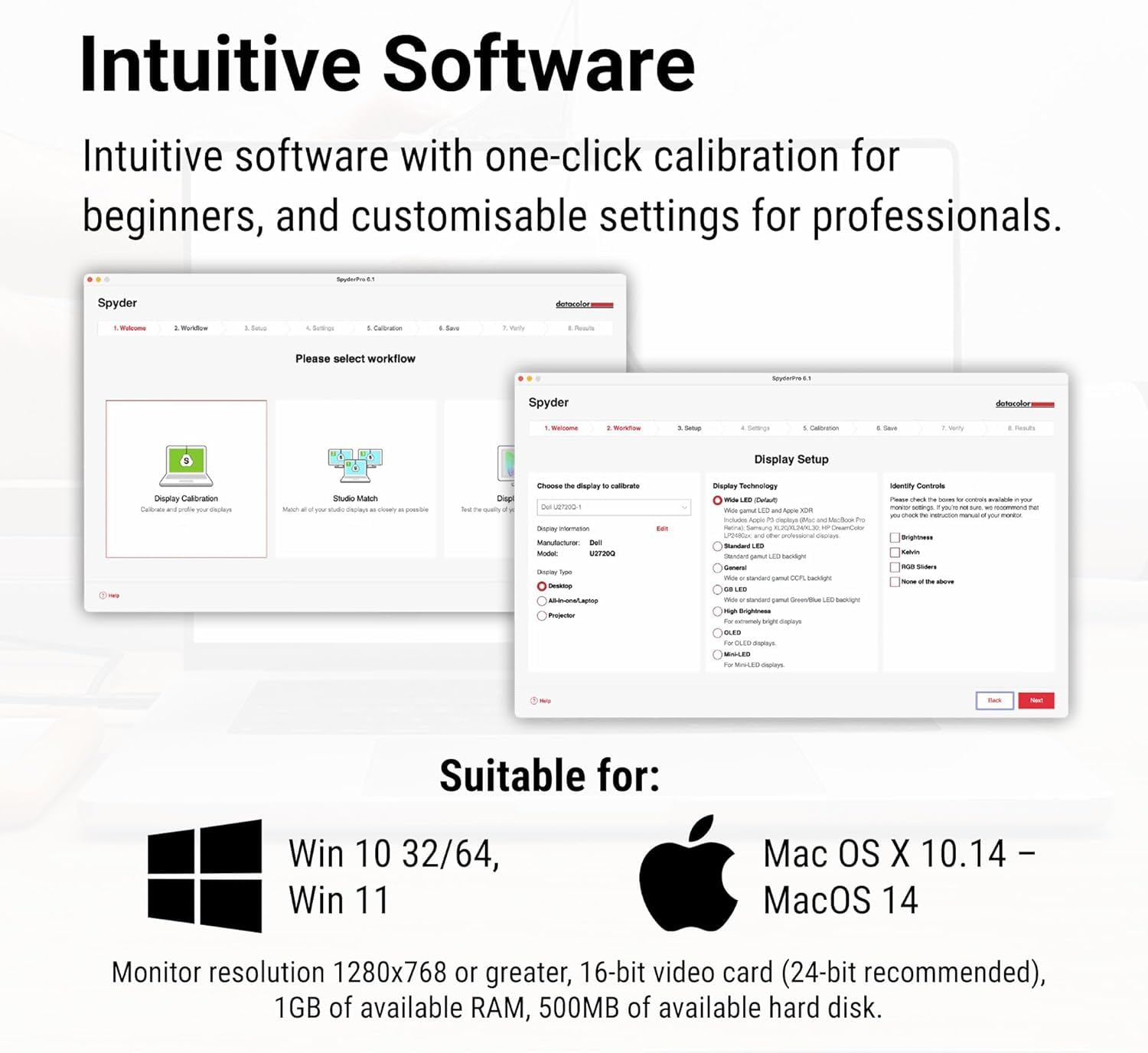
I'm not an expert, just a hobbyist photographer. I have not used other similar tools. What I can say about this thing is that it does something, and it's probably good, via it's "Monitor Calibration" process. You hold the device up to your monitor screen and start a process that runs through a bunch of colors and saturations etc, and it saves out a calibration file. On my MacBook with an external Samsung monitor, it did make some minor difference in what I see, but not life-changing; probably my monitor started off pretty good. There's also a "Monitor Quality Analysis" feature that refuses to work for me, and the "help" for it I've found on the Internet makes it seem like a science project of dubious value, so that's done me no good but I probably don't care. Overall the software does not appear to have been refined very much; it's quirky and a little weird.
T**Y
Good tool to have in creating digital works.
This is the second version of the spider I have purchased and this version seemed another easier to setup and use. I do photography so I use it on my monitors and laptop and it keeps profiles for each monitor and computer. If you do anything creative and need process colors and brightness would recommend.
D**S
It's you want your monitors colorsto look at correct, get this now
I thought i was looking at correct screen colors, i was wrong. They were of just enough and this product fixed that and now the colors on screen are accurate
か**ー
期待通り。
P**N
Use this for editing photos , what’s displayed on screen is what gets printed for colour and brightness. Hold a photo next to the monitor, the display is the same as the image printed , excited product . Product very easy to use step by step guide for calibrations ,
D**A
I replaced an old Spyder device that was USB-A and starting to get slightly glitchy. The new one works well and is faster as well. If you print your photos, some sort of monitor calibration device is a must and this is a basic but good one. Recommended.
A**R
Having used Spyder products since 2009, when I only used one screen, I can't recommend this product highly enough. Not only is the SpyderPro 2024 an upgrade from my previous Spyder product, the colour matching of all my screens are perfect, from screen to print, what you see, is what you get. Above all else, the customer support, should you need it, is human, enjoy perfect RGB
J**E
Livraison au top Même réduction que sur le site de Datacolor. Parfait pour calibrer très facilement son écran. Je l'utilise sur mon Mac. Résultat très convaincant.
Trustpilot
1 month ago
2 months ago