We remain fully operational. Our teams are working around the clock to ensure your deliveries continue safely.

DOWNLOAD THE APP


Customer Services
Copyright © 2025 Desertcart Holdings Limited
DOWNLOAD THE APP
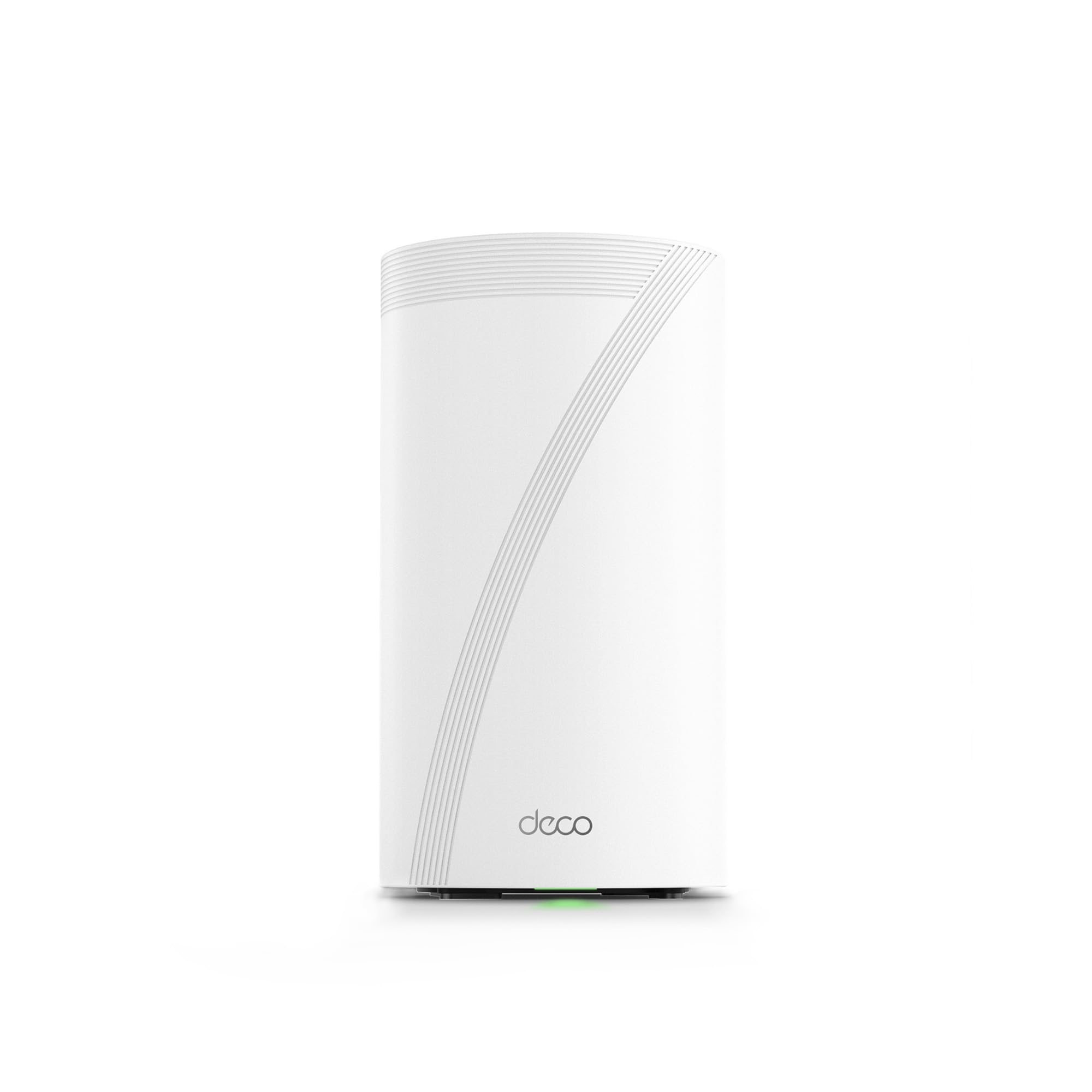
🚀 Elevate your home network to warp speed with TP-Link Deco BE95 — where future-ready tech meets flawless coverage!
The TP-Link Deco BE95 is a cutting-edge WiFi 7 quad-band mesh system delivering up to 33 Gbps combined speeds with 16-stream technology. Equipped with dual 10G WAN/LAN ports and additional 2.5G ports, it supports simultaneous wired and wireless backhaul for maximum performance. Its AI-driven seamless roaming and HomeShield security suite provide a secure, lag-free experience for over 200 connected devices. Designed for easy setup and voice control, it future-proofs your home network with premium hardware and software innovations.


| ASIN | B0CD9QCPS5 |
| Are Batteries Included | No |
| Best Sellers Rank | #16,353 in Computers ( See Top 100 in Computers ) #61 in Whole Home & Mesh Wi-Fi Systems |
| Brand | TP-Link |
| Color | White |
| Connectivity Type | Wi-Fi |
| Customer Reviews | 3.9 3.9 out of 5 stars (415) |
| Date First Available | 19 May 2024 |
| Item Weight | 1.5 Kilograms |
| Item model number | Deco BE95(1-Pack) |
| Manufacturer | TP-Link |
| Operating System | [Proprietary Operating System] |
| Product Dimensions | 12.8 x 12.8 x 23.6 cm; 1.5 kg |
| Series | Deco BE95 |
| Wireless Type | 802.11.be, 802.11ac, 802.11ax, 802.11g, 802.11n |
A**O
Su esperanza de vida es larga. Tiene lo más reciente en colectividad y eso le asegura mucho tiempo de uso. Se le saca más provecho si se usa en mesh, si sólo usas uno como módem recomiendo más la versión BE85 o la BE65. Tiene una potencia tremenda. Vengo del deco x20 y sí hay diferencia siempre y cuando tus dispositivos estén adaptados a la nueva tecnología de wifi 6e y 7
J**N
Excellent routers! The coverage is consistent and efficient. I've taken my wifi with my previous ASUS XT8 network from less than 1Gb/s wired speeds up to 3.1Gb/s wired. My wireless coverage is consistently around 1.5Gb/s. I'm super happy with this router. The UI is simple and effective. I'm very pleased with my routers and thrilled to finally be getting the speeds I pay for with my ISP. Highly recommend!
M**M
I bought the Deco BE95 to replace an Orbi RBK853 (WIFI 6) system. Although I my internet was a 1.5Gbs service, the Orbi was only getting 500-600 Mbps downloads to my devices and we experienced unusual drops and a few areas with poor coverage despite 3 units all connected via Ethernet. It took me about 15 minutes to set up the Deco BE95 and configure it with the same network name and passcode so all of our devices immediately reconnected. It was an exceptional decision. With only two units (vs. 3 for the Orbi), I’m getting full 1.5 Gbps downloads on our WIFI 6E and 7 devices. On older WIFI devices, I’m getting 650+ Mbps downloads. On the WIFI 6E devices, I’m getting 900-1000 Mbps in areas of the home the Orbi (with 3 units) was struggling to get 100-200Mbps. It was super easy to set up and I’m getting full speed within 40 feet of the Deco and almost full speed everywhere in the house. And, when my internet provider soon switches to 3Gbps internet, I’m confident the Deco will handle that with ease also. Great purchase and future proofed WIFI.
O**8
My old AX1100 router had been giving me fits. Video streaming would stall and annoy viewers. After trying various things, I determined the router was the culprit. I ordered these as a way to modernize the WiFi in my house. They arrived quickly and I was ready for them as I already installed the app on my phone and already had a TP-Link account. Out of the box, I grabbed a unit (they are interchangeable) and followed the directions in the app. Within minutes I had the main unit online. I used the same SSID and Password for the "new" network, and almost every device I had connected quickly. Using the App I was able to identify each device and give it a name so that when I view the device connections everything is clear and concise. What a great product! The second unit you basically just power up and a minute or two later is communicating with the main unit and your system is up and running. So easy. My old switch had 8 network ports, and these only have 3, so I ordered a TP-Link TL-SG1008D Switch, connected it to one of the ports and connected the hardwire devices to the switch. They all came up quickly and displayed in the app as hard connected. My Laptop was WiFi-7 compatible, and I tried the connection and it worked perfectly. The web page app for the router is not a powerful as the phone app. Only in the phone app can you name connected devices, which is fine but different from the AX1100. I had to reconnect my Arlo Cameras one at a time, but in doing so I got to name them by MAC/IP so I can tell if they're on line or not now using the app. Every other device connected without any input by me. I was very concerned that switching out routers would be a nightmare when in fact it was fairly easy. Take your time and you will be up and running faster than you would imagine. I highly recommend these devices
T**R
This unit, the BE95, is the flagship product for TP_Link home mesh networking. As a retired IT professional/engineer who worked with hardware and wrote more code than I want to remember, I have only high praise for the BE95 product. The incredible overall total throughput along with the capabilities to handle in excess of 200 connected devices fleshes this device out to be almost ultra-commercial in design. We had a very high end gaming router with some repeaters prior to this unit. We also have prior mesh systems from Asus as well as NETGEAR (Orbi) and they all sucked. Confusing back channel configurations and inconsistent connections plagued our connectivity daily. Originally I balked at the price, but figured I could just return it if it didn’t pan out and live up to promises. In the end, with just the 2-tower package, we are covering our entire home of 3000Sqft with full 5 bar connectivity and absolutely ZERO dead spots. Where we had constant drops and interruptions in our old system for our xfinity WiFi enabled tuner, we now see consistent 4k television. When I look for WiFi I look for reliability and signal quality. This unity excels at both. Even all the way back by our fence at edge of the property I get full bars. Walls are not a problem as the unit utilizes MLO (multi link …Ah crap, can’t remember what o stands for) in short, it will use more than one of the 4 channels to make sure there are no dead spots in the signal. The back channel is automatic and seamless. Once setup with the free app, you rarely need to access it. And speaking of the app, it is the only detriment to the system as the fine folks at tp_link decided to rely solely on the app for configuration of port forwarding and other granular stuff. There is no way to do that on the web based on fig tool I’m not sure if it was left out on purpose or if the unit was rushed and web app,just didn’t get finished in time. It does not feel like a rushed product so, some how I think they just left it out to avoid confusing the average person. The system provides connectivity on WiFi specs from 2.4g, 5g, bands as well as 2 others. High spectrum reserved for back channel connectivity to ensure quality service. WiFi 7 compliant (spec not completed yet but it will be soon) there is no WiFi they cannot connect to. The ports on the back provide 2 2.5 gig Ethernet and 2 10gig Ethernet/ as well as a high speed usb for attaching some hard drives for network attached storage. This thing is made to scream while pushing as many bits as possible. Over saturation of the network never happens. I can be transferring large video files, watching 4k tv, streaming something else, listening to music and have a torrent client running in the background while my son kicks butt on his gaming servers with ultra low lag….on WiFi. Faster than the Ethernet connect on our old router/ap. I can confidently say, barring some magic leap in tech, this will be he last WiFi router we buy for at least a decade. Highly. Highly recommended. This from a guy with 4-5 boxes of old devices sitting in his garage!!!
Trustpilot
2 months ago
1 month ago