

Desert Online General Trading LLC
Dubai, United Arab Emirates
Desert Online General Trading LLC
Dubai, United Arab Emirates


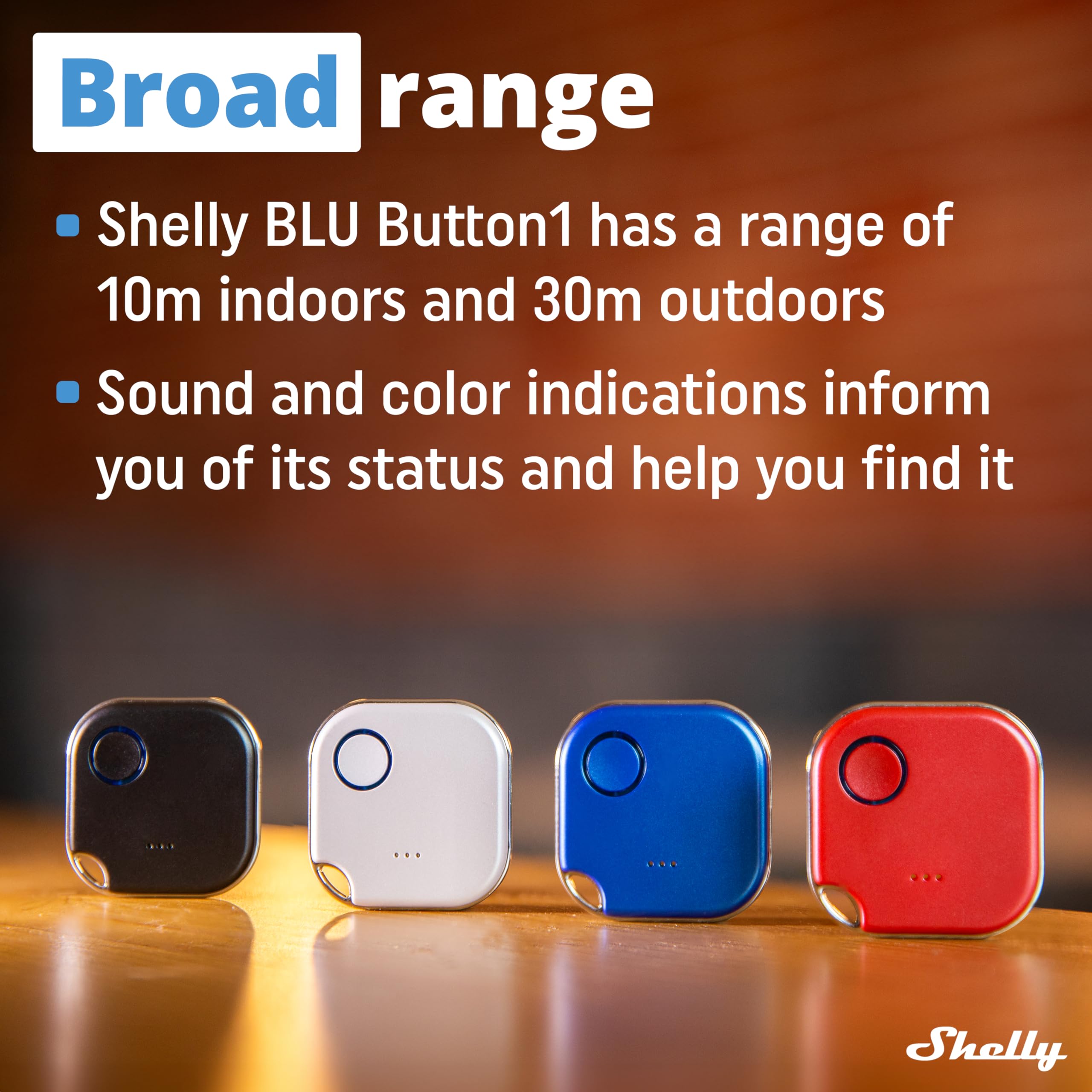

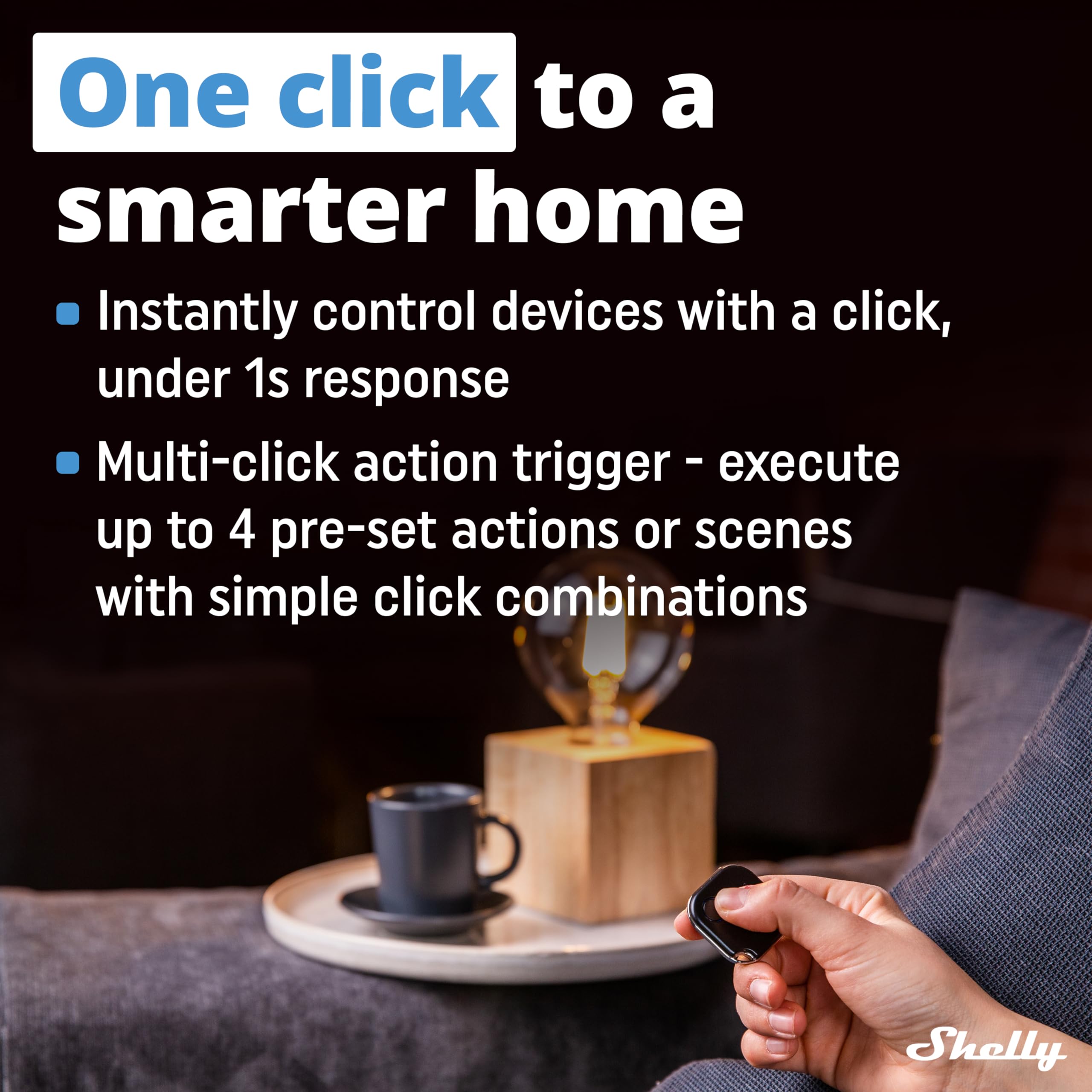

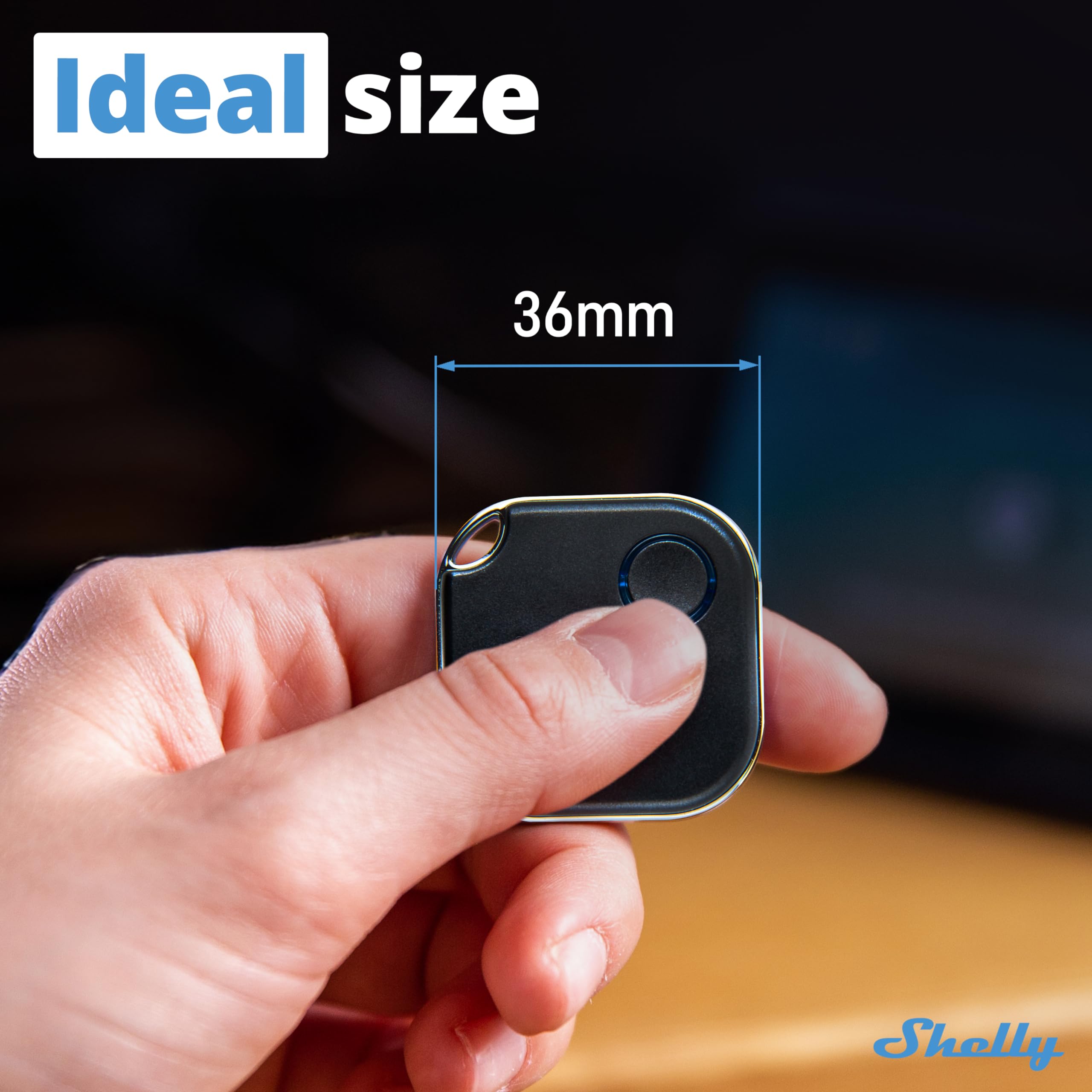
🔘 Unlock smarter living with a tap—because your home should work as hard as you do.
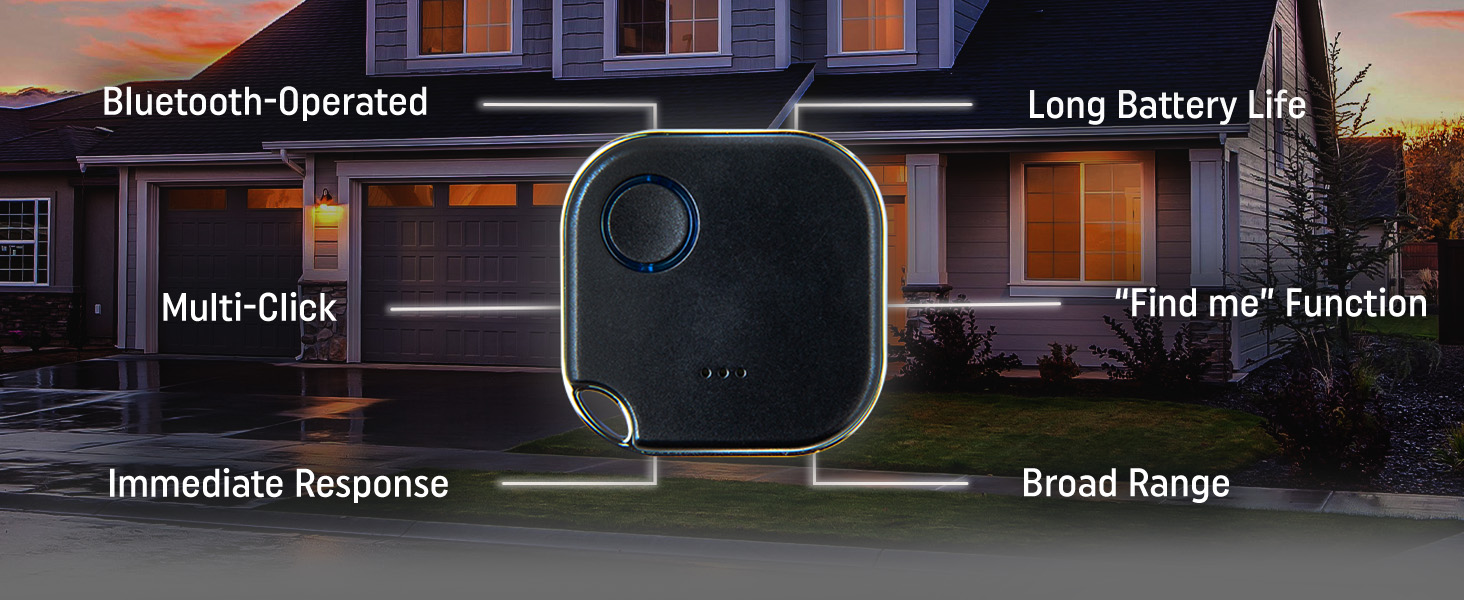
The ShellyBLU Button1 Black is a Bluetooth-enabled smart button designed for seamless home and office automation. Compatible with Shelly Plus, Pro, and Gen3 devices, it offers secure AES-encrypted communication, long battery life, and broad range connectivity. Easily control multiple devices or activate complex scenes via the Shelly Smart Control app without needing a hub. Its LED and buzzer feedback ensure intuitive use, making it an essential tool for modern, efficient environments.



M**A
Works great after firmware upgrade
I love Shelly products. I have many of their Wi-Fi controlled (ESP8266 based) switches.Recently I added *Shelly BLU Button1".I have this integrated with Home Assistant and next to my bed. Pressing the button in the evening turns off the forced air heating and turns on my heated blanket. Pressing the switch again in the morning turns off the electric blanket and starts the heating in the house. Works like a charm.The problem started when my battery discharged in about a week. OK - I attributed it to a shelf life and put inside a new one. The posting says "long battery life". Done.Today the device was without power again after slightly more than another week.I powered the button from a laboratory power supply and now it is obvious: The quiescent current draw is approximately 1.15mA. Typical capacity of CR2032 battery is around 240mAh. Divided by the measured current comes to approximately 8.7 days. And that is what I have seen.I have only one button so I cannot confirm if this issue is "one of" or if this is typical power dissipation of this (otherwise beautifully engineered) button.Update: Upgraded firmware and that fixed the power draw. Shelly tech support was helpful and responsive.
G**C
You're really getting 4 buttons!
This is probably the most impressive home automation button that nobody knows about! If you're buying this, you're getting 4 buttons because it does, single, double, triple, and long clicks. It's paired with all the Shelly features that you could want. I am using it to control two devices in 2 different ways from just a single, lightweight button! One gotcha is that you need the shelly gateway. To be fair, you want to extend the signal so a gateway is a must have anyways from a design point of view. It's a small button, but even if you lose it, there is a find me from the app, so you could never actually lose it. A very well thought out ecosystem.
N**Z
Works great
I like it a single button click works great but it is hard to do a double button click, the timing is very fast.
J**.
Very Cool Product, Very Flexible
Built this into a system that used multiple ESP32s with BermudaBLE to trigger various things based on where the button press was detected (open garage doors, unlock doors, turn lights on). Worked swimmingly, but couldn't quite figure out the encryption portion which is probably on me.
K**Y
Battery dies within a week. useless
Battery dies within a week. useless i should have red others review.
S**.
Simple and effective
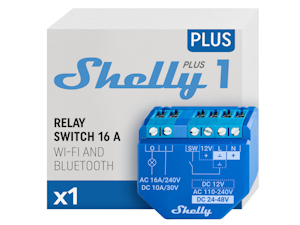
Using it as a garage door opener paired with a 1PM and I couldn't be happier :) Other click options (1x and 3x) control 2 other Plus 1s.
A**R
After a rough start I think I got it working with the right App
I bought two of these to use with Home Assistant despite the negative reviews. Based on my experience, do not use the primary Shelly app to connect and configure these buttons. Use the *Shelly BLE Debug* app to configure these instead.These were my first Shelly products. I downloaded the Shelly app and connected through a Shelly Bluetooth Gateway easy enough. The primary Shelly app suggested I update the firmware but when I did, the update failed and the buttons were unresponsive after. As others have experienced, the reported battery life was draining extremely quickly using the primary Shelly app. I thought I had just confirmed the negative reviews and bricked the buttons.I really wanted these to work so I dug deeper and discovered the 'Shelly BLE Debug' app. Following instructions available online I was able to revive the buttons and Home Assistant found them immediately. With the Debug app I was also able to update the firmware, mute the button clicks, and turn off the Beacon feature since I wanted to use these as controllers, not to find my lost items. The Debug app seems to work well for new 'unspoiled' buttons also.Home Assistant offered suggestions to automate the buttons for the four triggers available: single, double, triple, and hold presses. For example, I added an automation for one press to unlock the door and turn on a lamp. Two presses locks the door.I've only had them up a couple of days but the battery is still showing close to 100% for those I did not connect to the primary Shelly app. These are small enough to comfortably fit on a keychain. Time will tell on full battery life and durability.
M**M
Controlling Shelly Relay Switch!
I have a Shelly Plus 1 relay controlling my garage lights behind a PIR wall switch. Unfortunately on the other side of the garage at my work bench I am hidden by the cars blocking the PIR sensor. So if I need the lights to be overridden and stay on while I'm working in the garage but out of range of the PIR sensor, I simply click my Shelly Blu Button which in turns switches the relay on, leaving the garage lights on for me. A simple push and they are off. Almost instantaneous reaction. Going to be buying more to integrate with Home Assistant and other use cases.
Trustpilot
2 weeks ago
1 month ago
2 months ago
1 week ago