
DOWNLOAD THE APP


Customer Services
Copyright © 2025 Desertcart Holdings Limited
DOWNLOAD THE APP
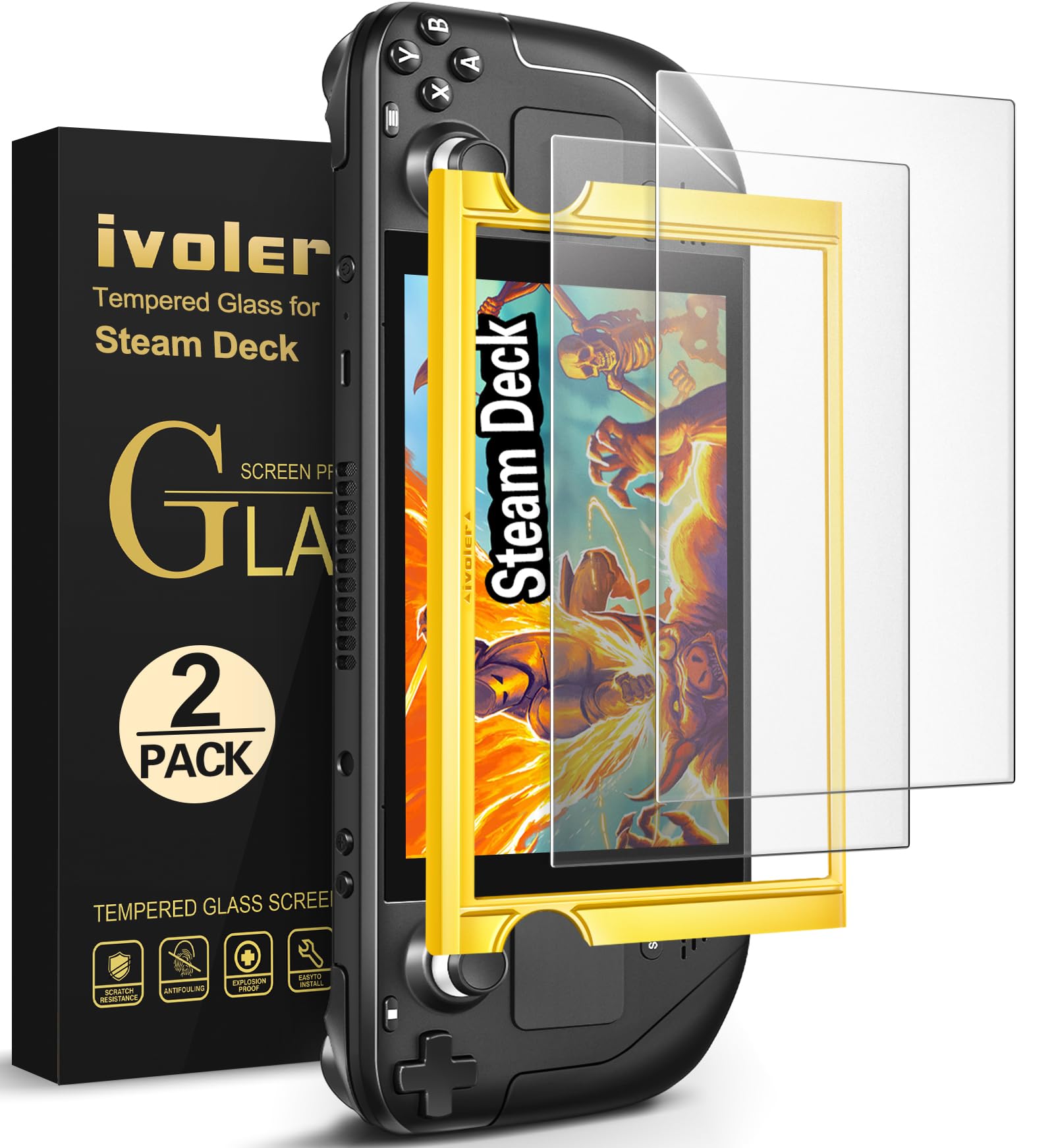
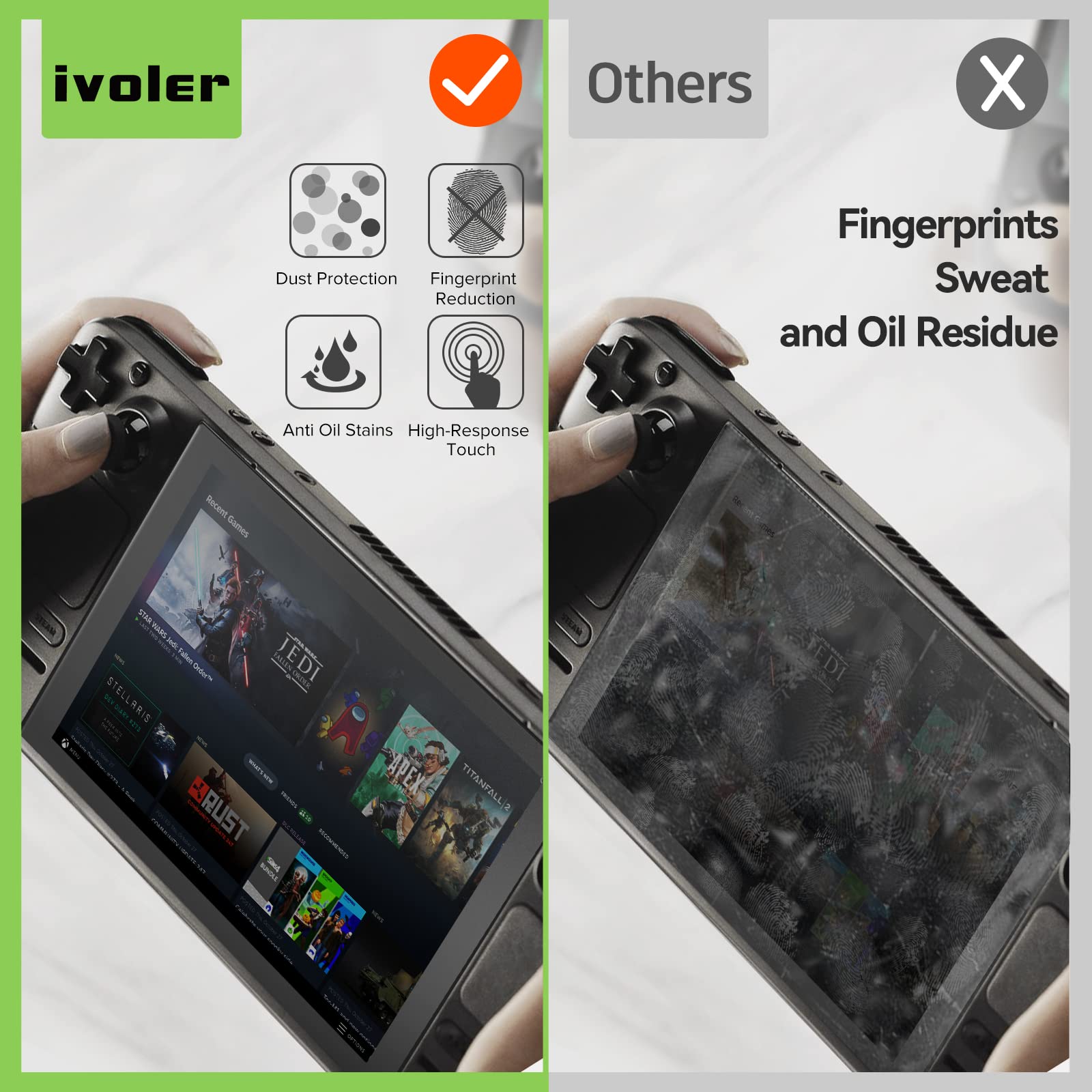

🕹️ Level up your Steam Deck’s screen game with flawless clarity and protection!
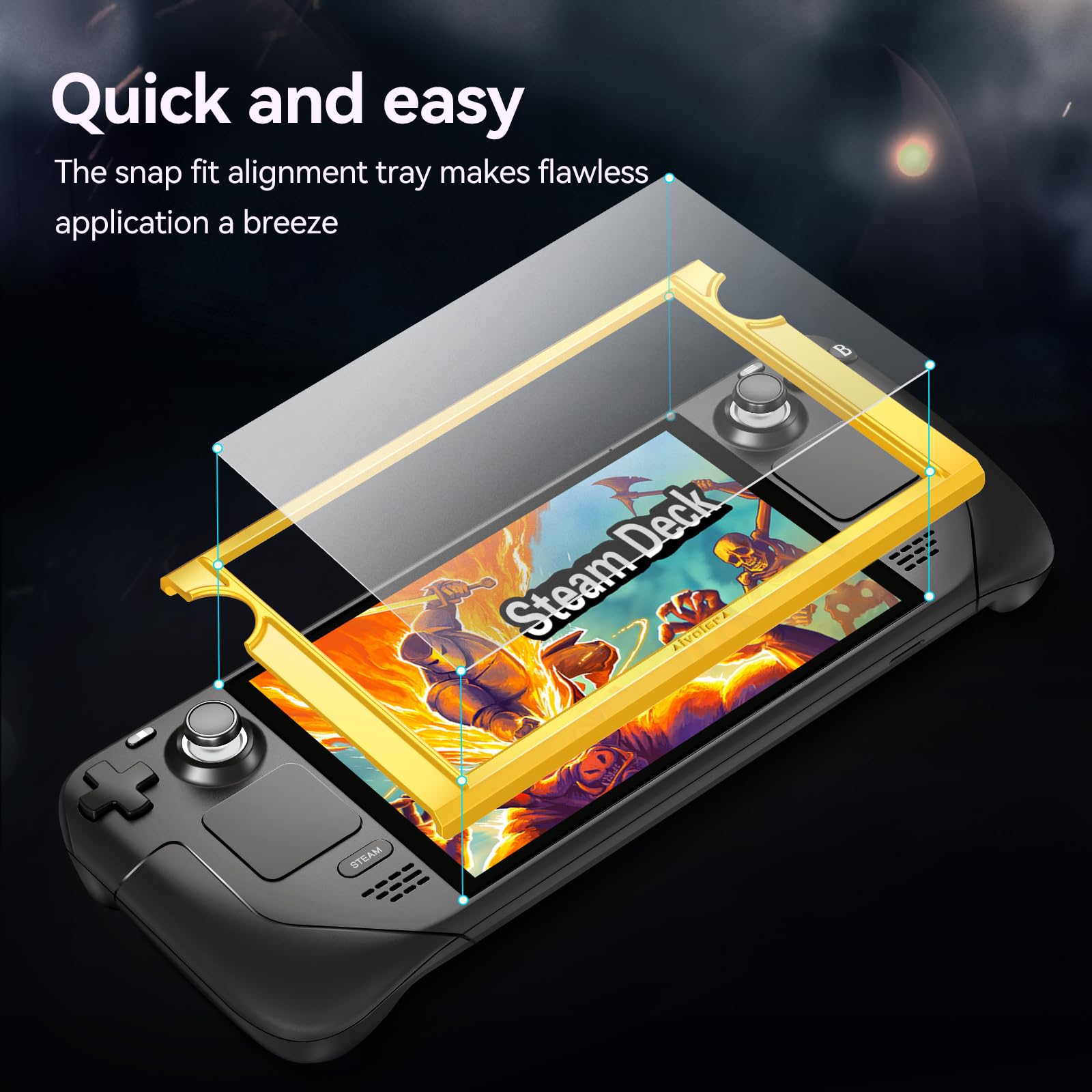
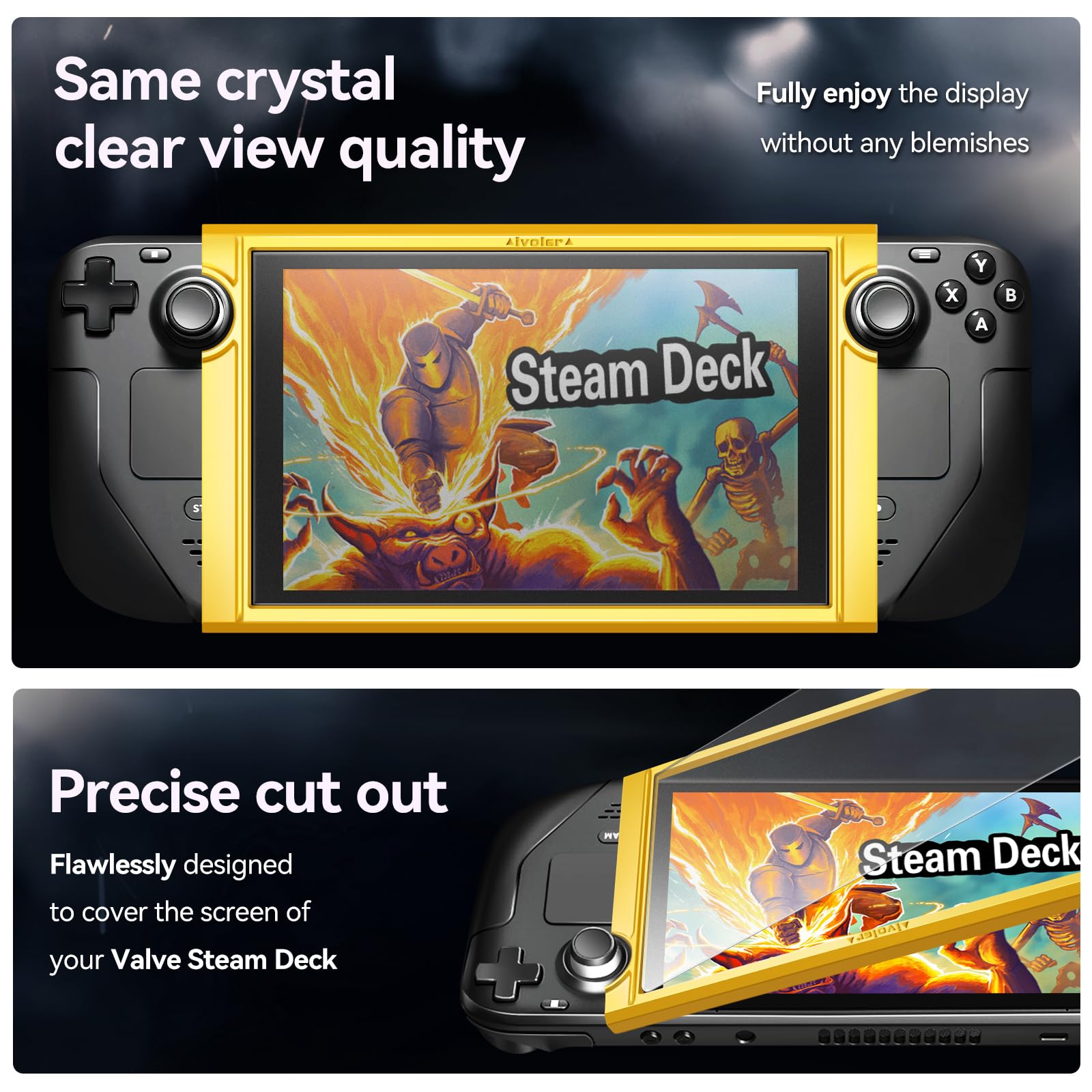
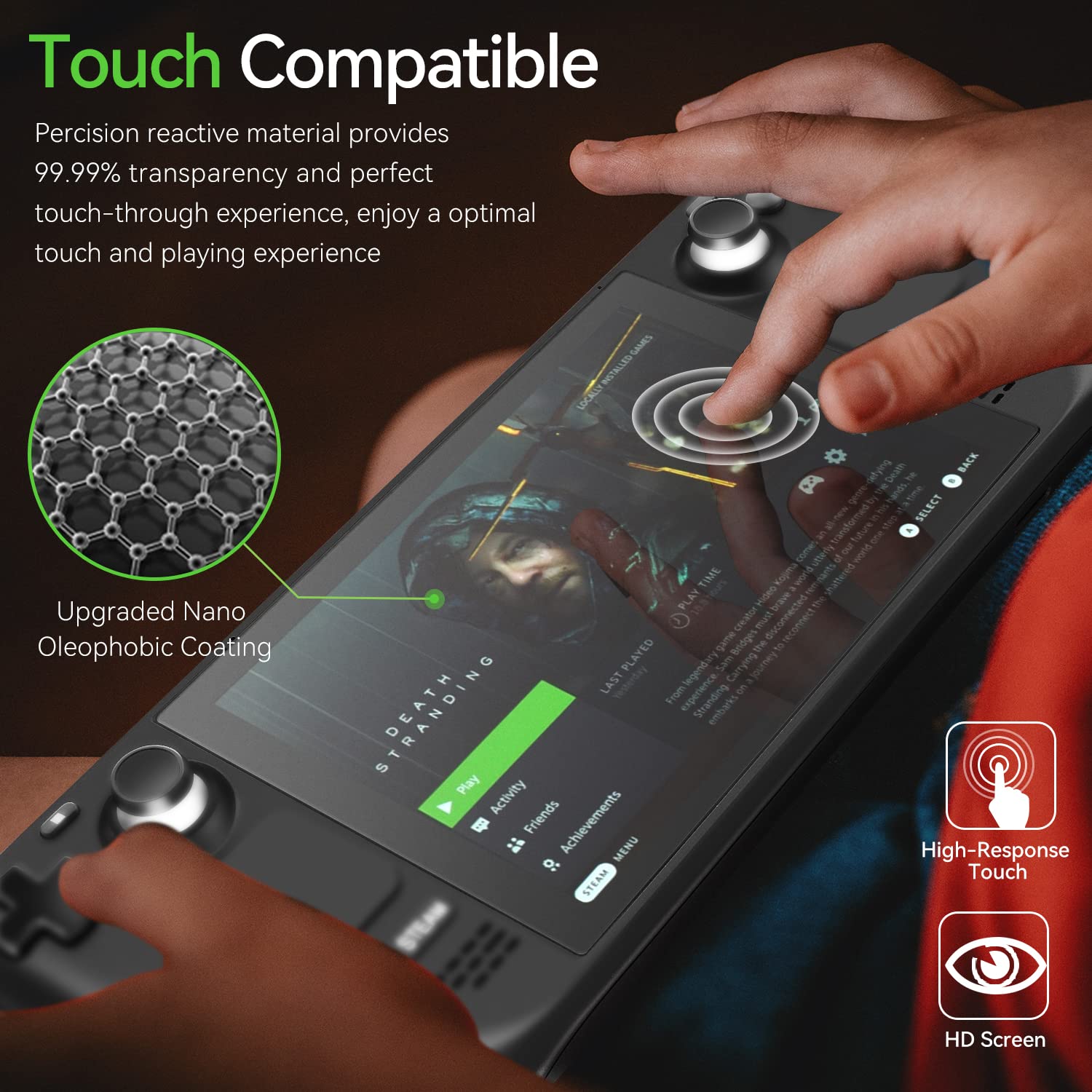
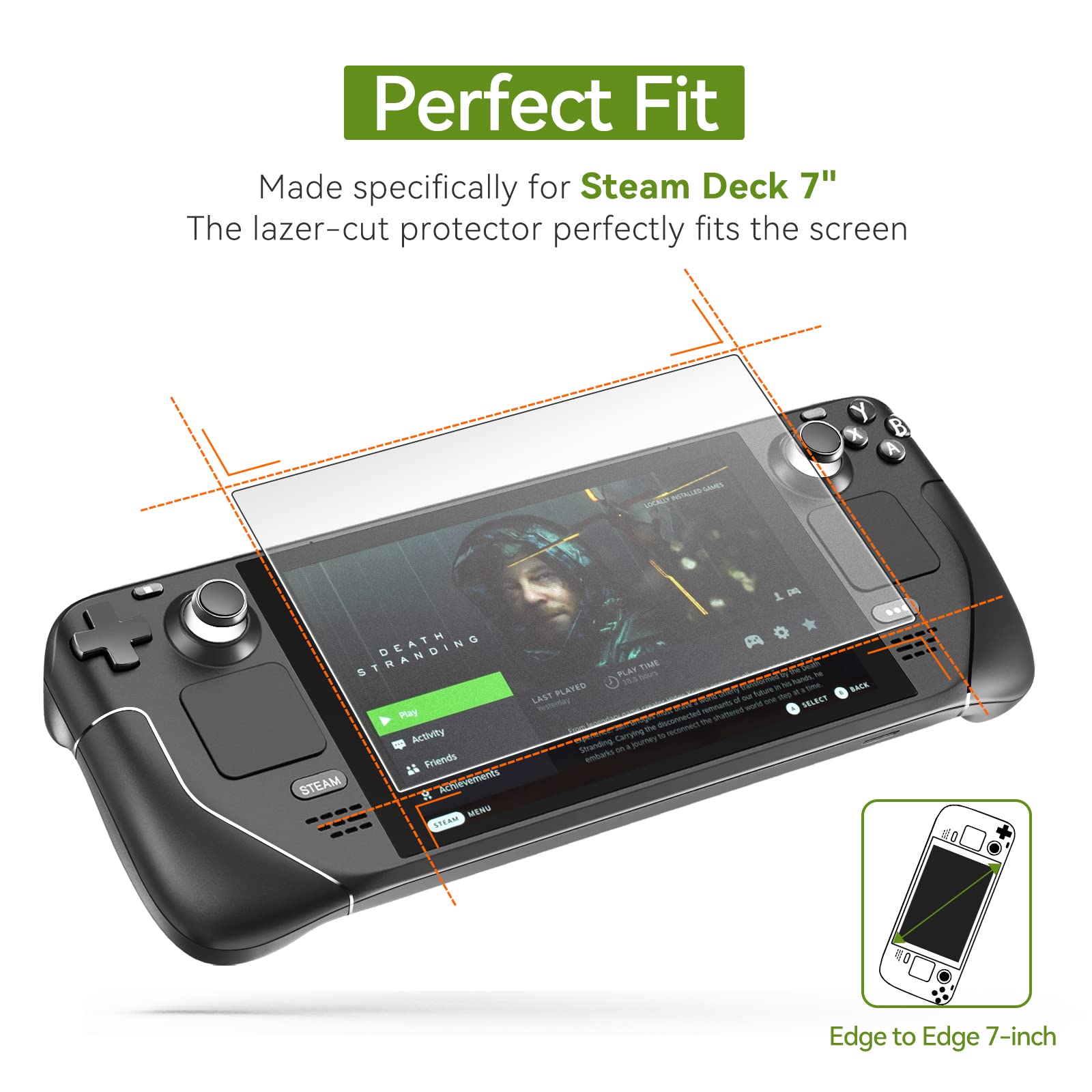
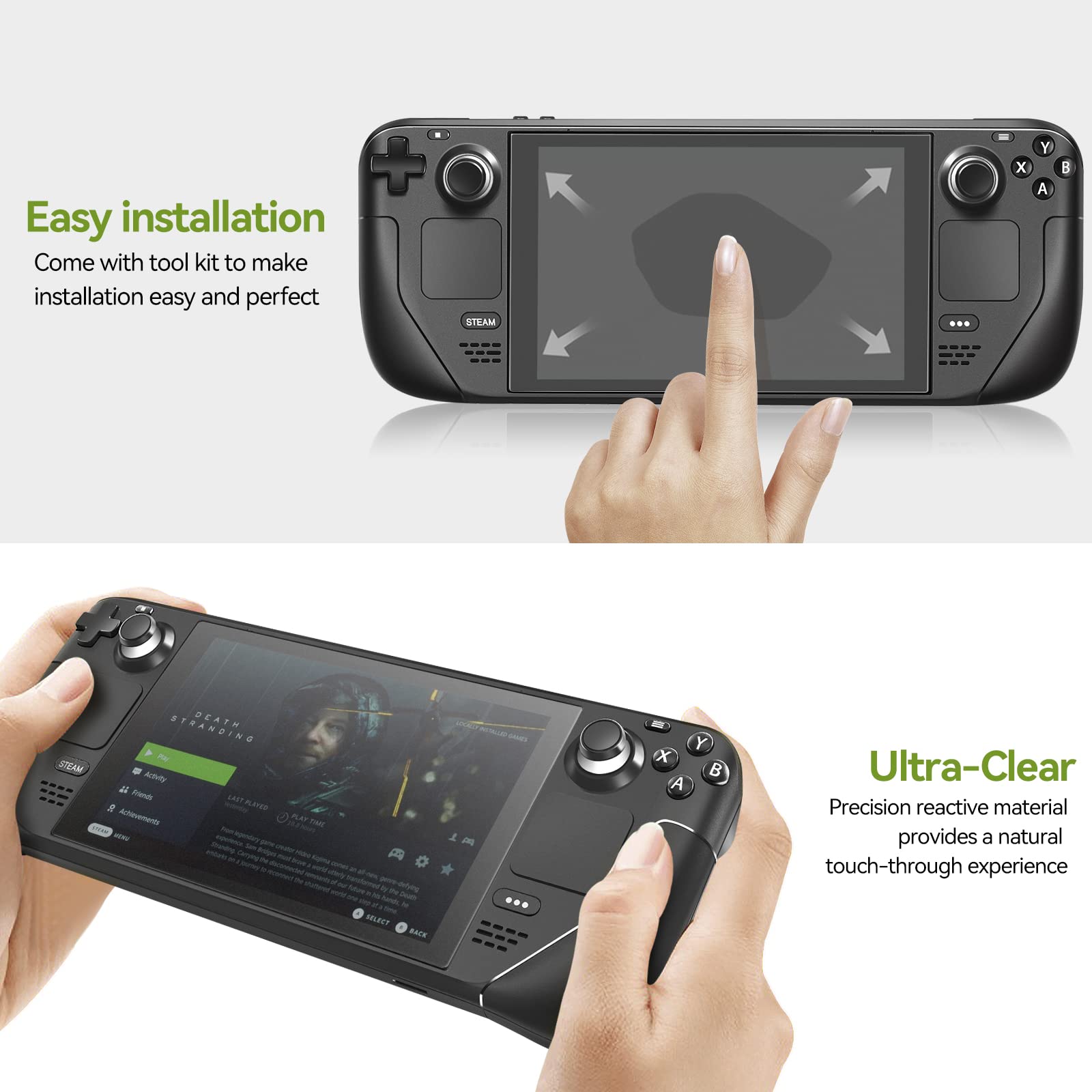
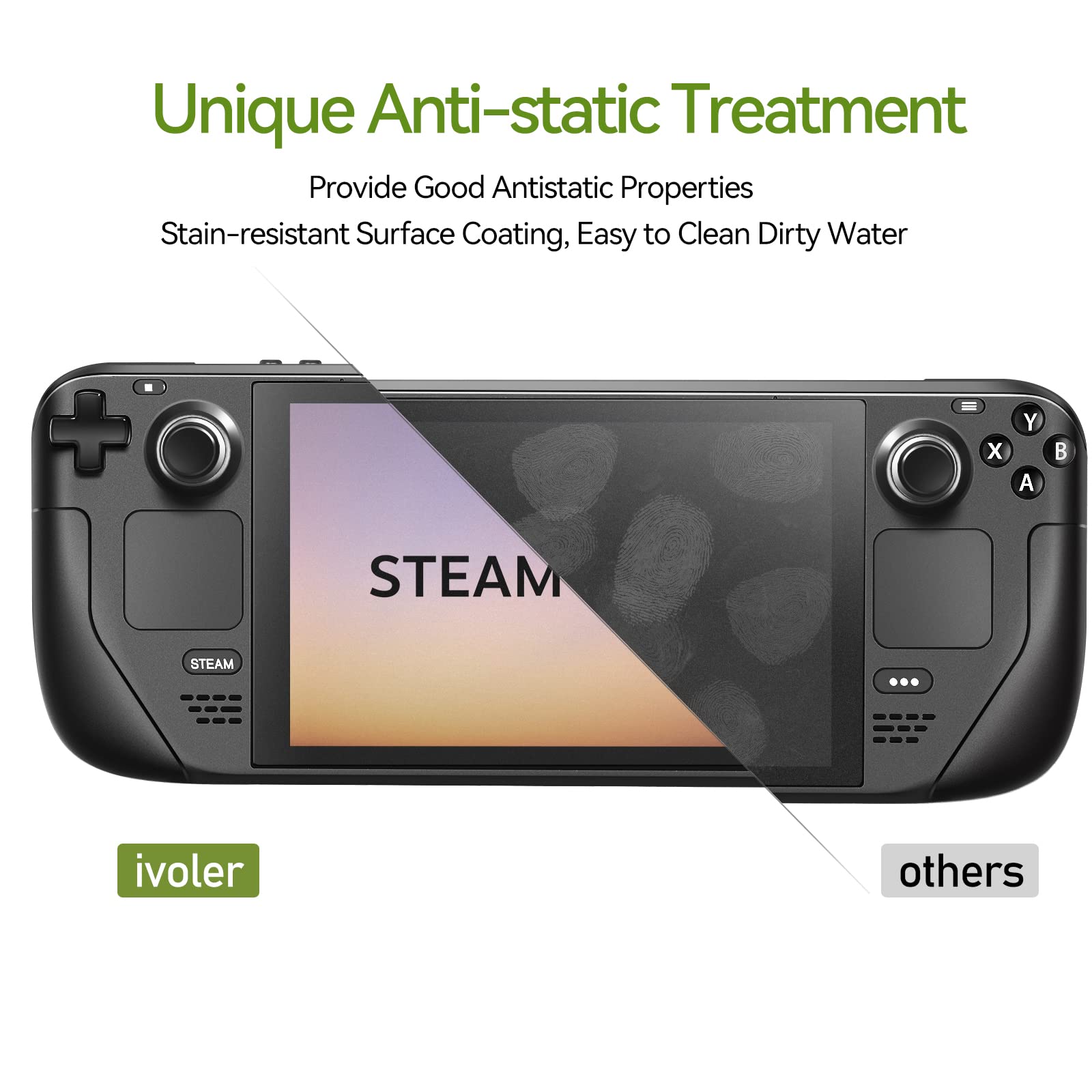
The ivoler 2-Pack Matte Anti-Glare Tempered Glass Screen Protectors are precision-engineered for Steam Deck 7.0'' and OLED 7.4'' models, offering ultra-thin 0.3mm full-coverage protection with 99.9% HD transparency. Featuring an easy-install alignment frame and included wipes, this set guarantees bubble-free application and enhanced touch sensitivity, while the matte finish reduces glare and fingerprints for an optimal gaming experience.


| ASIN | B0BKT1DT6V |
| Best Sellers Rank | #5,610 in Cell Phones & Accessories ( See Top 100 in Cell Phones & Accessories ) #455 in Cell Phone Screen Protectors |
| Color | Matte |
| Customer Reviews | 4.5 4.5 out of 5 stars (1,643) |
| Date First Available | October 28, 2022 |
| Item Weight | 5.6 ounces |
| Item model number | 030110021 |
| Manufacturer | ivoler |
| Product Dimensions | 6.81 x 4.17 x 0.5 inches |
| Special features | Anti-Fingerprint, Touch Sensitive |
| Whats in the box | Dry&Wet Wipes*2, Installation Frame*1, Installation Guide *1, Screen Protector*2, Squeeze Card*1 |
X**A
Great Screen Protector
I bought the iVoler matte screen protector for my OLED Steam Deck and I am really happy with it. Installation was surprisingly easy and stress free. The alignment frame helped a lot and I did not end up with any annoying bubbles or dust trapped underneath. The matte finish does a great job reducing glare, which makes a big difference when playing in bright rooms or near windows. It slightly softens the image compared to bare glass, but on the OLED screen it still looks sharp and vibrant. Touch response feels normal and I have not noticed any issues with sensitivity. Overall, this is a solid screen protector that does exactly what it promises. Easy install, good anti glare, and solid protection without ruining the look or feel of the screen. Definitely a good pick for the OLED Steam Deck.
E**M
Amazing for clumsy dimwits who have difficulty installing screen protectors!
My main decision in purchasing this ivoler two pack was the alignment frame. Through my days, installing screen protectors has been a source of extreme anxiety. I'm actually not kidding, seriously. Whether it was an iPhone, a Nintendo Switch, tablet, or anything in between---I have WASTED countless two packs because of my horrid installation skills plaguing myself with misalignment, air bubbles, using up the adhesive from reapplication attempts, and everything in between. To be fair, my profound ineptitude even reared it's head this time -- in my first attempt at the first screen, some dust/debris was on my Steam Deck's screen and caused a problematic bubble. I idiotically used the included screen card on the incorrect side that wasn't covered by fiber cloth and left temporary scratches on the protector. I kept trying to pull up the upper right edge of the screen protector to remove debris and dust and kept stripping the adhesive. However, the second time. It just worked. Dropped in the second included screen protector with the pressure of knowing it was was going to be my last available attempt before potentially spending more money on another pack, and it went on flawlessly. Absolutely not a grain of dust or air bubble or even a need to use the screen card to push out bubbles. Didn't have to run a hot shower and lock myself in the bathroom for humidity. It just freaking worked. For the protector itself, the touch screen looks and works beautifully with no issue. For the price of $7.99 the package -- which includes two screens, an alignment frame, two sets of wipes for prepping the screen -- one for wiping down smudges and one for removing dust --- and a really nice keep plastic keep case for all the protector and included installation equipment case if you need to install a new protector down the line. I could not be happier with the product. From its' economic purchase price, its' included value and tools, and most of all its' absolute ease of installation. If you're a clumsy dimwit like me who has burned money on screwing up seemingly simple screen protector installations like I am, I recommend this package with highest regards.
J**A
Went on easy, no problems adjusting, looks great
I've used glass screen protectors plenty of times across plenty of devices, and it was getting to be about time to stick one on the Deck before I managed to scratch the screen. I've bought ivoler before—it's not a famous brand or anything, but they've been around a while—and had no issues with their products. Having an installation frame is a must! The glass quality is great and the adhesive is strong. There's just enough flexibility that you can fine tune the placement a tiny bit in one direction or the other without having to peel it off. I'd buy another pack of these in a heartbeat. Tips: When they say install this in a dust-free environment, they are NOT kidding around. Even a single particle is going to leave a bubble you can't get rid of. I would up with one on the edge and had to peel it back a bit to fix it with a needle. Do the entire cleaning procedure rigorously. Use the wet wipe until you can't use it any more. Polish with the little cloth using a very light touch but a lot of strokes. Then, and this is the important thing, USE THE LITTLE STICKER to get the last tiny particles off the screen. Pay attention to the instructions about fitting the installation frame and the glass. I actually messed this up and was barely able to recover. Look at the instructions really closely. One screwup and you're out ten bucks. You get one shot at it. Don't peel it back and try again. It's theoretically possible (I've done it) but more times than not it just ruins the glass protector. Unless you have the hands of a surgeon, a loupe, and a perfect dust-free environment, plan to throw the first one away if you mess it up. Even lucky people like me have a very slightly wonky corner from getting under there to peel it a bit. DO NOT FOLLOW MY EXAMPLE! You will lose! I got lucky!
W**S
Verry good for the price,easy to install
C**S
Muy buena calidad y super bien el accesorio para centrar y no dejar mal colocada la mica.
J**Y
Il faut environ 5 mn pour installer le verre trempé. La mise en place est assez facile à réaliser grâce au support. Petit conseil, ne pas hésiter à bien appuyer sur les petites poches d'air qui peuvent se former au moment du placage du verre. En insistant dessus, par des gestes circulaires, elles finissent pas s'estomper. Le tactile fonctionne parfaitement. De plus, il y a beaucoup moins de reflets avec le nouveau verre. Très satisfait du produit.
A**I
Frame in poor condition and on glass screen is broken. Package does not indicate fragile item. Don't buy from this store.
L**S
The help tool was nice to have but was not perfectly molded and the screen was imperfect and created a bubble on the side
Trustpilot
2 days ago
4 days ago