Desert Online General Trading LLC
Dubai, United Arab Emirates
Desert Online General Trading LLC
Dubai, United Arab Emirates


🚀 Unleash Your Data's Potential!
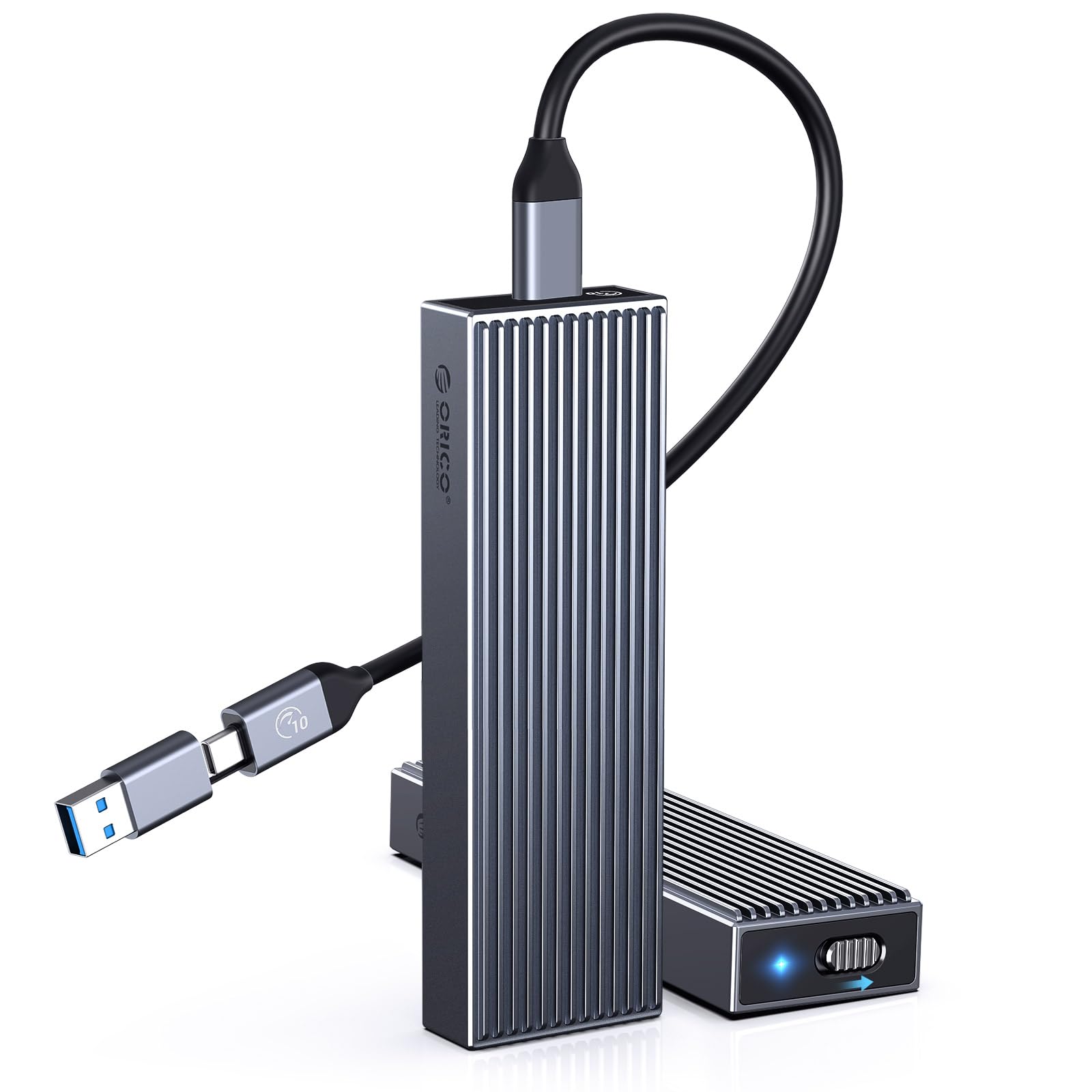
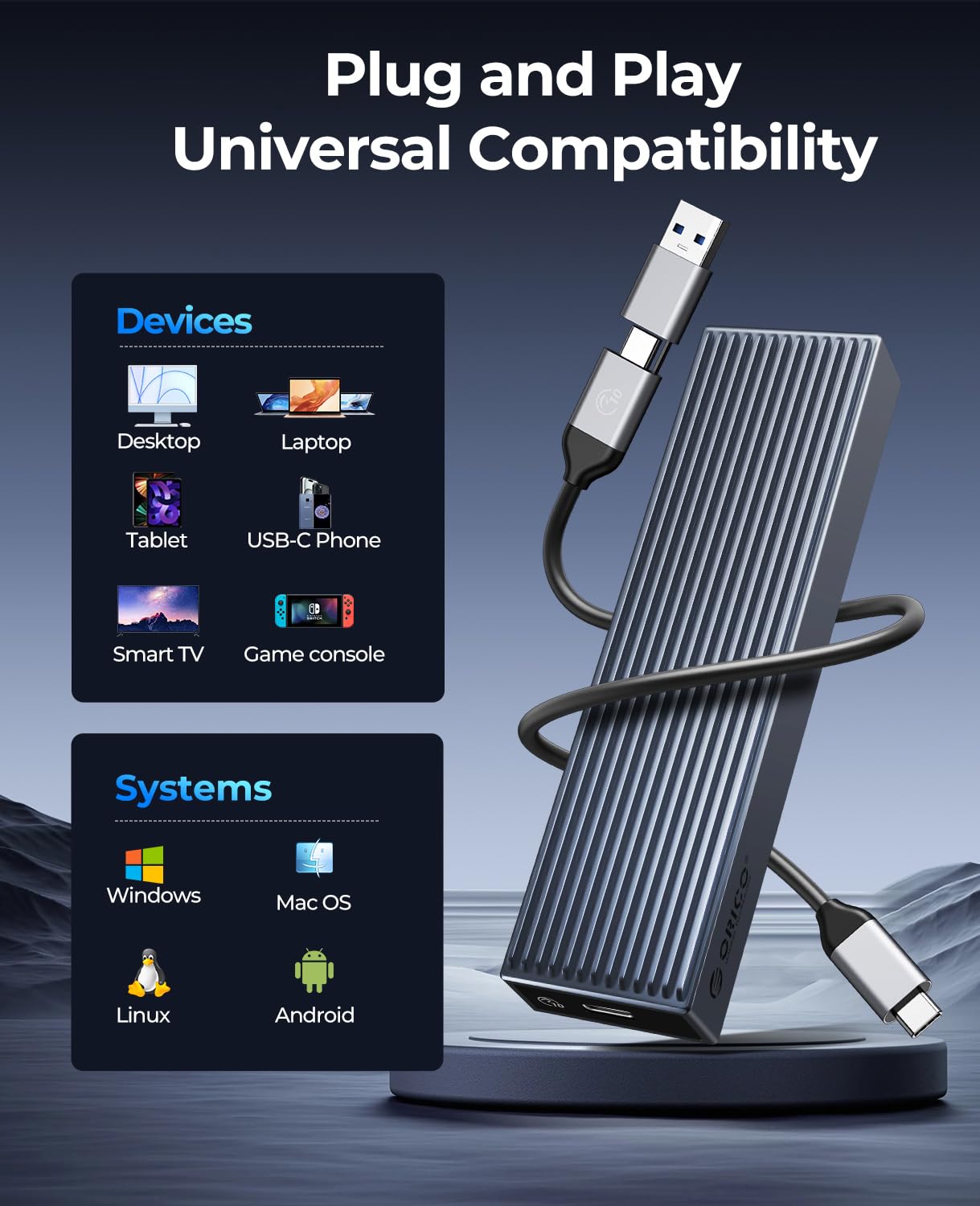
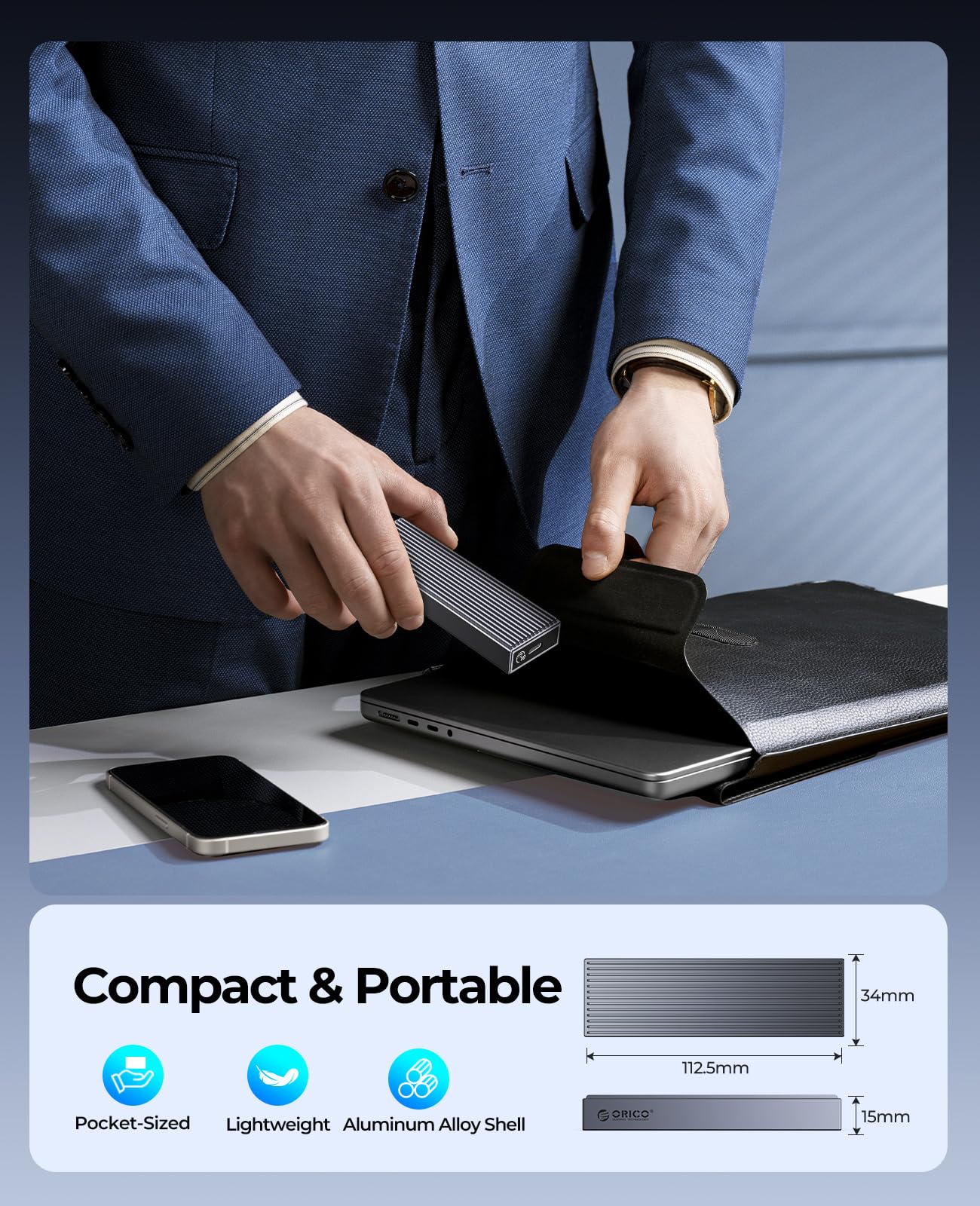
The ORICOM.2 NVMe SSD Enclosure is a high-performance, tool-free adapter designed for M.2 PCIe NVMe SSDs. With lightning-fast 10Gbps transfer speeds and broad compatibility across multiple operating systems, this aluminum enclosure not only enhances your data transfer experience but also ensures optimal cooling for your SSD. Perfect for professionals on the go!
| Data Transfer Rate | 1E+1 Gigabits Per Second |
| Number of Ports | 2 |
| Operating System | Linux, Android, Windows 10 |
| Compatible Devices | Laptops |
| Total Usb Ports | 2 |
| Hardware Connectivity | USB Type C |
| Additional Features | Plug and Play |
| Item Dimensions L x W x H | 4.43"L x 1.54"W x 0.67"H |
| Material Type | Metal |
A**S
Good item for the price
Good speed of 10Gb/s. 2 bays for SSDs. They can be used individually or at the same time with the cables provided. Got it to set up a backup file system. Works as advertised.
W**Z
Review
Very useful, specially for different workloads.
P**D
Needs a better cooling solution for heavy usage, good, stable enclosure
I'm using both bays, 1 for photo editing workspace, and the other for file transfers across systems.Ended up adding single-sided heatsink to the workspace drive as the drives do not make contact with the finned shell, and must rely on convection cooling within the small, enclosed space.Requires 2 available USB ports to use both drives simultaneously.Read/write speeds are consistent, minus overhead, with 10 gig USB 3.1 gen 2.
0**2
Terrible heat management killed my drive
The design of this is horrible. The "heatsink" that it comes with is barely functional and so minimal that I doubt it provides any actual heatsink. And I know that because my my drive that I put it in (that I have been using with a proper heatsink for years) overheated and died almost immediately.
A**K
Does not feel flimsy
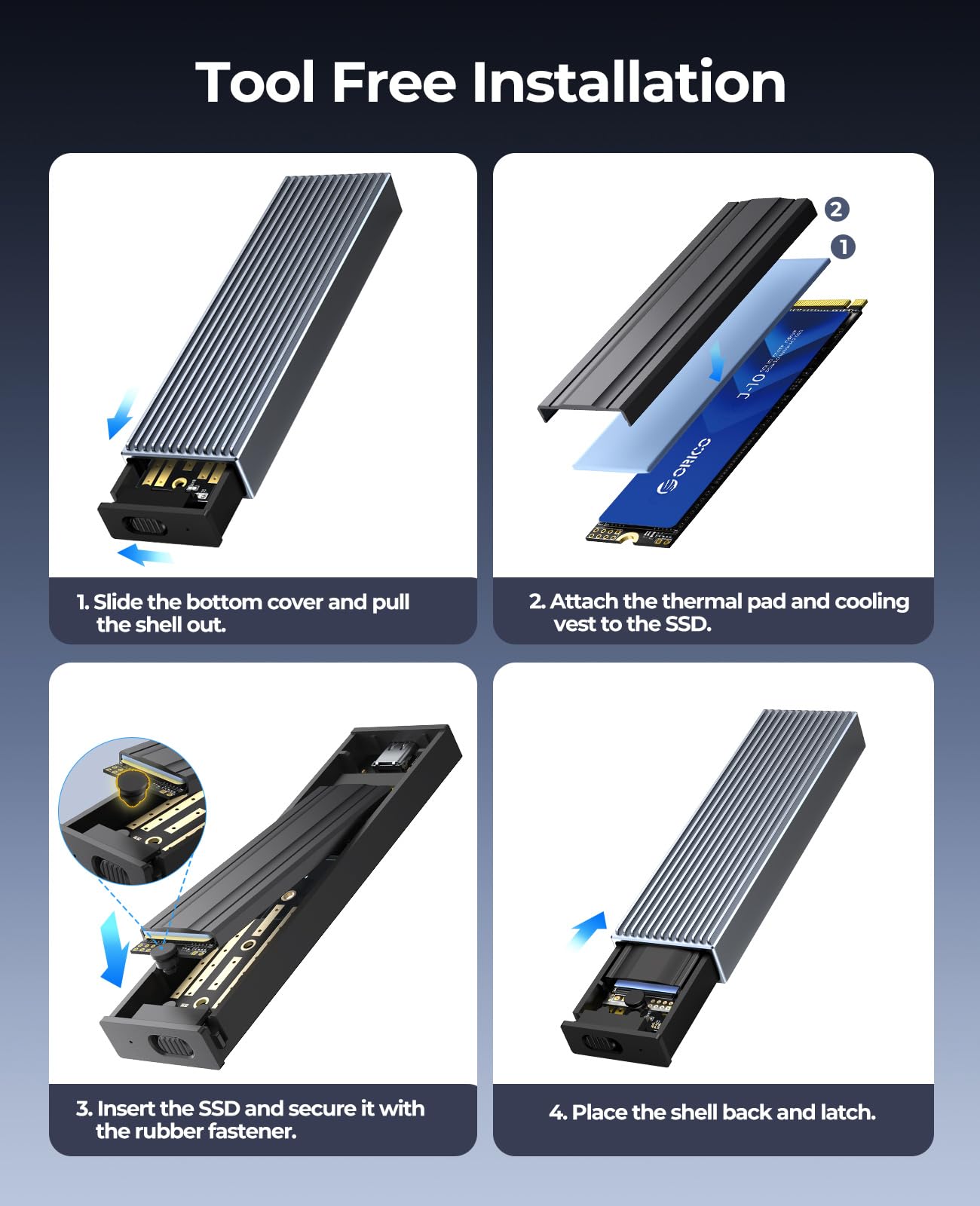
I purchased this M.2 NVMe / Sata SSD enclosure so that I could work on my computers. I needed to replace a M.2 hard drive that failed to boot, and in using this enclosure I was able to pull the drive and attach it to another computer so I could pull files off of it. Whenever I fix a computer I try to save as many files as possible before replacing the HD or reformatting and installing software. I have several different external enclosures to accommodate different types of drives so this was added to that arsenal. I was looking for an enclosure that could work with several different types of SSD's and this fit the bill.The shell is an aluminum alloy that does not feel as if it will bend. The two plastic trays have a button to slide so they will slide out easily and they also feel strong and do not flex. There are no screws, just bumpers that are easy to slip into the grove on the HD. Since I was not keeping the HD in the enclosure, I did not use the enclosed heat sink. The connecting cable (1) has an adapter so you can use USB 3 or flip it off to use type-C. It only comes with one cable as its expected you will only be using one side or the other, the M.2 NVMe or the SATA SSD.
S**S
Must use 2 connectors, this is shell for 2 separate connections.
Must use 2 connectors, this is shell for 2 separate connections. Provided speed as outlined, and easy to use.
L**M
Excellent quality & performance
Been using this for everything. I use one side for work and the other for home.Fast and durable with two Terabyte gaming M.2s.
D**P
Make sure you know what you're buying
It is what it says it is, and it works. Some points you may want to think about: This unit does NOT have a USB-c hub. There are two ports for two drives, and if you want to use both, you'll need two available c ports. Many systems don't have that yet, so be aware. The other is as others have mentioned, they don't offer a screw hold method for holding the drive. The NVME has a connector type that will cause the drive to spring up, and you don't want to use it unless it is firmly attached. There is a threaded hole where you would put a screw, but I didn't have a screw that would fit it (and I'm a tech, so I have most common drive screws handy). I didn't use the rubber things as they looked as stupid to me as everyone else says they are. If they wanted to do something different, they should have done a tilt and lock lever like some cash manufacturers have gone to. I was using it from drive duplication, so only needed a temporary attachment. In my case I just pulled the two cases, put the drives in, but an old Bic pen cap on each, and wrapped it with a rubber band. It worked fine (the heart of the thing is just a USB-c to NVME converter, it's really not that complicated. I gave 5 stars because it works, and I despise it when people dun products that that don't do what they expect, even when the description is accurate. It works as advertised for me.
Trustpilot
2 weeks ago
1 week ago