We remain fully operational. Our teams are working around the clock to ensure your deliveries continue safely.

DOWNLOAD THE APP


Customer Services
Copyright © 2025 Desertcart Holdings Limited
DOWNLOAD THE APP
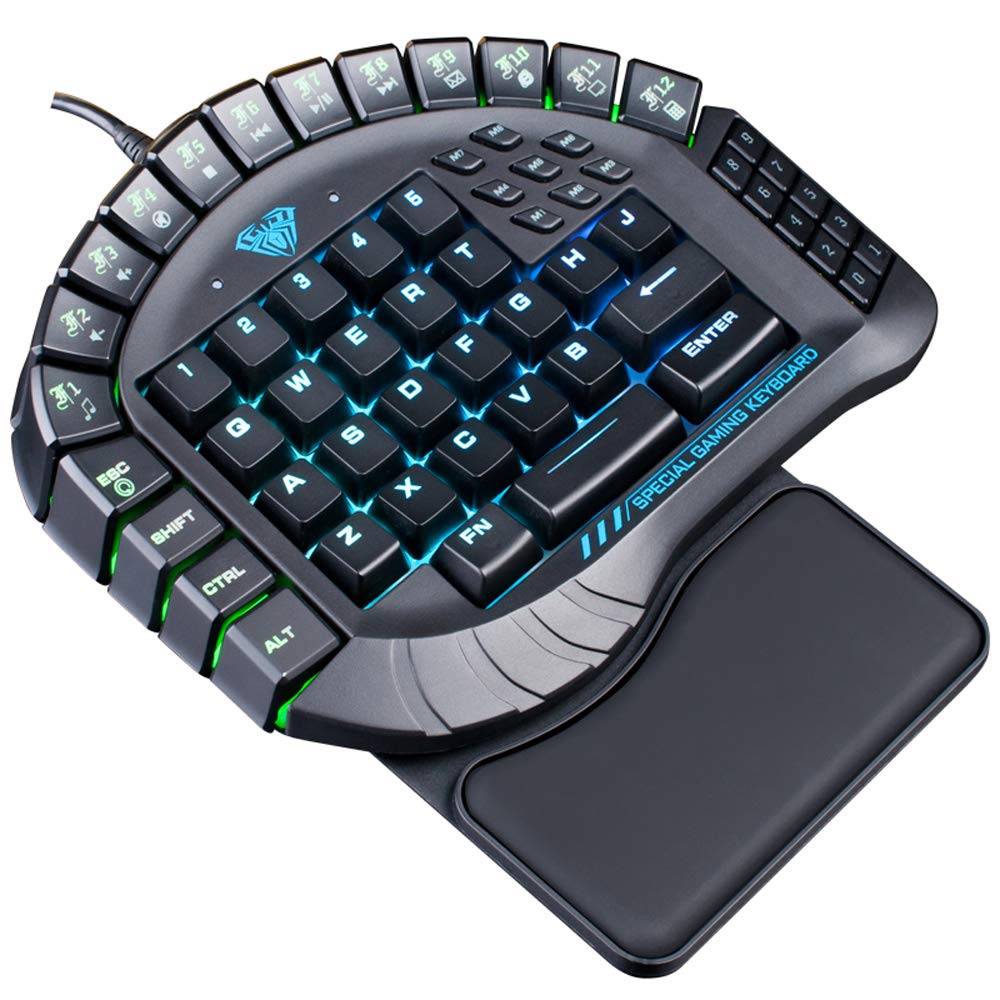
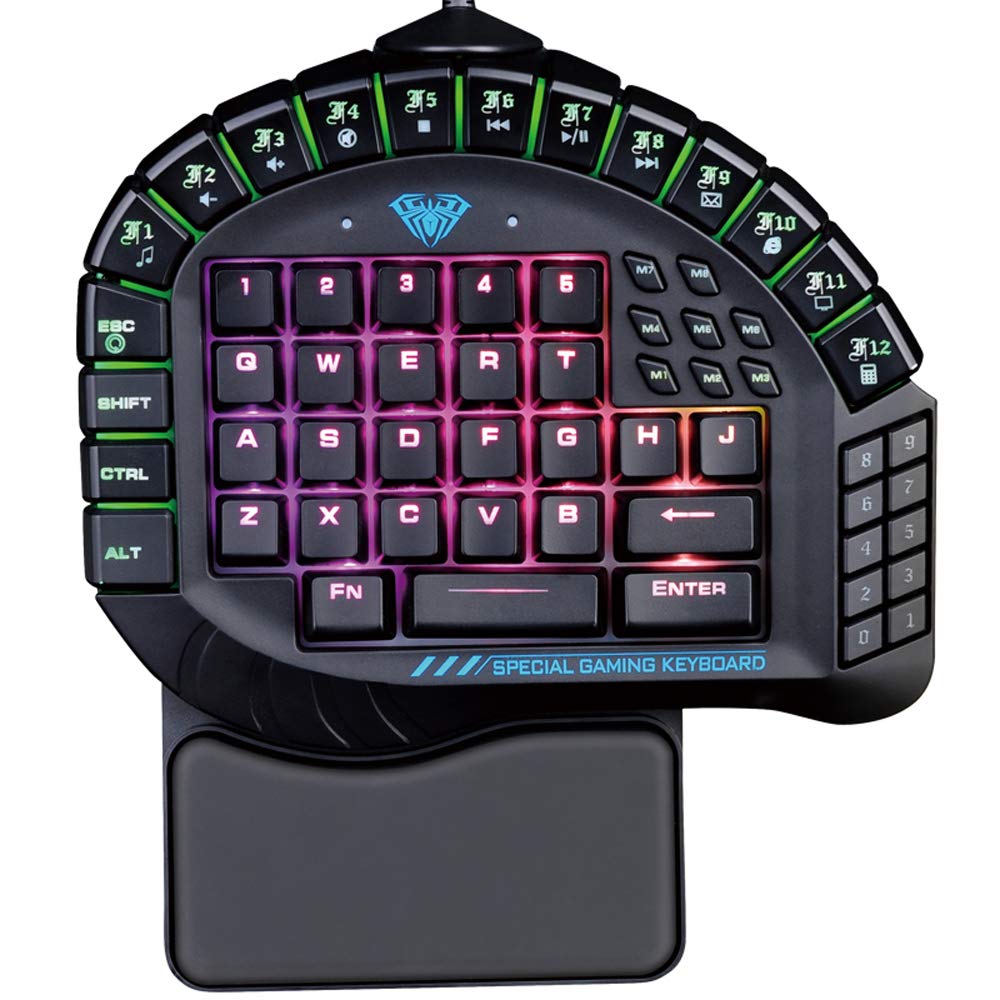




⌨️ Level up your game and workflow with precision, style, and comfort!
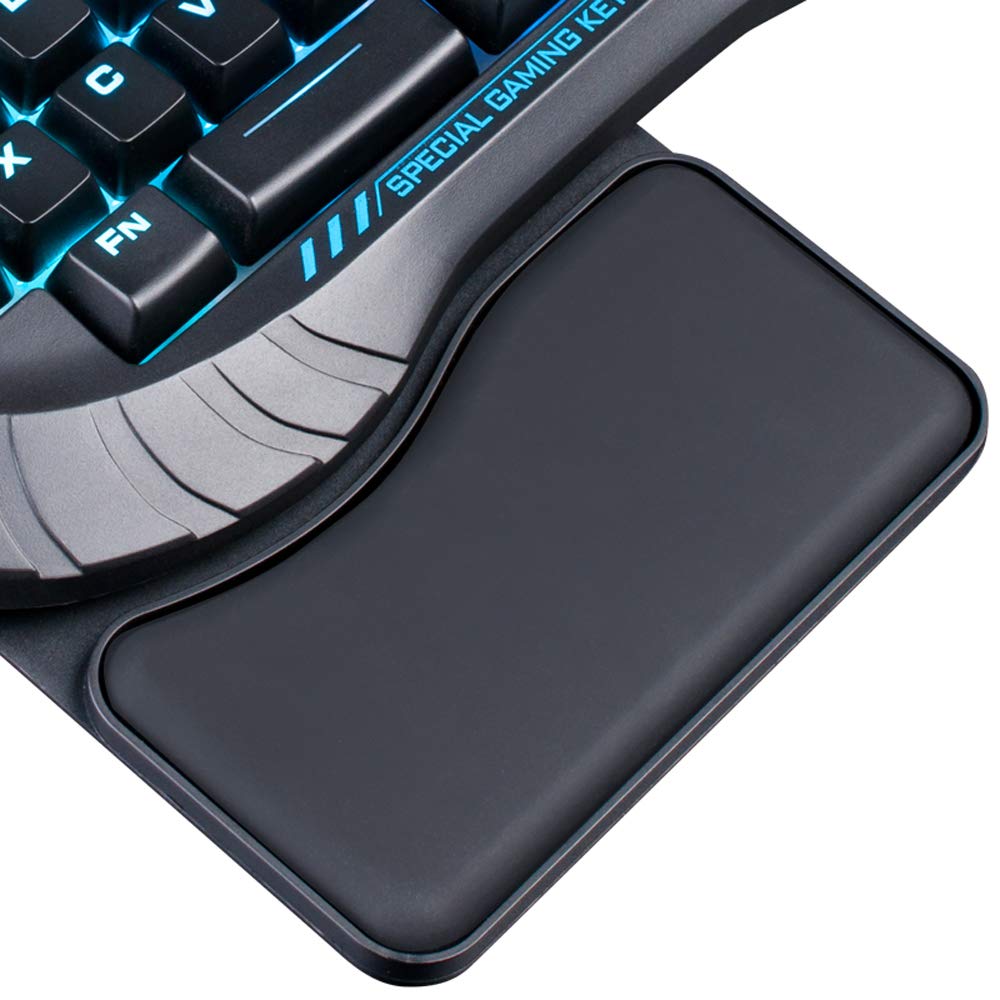
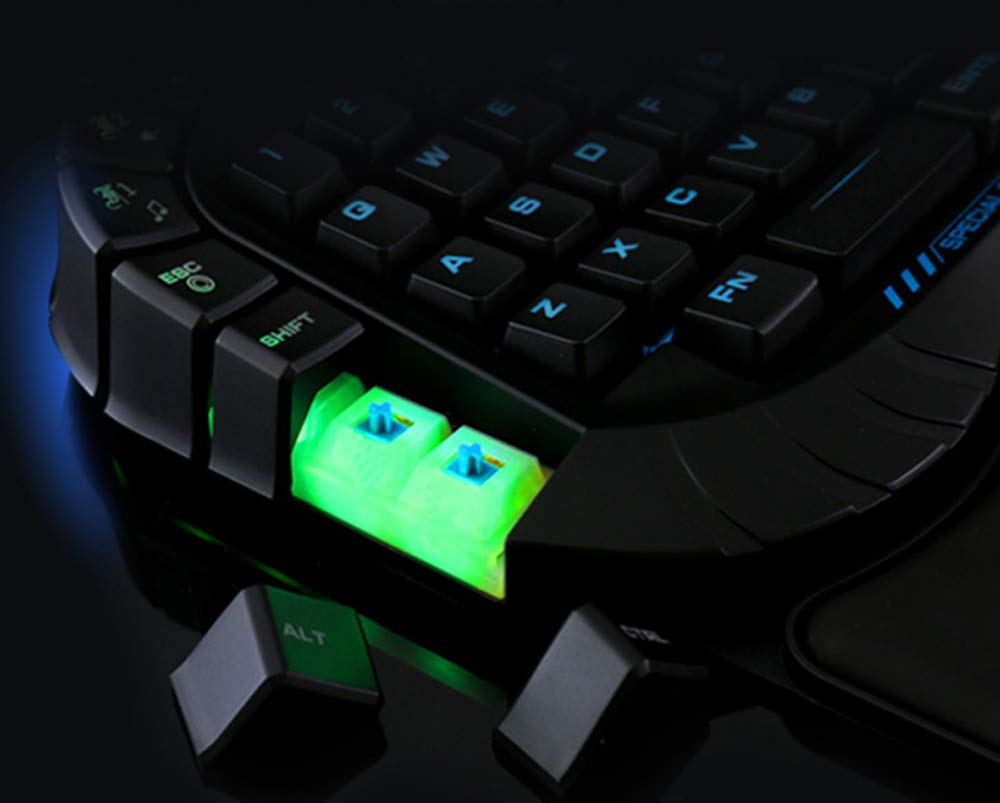
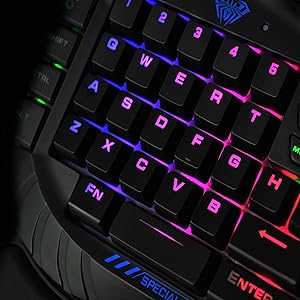
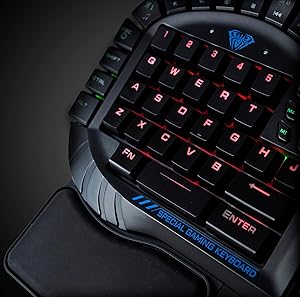
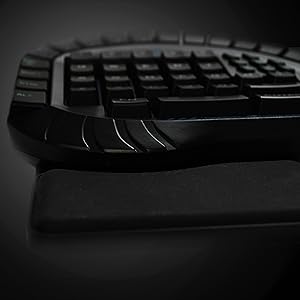
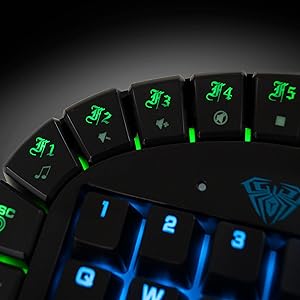
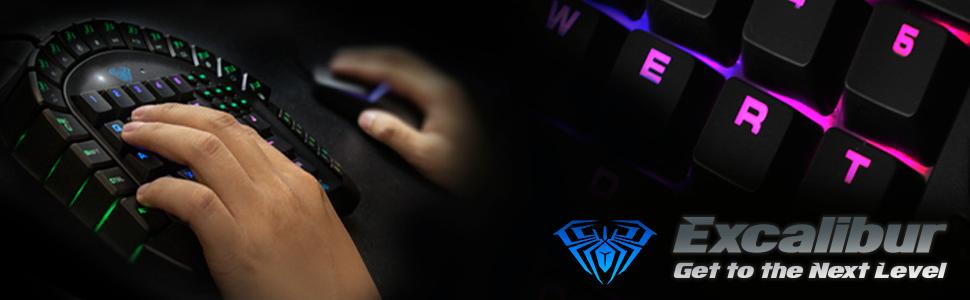
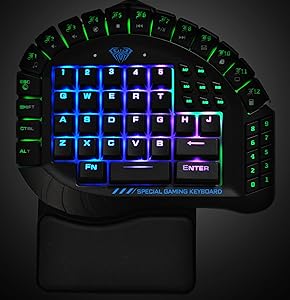
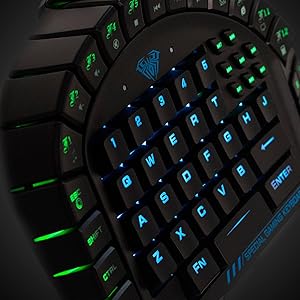
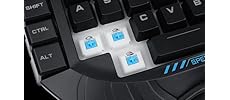
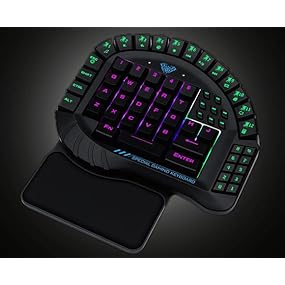
The Aula Excalibur One-Handed Mechanical Gaming Keyboard features tactile blue switches rated for 50 million keystrokes, 8 programmable macro keys, and fully customizable RGB backlighting with 5 preset modes plus user profiles. Designed ergonomically with a removable wrist rest, it supports Windows and Mac OS platforms and includes energy-saving sleep mode. Ideal for gamers and professionals seeking compact, durable, and highly customizable input control.
| ASIN | B0728P6DR5 |
| Best Sellers Rank | #39,286 in Video Games ( See Top 100 in Video Games ) #1,940 in PC Gaming Keyboards |
| Brand | AULA |
| Color | Excalibur |
| Customer Reviews | 3.8 3.8 out of 5 stars (716) |
| Date First Available | November 25, 2015 |
| Hardware Platform | PC |
| Is Discontinued By Manufacturer | No |
| Item Dimensions LxWxH | 12 x 3.25 x 8.5 inches |
| Item Weight | 6.4 ounces |
| Item model number | 109R |
| Manufacturer | Aula |
| Operating System | Linux, Windows 10, Windows 7, Windows 8 |
| Power Source | Corded Electric |
| Product Dimensions | 12 x 3.25 x 8.5 inches |
| Standing screen display size | 9.7 Inches |
C**!
*AULA 30 One-Handed Mechanical Gaming Keyboard* Great if your just an Artist and a Mac User, BUT....
(TLDR: At Bottom) Ok, ill admit I'm most likely writing this a BIT too early to really have a view on this but here we go! I got the *AULA 30 Programmable Keys One-Handed Mechanical Gaming Keyboard* and so far I really like it! ALSO, disclaimer! I'm not Pc gamer, I cannot comment on its performance while gaming! General review of the keyboard: The presentation of the packaging was AMAZING and after reading the manual is really easy to work with. The lights are really bright, vibrant and colorful and a joy to watch! Its all hardware and no software is needed to program the lights, provided you read the manual. It will save all your settings on the keyboard so you don't have to keep resetting it every time you plug it in or if you change your computer. I'd wish it was a little less money though (i paid about 60 dollars), but at the same time, you're really getting what you pay for here. I have a few keyboards, Kind of like this, and by far in terms of programming, ease of use, and look, this keyboard is the best! Though the quality is where they lost me, nothing really bad it's just a "kind of ok" plastic and I know for most people clicky keys is a good thing but to me, it just feels cheap. I have a 20 dollar full keyboard that has a kind of metal to it that I feel would outlast this mini keyboard in terms of life span and durability for sure. Also, the only lights that change color are the keys in the middle, the rest just stay green but still flash. I haven't used it enough (on my desk, been on the go) to comment on comfort levels yet. I don't think it's fair for me to say its comfy to use if I only ever used it on my lap and not a desk setting where you'll most likely be using it. Though from what I have done it's not too bad and I've grown to love it. More Relating to the title Review: Ok, so I got this keyboard as an artist and not a gamer, so purely for aesthetic reasons and for more room on my desk. Also, I'm a MAC OS user, and there are some drawbacks with the keyboard that at first, I didn't see coming. First off, I use programs like MAYA, Toon boom, and the Adobe Suite. The VARY/ MOST IMPORTANT hotkey for LITTEREALY ALL PROGRAMS (even non-art programs) is command+z! This keyboard DOES NOT HAVE A COMMAND KEY!!!! OMG, I don't know how I didn't see that before I bought it, but by golly was I dumb! Well sort of, I found a workaround and ill tell you how to fix it at the bottom. ANYHOO, the other drawback is the mac has a hard time understanding what kind of keyboard it is at first but once you plug it in for the first time, the keyboard assent will pop up and prompt you to do the shift thing but it won't work, just hit random keys and you'll be prompted to restart the shift thing, just hit skip and just manually tell the mac that it's an ANSI keyboard and your good to go. (NOTE: These issues above are a MAC/Apple user only issue if you got windows/PC/Laptop it's not a problem you need to worry about.) Also, Something I've noticed while working is that it seems slow to respond at times, but that could just be me, I'm no tech nerd so take it with a grain of salt. Another thing I saw was the "M" keys on the top right, I have NO CLUE what they do or what they're used for. Ok so other than that this keyboard does a great job with all the programs that I use and is just a good keyboard. I really said all that I like about it up above and despite the drawbacks, after I found out the workarounds it really isn't that bad. this keyboard was worth it to me and I look forward to creating awesome works of art with it by my side! How to fix the Command key problem, step by step: 1) plugin the keyboard 2) go to "system preferences" 3) find and click on "Keyboard" 4) Under the "keyboard" tab, on the bottom right there will be a button with "Modifier Keys..." on it, click it. 5) Under the "Select Keyboard" option, open the drop-down menu to select "USB-HID Gaming Keyboard" 6) Use your preferred key from the list to change to a Command key, by using that keys drop-down menu, and selecting command. *My Recommended key to switch: Control * (Note: the Function key will not work for this, it's a useless key and MAC will not register it, IDK why...) 7) Click "Ok" DONE! Your mac will remember the keyboard and you no longer have to worry about undoing your mistakes! TLDR: Wait for a little price drop, overall worth it! Also, the only lights that change color are the keys in the middle, the rest just stay green but still flash. Good for MAC OS, but you'll need to go into keyboard settings and change a hotkey if you need a command key (instructions on how to do so above). Also, I got this keyboard as an artist and not a gamer, so purely for aesthetic reasons and for more room on my desk.
S**N
Love & Hate
Love the keyboard, this is at least the fourth I've bought from Amazon and a couple more over the years from other stores, keyboard work great for my Husband who has to use the keyboard from a recliner because of health problem only problem is the new software is absolutely horrible and now my Husband has to run Microsoft Power Toys along side the new software to be able to use the reprogrammable key function properly.
S**.
Please, never stop selling this item.
The headline says it all. No other products out there like this that I have found AND it works very well! There is software that comes with the unit but I've never used anything other than the drivers that it seemed to automatically install. I am certainly forced to play games that allow remapping of buttons but this hasn't been a problem for me yet. The fact that these keys are centered with other another (ortholinear)...along with the shortened space bar...AND quick access to a wide range of customizable buttons...just solid. How my fingers always hit the Windows button on a full-sized keyboard was beyond me. This is probably because I'm an old school "arrow keys" guy and because of this, the keyboard kinda scratches every itch. 4/5 for value for money b/c I've only had it 3 months but I've put in lots of hours. Will update but as of now, the W/A/S/Ctr keys are wearing off due to plenty of use. Perfectly functional, just looks like white dots on each of them. Another important piece to add would be the durability of the unit. I move this thing around a lot. The USB cable is fairly firm and beefy especially at the point where it connects to the unit. On top of that, the palm rest is pretty heavy too so there's no concern for the unit slipping. The palm rest is a separate piece and is set on the table and then the keyboard unit just sort of "hooks in" and sets on the top of the palm rest and it's firmly in place. I've done some searches for this unit's software and drivers and I didn't find much. I've had zero problems with the device itself but assuming the thing needs to be updated, I would be concerned about where to look. I am happy with the purchase.
D**Y
software bad
Appears to be a quality product but the software that came with it on the cd does not work only 1/4 of the screen to reprogram the keys shows up so can't reprogram the keys. Missing the tab key. making it so completely useless for the games I use if I can't reprogram the keys. Don't know about spyware but on removing the software for it get can not remove parts of the program error have to do that manually but can't find it on the drive. Go to the site in china and get a new driver and get a 404 error from that page to see if I can get new software.
A**R
The ALUA Reaper is an awesome keyboard. I am not a gamer so the ...
The ALUA Reaper is an awesome keyboard. I am not a gamer so the gaming keyboard was purchased for the following reasons, mechanical key buttons, backlit keyboard, price and reliability. I decided on the ALUA Reaper keyboard after reading and viewing the product reviews because it appeared to meet all my criteria. After checking out the keyboard I am very satisfied with the feel and function of the keys and the back lighting is bright and works great for typing in a dark area. The brackets raise the back of the keyboard to an ideal height. The metal key plate adds strength to the keyboard and it is very well constructed. The angled metal plate on the front of the keyboard gives good support to the hands while typing. The price of the keyboard was very good considering the features and functions on the keyboard. I am very satisfied that I made the right decision to purchase the ALUA keyboard and would recommend it to others.
Trustpilot
2 months ago
4 days ago