
DOWNLOAD THE APP


Customer Services
Copyright © 2025 Desertcart Holdings Limited
DOWNLOAD THE APP


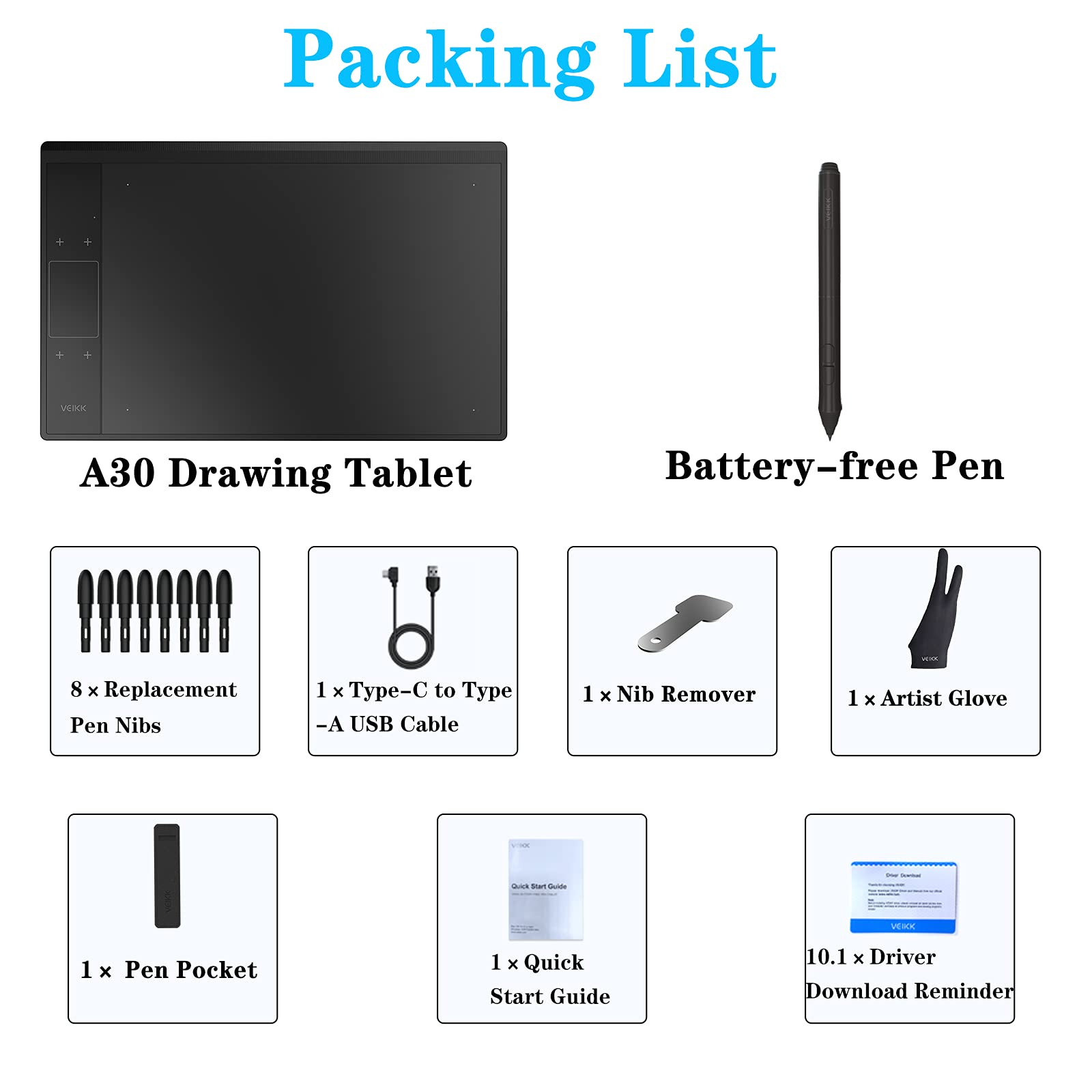
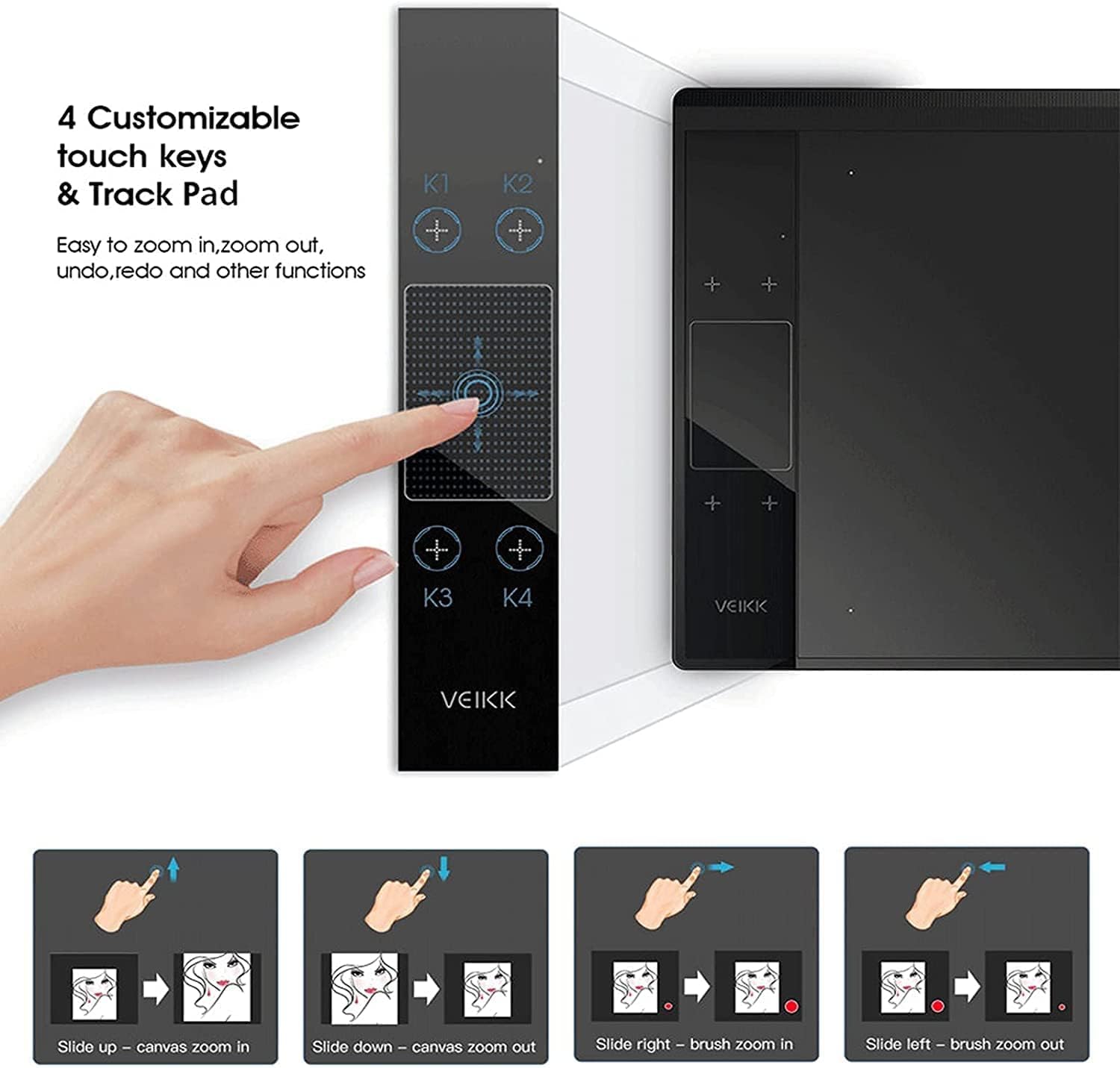
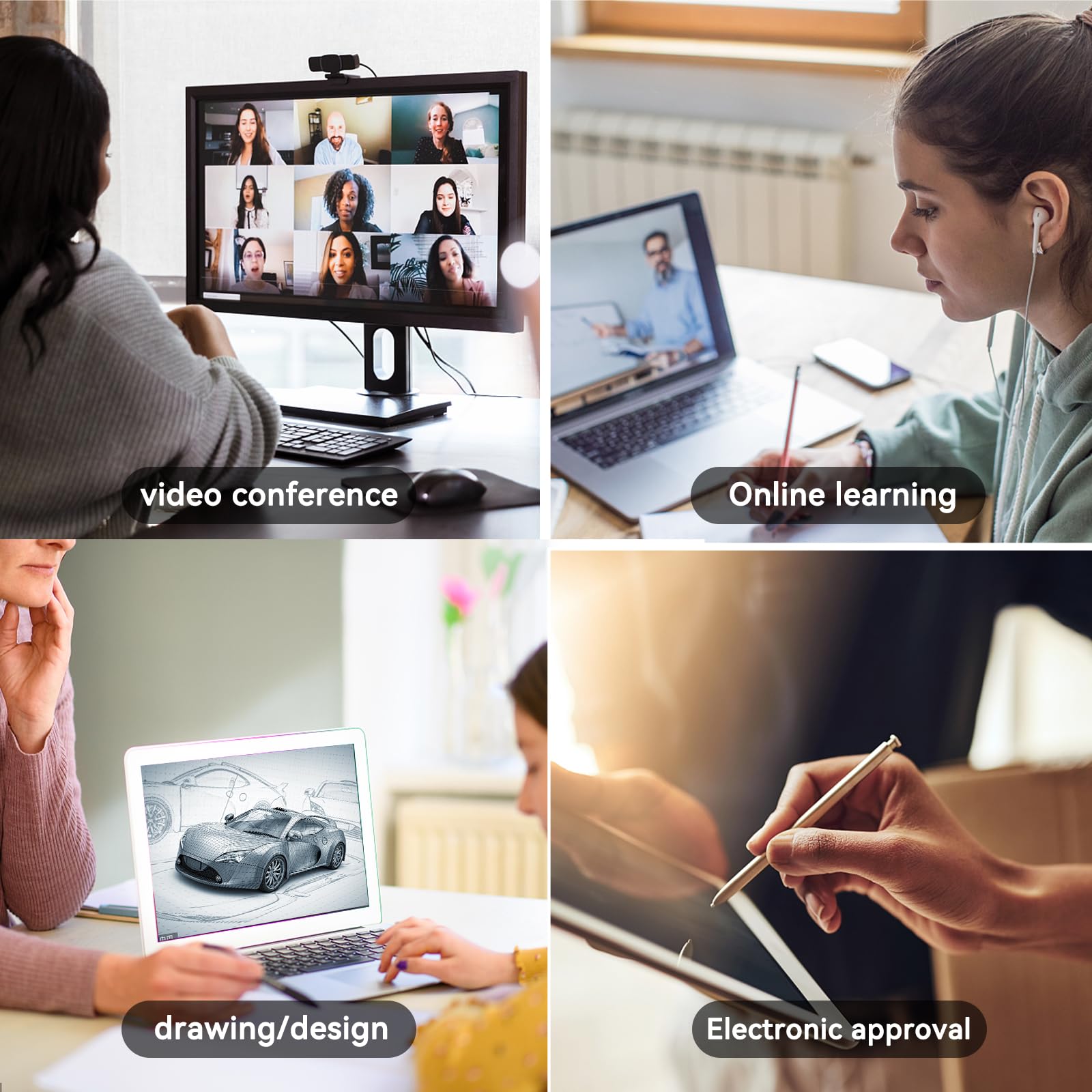
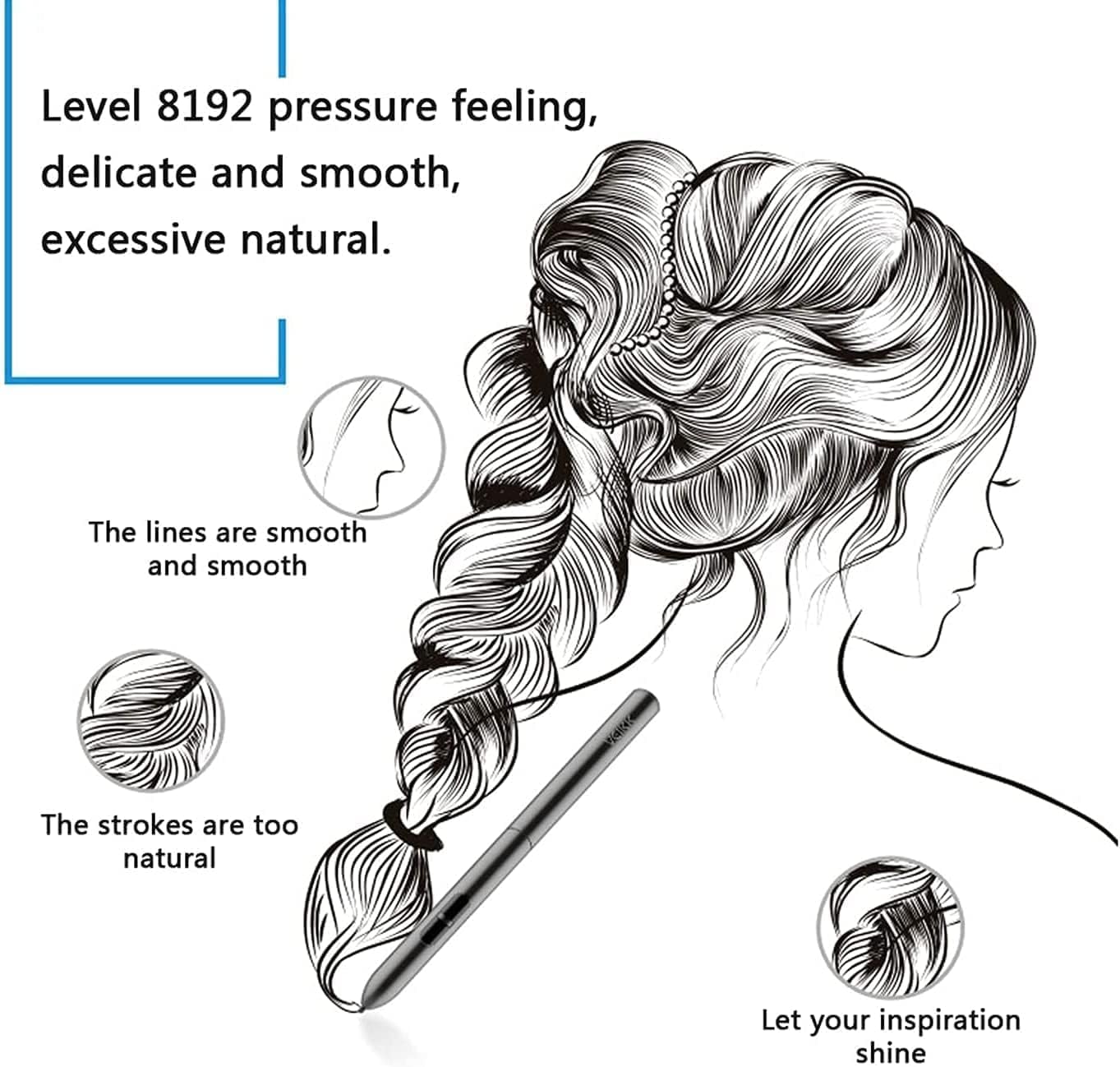
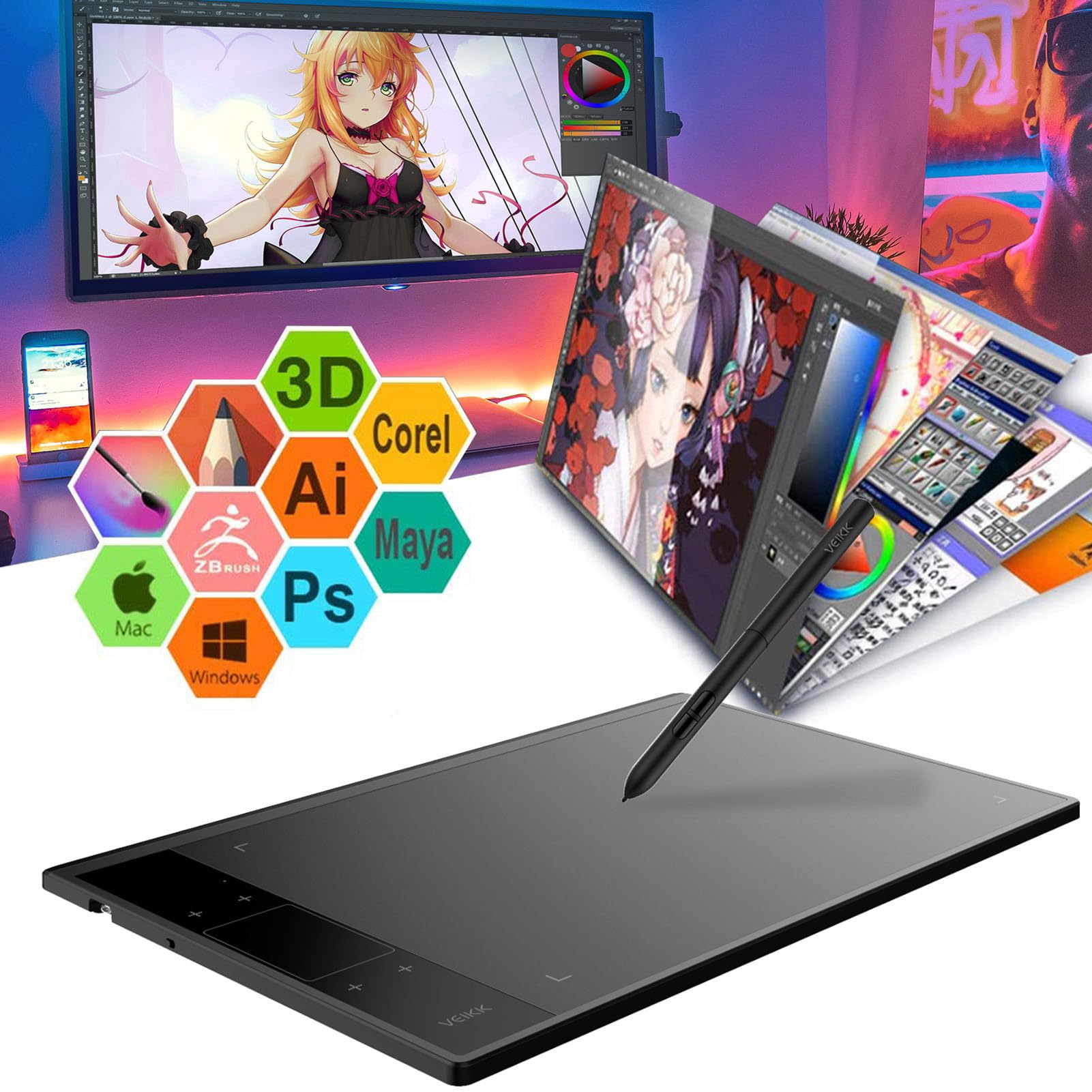
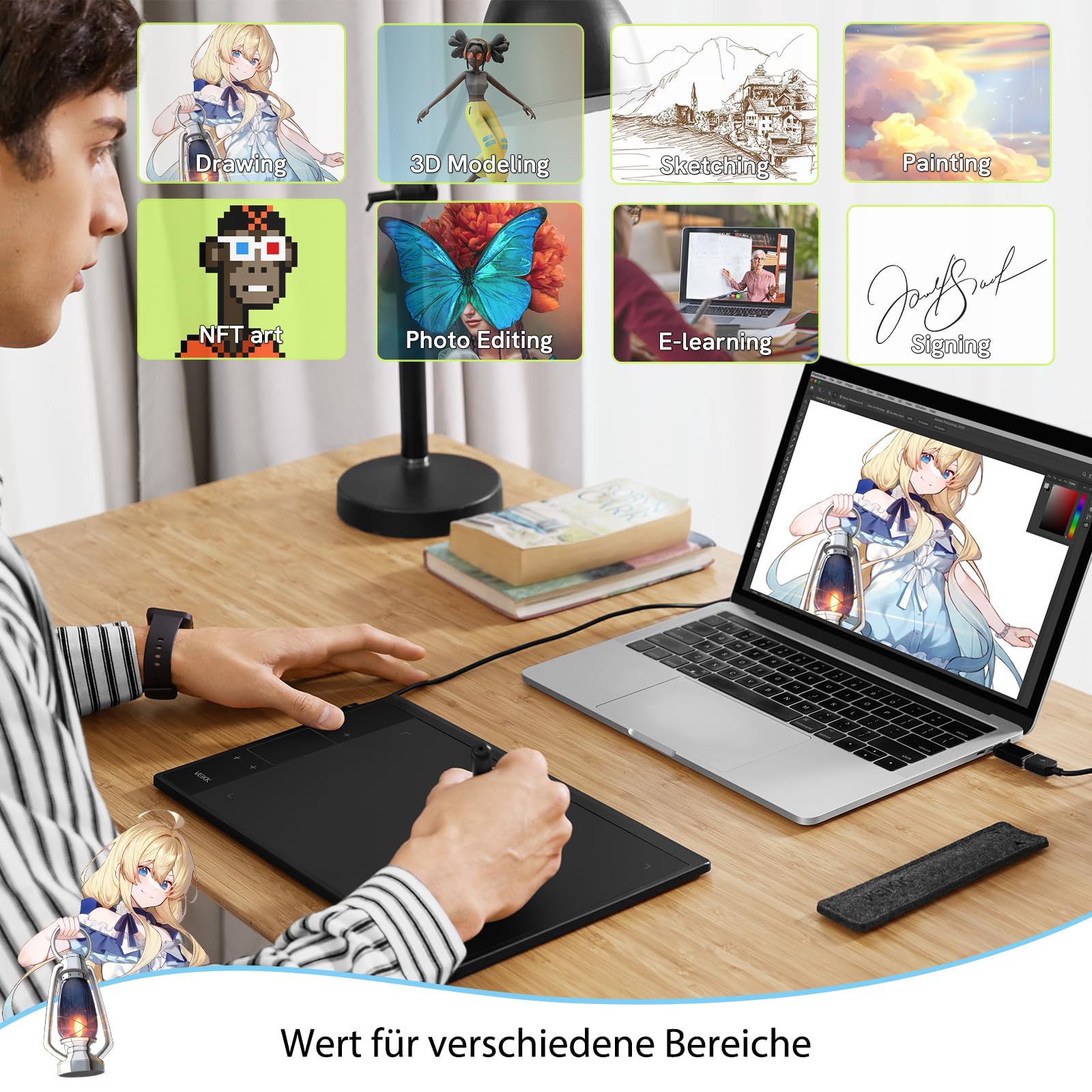
🎨 Elevate your digital art game—create like a pro, wherever inspiration strikes!
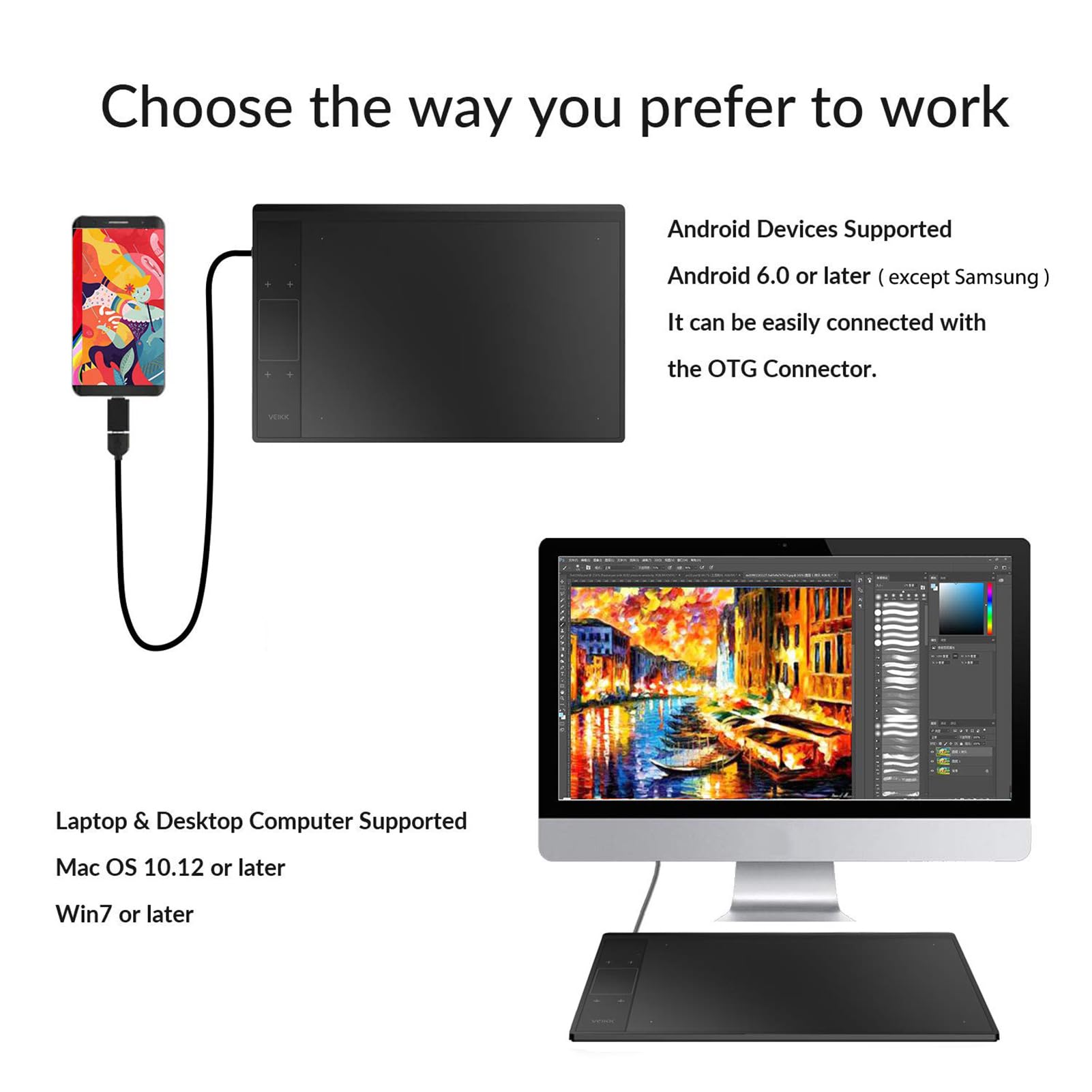
The VEIKK A30 Digital Graphics Drawing Tablet features an ultra-responsive 8192-level pressure-sensitive, battery-free pen, a large 10x6 inch active drawing area, and 4 customizable touch keys plus a touch panel for enhanced workflow. Compatible with all major OS platforms including Linux and Chrome OS, it offers plug-and-play convenience via a durable Type-C interface. Designed for professionals and creatives seeking precision, portability, and efficiency in one sleek device.
| ASIN | B07DQP93BD |
| Item model number | VEIKK-A30 |
| Manufacturer | VEIKK |
| Product Dimensions | 33.02 x 21.2 x 0.1 cm; 570 g |
ア**ー
デバイスドライバーインストールすればすぐ使えるの楽でした。 またショートカットキーの設定なども簡単に行えるので最高です。 ただ、設定をペンじゃなくマウスの方が描きやすいなと思いました。
S**Y
I received my Veikk A30 tablet this week, delivery was extremely fast (and free for Amazon Prime members!). The box design had me excited from the get go, tells you what you need to know in terms of report rate speed (250 RPS), Lines per inch (5080 LPI), levels of pressure sensitivity (8192) and size 10”x6” all of which are particularly impressive given the low price of the tablet. On opening the box, all components were well packaged with the tablet itself on immediate view with the accessories tidily stored underneath. You get; • A30 tablet • Battery free stylus pen with two hot key buttons • Type C USB adaptor cable • Nib replacement tool with spare nibs • Quick start guide Handling the tablet it feels light, looks extremely sleek and barely thicker than my smart phone. I was thrilled to find that it fit comfortably inside one of my padded laptop bag compartments although I can see the benefit of buying a tablet pouch to protect it rather than leave it on my desk inbetween uses. Setup was surprisingly straightforward and devoid of some of the language issues I’ve encountered when installing other Chinese gadgets. The tablet is powered via the USB cable so no need to charge it for first time use and plugging it into my Windows 10 laptop launched the setup utility. After a reboot, the utility launched on startup to enable me to set the hot key settings. Even though by default the stylus is set to work as a pen rather than a mouse, hovering the stylus over the tablet, without making contact gained immediate control of the mouse cursor. By default the primary stylus hot key was set to right mouse click but this was quickly changed to left mouse click whilst I configured the tablet and got used to using the stylus. The position of the stylus hotkeys and moving the cursor when hovering above the tablet takes a bit of getting used to but very quickly I stopped looking at the tablet and was navigating the software just from looking at my screen. In addition to the two hot keys on the stylus, there are an additional 4 hot keys on the tablet that you can tailor to input your most frequently used settings in your sketching software. Within 10 minutes of opening the box, I was already using the stylus to sketch directly into photoshop. If I had one criticism, the stylus feels a little light and could do with being heavier but that’s probably a personal preference. I would also love to see a stylus holder mounted on the tablet itself, I can see myself spending time hunting for this in future! I want to spend a few weeks using the tool in earnest and complete a full drawing project before I can really comment on how the tablet has helped my creative process but on first impressions the VEIKK A30 appears to be a well designed quality product, simple to use with very good performance specs for an amazing price. Highly recommended.
Y**I
前のが古くなったので手頃なお値段で買い替えられたらと選びました。 本職の人の意見はわかりませんが、軽いし気軽に使いやすいと思います。 個人的には会社で使っている重い物より馴染みます。
M**N
インターネットやパソコンに詳しくないので 使えるようになるまで2日かかりました。 ダウンロードしても、解凍の仕方がわからず、大変でした。 今は、無事に動いておりますが、 今まで使っていた古いワコムのペンタブより少し遅いように感じる。 価格的に6倍以上安いので、仕方ないのですが、ね。 とにかく、頑張ります。
伊**藤
オンボードメモリじゃないからUSBをさし直したら設定がリセットされるぞ! キーコンフィグを1から設定し直したくなかったら買うな! ソフトがポンコツでちょっと設定弄るとソフトがおちるぞ!はっきりいってゴミだぞ! ペンをタブレットに近づけて反応させるタイプのペンだから非常に描きにくいぞ! VINKK製のタブレットは買わないようにしよう! 安いのはわかるけどこれがダメで絵を書くのを辞めたら君の才能が勿体ないよ!
Trustpilot
2 months ago
2 days ago