

Desert Online General Trading LLC
Dubai, United Arab Emirates
Desert Online General Trading LLC
Dubai, United Arab Emirates


📺 Elevate your living room to a 4K smart entertainment hub — don’t just watch, experience!
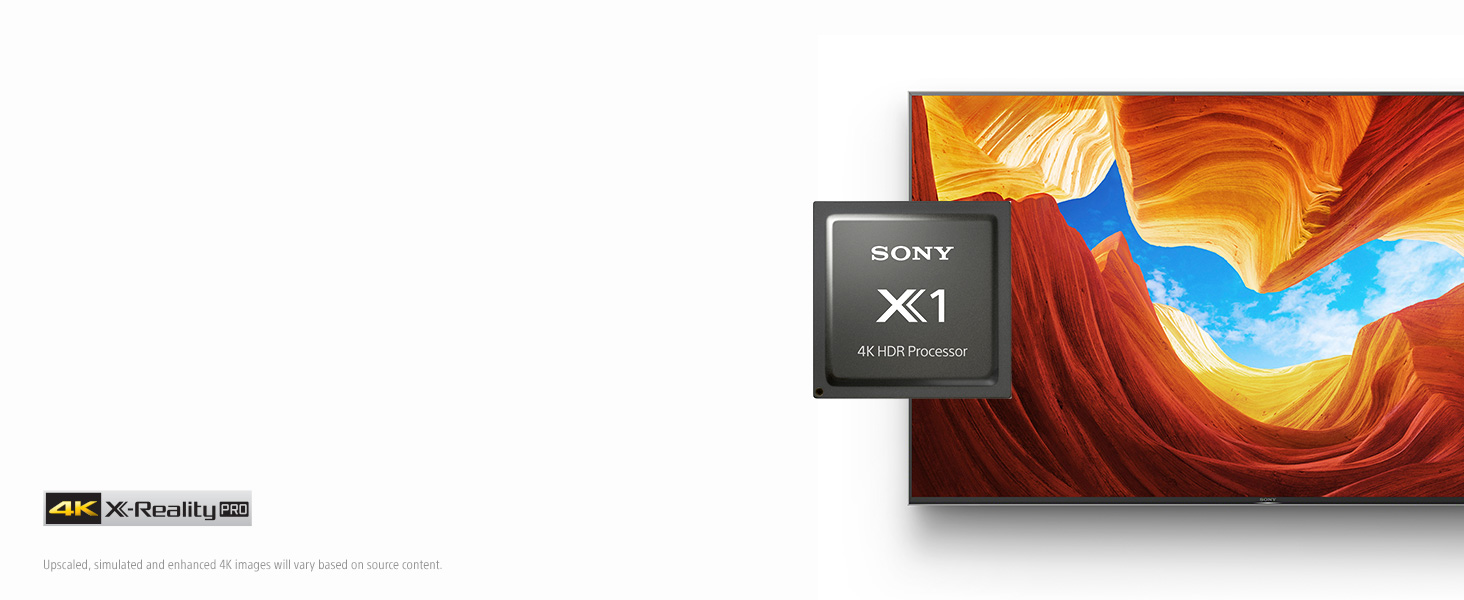
The SonyX900H 55-inch 4K Ultra HD Smart LED TV combines advanced HDR Processor X1 and TRILUMINOS Display for stunning picture quality, enhanced by Full Array LED with local dimming. Designed for gamers, it supports HDMI 2.1 with Game Mode for ultra-smooth 4K gaming at 120fps. Smart features include Alexa, Google Assistant, and Apple AirPlay 2 compatibility, making it a versatile centerpiece for any modern smart home.

| Brand Name | Sony |
| Item Weight | 49.5 pounds |
| Product Dimensions | 48.5 x 13.38 x 30.75 inches |
| Item model number | XBR55X900H |
| Is Discontinued By Manufacturer | Yes |
| Color Name | Black |
| Special Features | Flat |
| Standing screen display size | 54.6 Inches |
| Aspect Ratio | 16:9 |
T**N
Excellent 4kTV with some future-proof features that should last you for the longer run...
I was looking at the x950h based on the strong performance of the x950G (2019 model) and also at the x800h. I was replacing a 5 year old Samsung 4k that had a backlight issue and was too costly to repair.Although this is literally a brand new to the market, I decided that possibly going middle-of-the-road with the x900h was probably a good idea (mostly price-wise) and the step up from the x800h to local dimming was something I wanted.Was I right!I worked in the TV industry for over 20 years, so I got pretty obsessed with picture quality and this TV does not let me down. Deep blacks, vivid colors. Not OLED, but really good. Overall strong picture quality right out of the box before I even began playing with the settings. Also good viewing angles probably at 45 deg of center on each side from about 10 feet away. Picture contrast and colors were maintained at least at these angles.I've mounted the TV on a 1" deep wall-mount, so it's almost flush to the wall. With the exception of the power cord (which is a 90 Degree Figure 8 cable) all the inputs/outputs are on the left side. The Power cord is unfortunately on the right side in a recessed area, but for wall mounting it makes it a little tricky to get the plug in unless you have 2 people and someone does it before you place it on the mount. All the other connections can easily be made once mounted.Couple of interesting features -ATSC 3.0 tuner - will future proof you for 4k OTA signals and interactive content when available (larger markets will begin testing before end of 2020).HDMI 2.1 support - really suggest you replace any legacy HDMI cables you may have with 48Gbps capable cables. My apple TV box picked up on the new TV having Dolby Vision support and tried to test for it (which requires 48Gbps), but it said my cable was "not stable" and dropped me back to 4k SDR. It's an older, high quality, 18Gbps certified cable, but it obviously was not built for the needed tolerances. New HDMI cables are now on order, but consider that if you're wall mounting and will have limited access to re-work cabling after install.Android TV is good, i've configured it with my complement of OTT applications (youtube TV, Disney+, HBOMax, Prime, Netflix etc.) and works great. I personally prefer (as does the wife for consistency around the house) to use Apple TV's as my interface on all the home TV's. Fortunately, the TV does not force you into an Android experience - if you turn the TV on with the HDMI for your AppleTV as the selected input , you go straight into the external box's interface and don't have to fight your way out of Android TV first.If anything lets it down, the lack of a good paper manual during unboxing is annoying. Also, the port labeling is not readable easily once mounted on the wall - i had to guess which one was HDMI1 for example (and of course, I got it wrong). The supplied quick-start guide does not show the ports in a way that tells you a layout.In summary, strong TV. Good forward thinking features for you to grow into. I purchased the 55" for a smaller living room area of the house, but if the wife lets me, an 85" will end up in our media room before the year is out.... ;-)Recommend this TV. No reservations so far.
M**X
Perfect picture in direct sunlight!
Update: 10/25/2020. I started to get a black screen upon startup every morning. The solution so far has been to reset the TV, and I removed the wired Ethernet cable. The issue started as soon as I switched from wireless to wired. I also turned off eArc, and other settings. I’m turning them back on, one each day to see if any other settings were causing issues. X900H.Update: The built in WiFi is starting to have issues. I’ve had to unplug the TV several times to get the WiFi to reconnect. I have zero issues with any device disconnecting from WiFi, besides this TV. I have plenty of time to return this TV, and that is what I’m going to do if this keeps up.It’s been a few days since I had the WiFi issues. Everything seems fine now. I’ll update if it happens again.Initially I had the brightness set to 40 for all viewing. I have now done a pre calibration, and the proper brightness setting for me is 10 for non HDR content. Once you set the brightness to 10, that darkness in the corners on bright scenes, disappears. You had to move your eyes to see it, but now it is gone on my set.Review in progress:The first thing that stands out, is that while the sun is coming through my skylight and shining directly on the TV, it doesn’t affect the picture at all. Look at the picture I posted. You can se sun on the lower left of my entertainment center, and the sunlight can’t be seen on the TV.I’m coming from a Panasonic Plasma TC-P55ST50 TV. I’ve been unwilling to upgrade to 4K up to this point because my plasma just performs better than most of the 4K TV’s available. Well, the X900H has won me over. It outperforms my Panasonic Plasma hands down.This TV gets a major mark down in rtings review for viewing angle. I’m standing 10 feet to the left of the TV, And 15 feet away, and I can see the TV perfectly. There may be a small downgrade in the picture, but I can’t tell at all.The only negative I can see right now is the corners are darker on bright scenes. The TV is so large, that I have to take my eyes to the corners to notice the darkness, and it is only on super bright scenes, so, this is not going to bother me at all.I have an outside TV antenna, and I was using my Xbox as the tuner, but the X900H accepts the input from the antenna perfectly, and finds all of my local channels. The TV tuner on my Plasma wouldn’t get all the local channels, which is why I was using the Xbox.To be continued....I’ve had the TV for 3 days, and it seems like the picture is getting even better. I’m not sure if there is a break in period, or if I am just imagining it, but I’m extremely happy with the TV.Coming from a plasma, I like the liquid wet looking picture, so, I have been using the Standard picture setting with color turned down to 50, Light sensor turned off, brightness set to 20, color temperature set to neutral, live color set to low, all noise reduction turned off, and all motion settings turned off. Custom is what all the experts say I should be using with all the bells and whistles, besides dimming set to high, turned off. I have the dimming set to high for all inputs. I’ll still keep working on the custom setting, but right now, for me, standard looks best. This is just for non HDR content.
Trustpilot
2 weeks ago
3 days ago
1 day ago
2 weeks ago