
DOWNLOAD THE APP


Customer Services
Copyright © 2025 Desertcart Holdings Limited
DOWNLOAD THE APP

🖥️ Elevate your workspace with color, clarity, and control — don’t just see it, experience it!
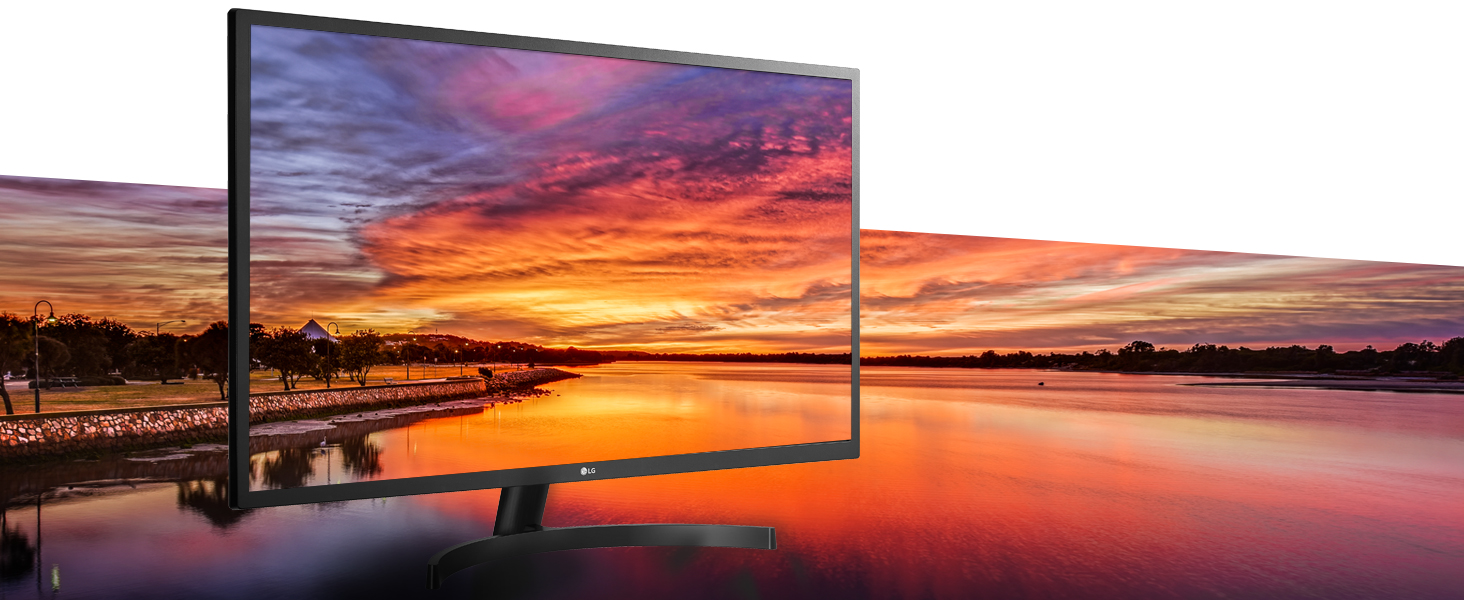
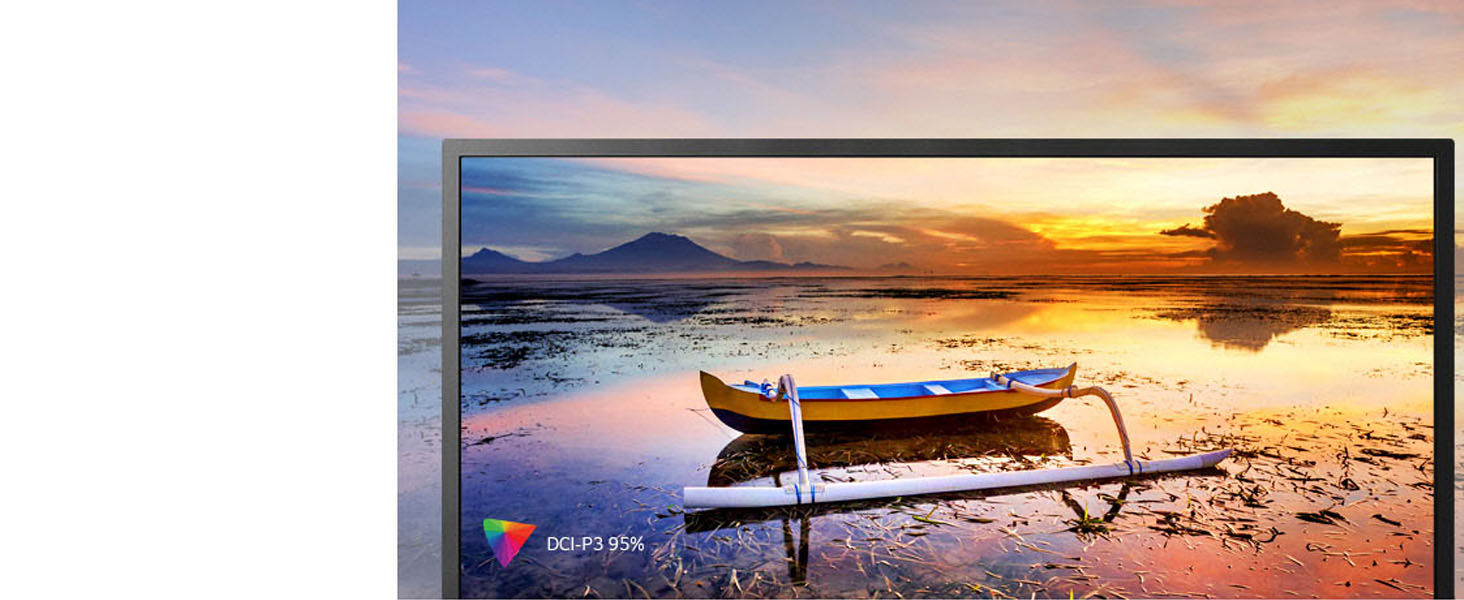
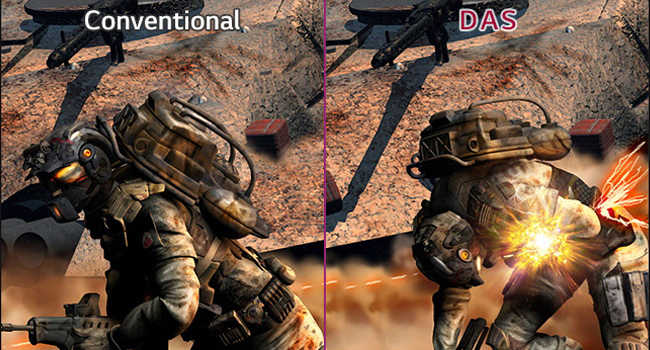
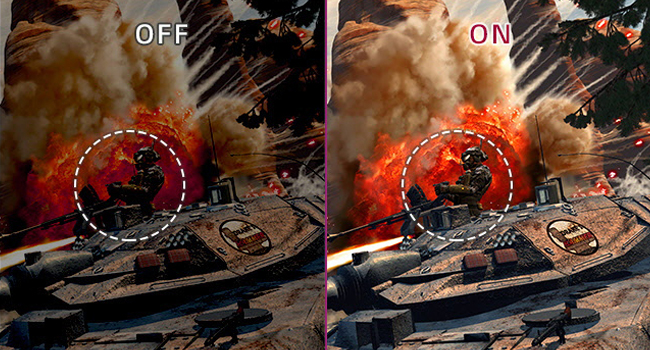
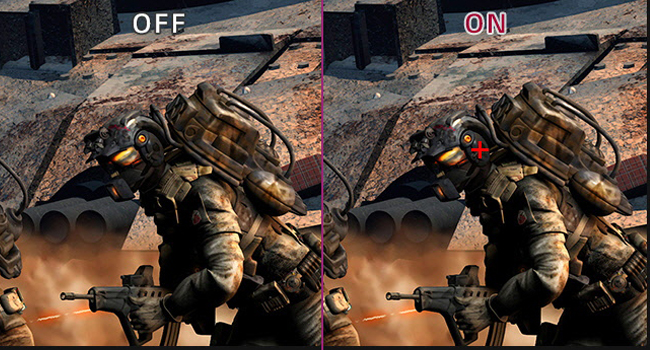
The LG 32ML600M-B is a 32-inch Full HD IPS monitor delivering vibrant colors with 95% DCI-P3 coverage and smooth 75Hz refresh rate. Designed for professionals and gamers alike, it features advanced gaming enhancements and flexible VESA mounting options to optimize your workspace and visual experience.


| ASIN | B07PDHSVSW |
| Best Sellers Rank | #25,097 in Electronics ( See Top 100 in Electronics ) #662 in Computer Monitors |
| Brand | LG |
| Color | Black |
| Customer Reviews | 4.6 4.6 out of 5 stars (2,657) |
| Date First Available | March 1, 2019 |
| Item Dimensions LxWxH | 8.2 x 28.7 x 20.2 inches |
| Item Weight | 14.52 pounds |
| Item model number | 32ML600M-B |
| Manufacturer | LG |
| Max Screen Resolution | 1920 x 1080 Pixels |
| Product Dimensions | 8.2 x 28.7 x 20.2 inches |
| Screen Resolution | 1920x1080 |
| Series | 32ML600M-B |
| Standing screen display size | 31.5 Inches |
| Voltage | 240 Volts |
K**D
Best monitor out there
I have two of these now and they are great for general business. I don't game so I can't speak to that, but they are very nice and great for those whose vision is waning. Nice and big for large style fonts and graphics.
D**.
Best Monitor
Love this monitor. Display is clear and easy to connect to my MacBook! I have two at work and purchased a third of my own to have at home.
W**N
2 Flaws But Great Picture & Price
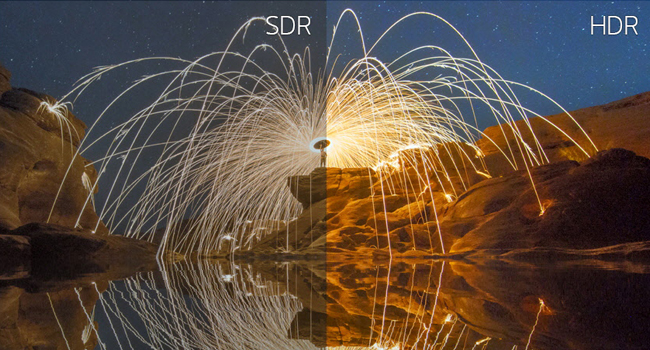
Flaw one is the screen is like a mirror. Shine a light on a mirror you get glare. Glare equals eye strain and headaches. May not be for bussiness use. The 2nd flaw is the weak stand that will not last long. In the picture you can see the keyboard on the desk in the screen. You will need to download the English owner manual and file name win_OSC 7.79 zip from the LG home support page. The Win_OSC 7.79.zip file allows you to adjust the monitor setting from your computer. Try the setting HDR, really good picture.
C**S
All Around Good Monitor
I'm writing this review to help others seeing as how I was not the only one who experienced this issue, but I will get to the issue shortly. Picture Quality: - At this price, the images are good especially when HDR is enabled then you really see the difference - Non HDR Rating: - 5/10 average, but good for everyday use - Mainly because image is not as sharp on a 32inch monitor running 1920x1080. - I can see pixel stairs around images from a 3-4ft distance - Not a big deal honestly, but I'm used to 4k displays and I can tell the difference is all. - HDR Enabled Rating: - 9/10 - Colors, details, and image quality are surprising very nice - Can't say I've ever noticed pixel stairs while HRD was enabled. Work: - Great for everyday work. - The screen is large enough that I can see everything much closer compared to a 13inch monitor. - I can see very small pixel stairs around images, but for normal usage and every day work, its good. Gaming (casual) - Even though this is not a gaming monitor, HDR capable games still look surprising well on this monitor at this price point thanks to its HDR10 capabilities. - I mainly used it on my PS4 Pro playing Call of Duty Modern Warfare, Mass Effect (Andromeda & Remastered version of trilogy), Tomb Raider, GTA 5 and all games looked very detailed, sharp, satisfying and pleasing to look at!!! - No lag, no after-image affect, and no discoloration. In other words, smooth and clean. Lighting - This monitor does get very bright! Enough to hurt my eyes! The Bad! - I ordered x2 of these monitors to use them simultaneously. - The first monitor's stand broke about 5-6 months after ordering - The second monitor's stand broke about 6-7 months after. - The monitor is on the heavy side and it is not light. Those plastic stands are cheap for sure and cannot support the monitors weight!!! - I was very upset that of all companies an LG part would fail on me so soon! - Others have experienced this, and it is true! Be careful about the stands! They break quickly! - I've been using my monitors without stands and just angled so it sits upright, but not so much that it slips back down. Yes it sucks :/ - I'm going to try to find custom stands to move them around. Other than that the stand issues, this is a great overall monitor for the price!
M**M
Excellent Monitor
This monitor works great for my home office. It has multiple hdmi inputs for connection several devices. I am able to have both my work computer and Xbox plugged in at the same time and switch between inputs. The audio out also will switch with the output; this wasn’t clear in the product description but it greatly simplifies setting up speakers. The OnScreen software to map multiple displays is very well done and easy to use.
J**E
Perfect - Great price
This is exactly what I needed for my home recording studio. Better than using 2 screens!
S**.
Very nice monitor
Great monitor for everyday use. They are nice and clear. Easy to setup.
B**O
😏 Monitor SEEMS To Have a Permanent 10-15° Forward Tilt - But You Can Adjust It
Monitor looks as described in the product description. Big and wide enough for a medium sized desk or table/workspace. The problem that seems immediately noticeable is that the monitor when setupt has a *fixed* forward tilt of about 10-15° - That's actually not true, because you CAN adjust the tilt when you know how to, and it's simple. I had read of this in some of the reviews but still decided to buy so I could see what it really is like. The apparent lack of ability to tilt the screen backwards probably doesn't take away from any practical use but being aware of what some have reported as a "permanent forward tilt or bend" will make you wonder whether you want to keep it or not as it's probably going to be a first for many people. All my monitors to date have been straight or can be tilted BACKWARDS and so can this one. Folks who commented in their reviews that they could not either do not know what to do, received a faulty monitor or set it up wrong. I reckon that those who mentioned the stand cracking might have been trying to adjust it backward so it sits straight and had their monitor incorrectly setup somehow. Don't force your monitor to tilt back once assembled (which only takes 5 minutes and is easy) if you force the monitor back in an attempt to adjust it you will break it off from the base. To tilt, hold the bottom and middle of the screen and then gently title the top backwards ... and that's all it takes. When I originally wrote this product review I too could not figure out how to adjust the tilt and believed you could not do it because of the reviews that said you couldn't. That's not true. This monitor DOES tilt back or forwards but the initial setup has a forward tilt as shown in the pictures immediately after the setup.
Trustpilot
4 days ago
2 weeks ago