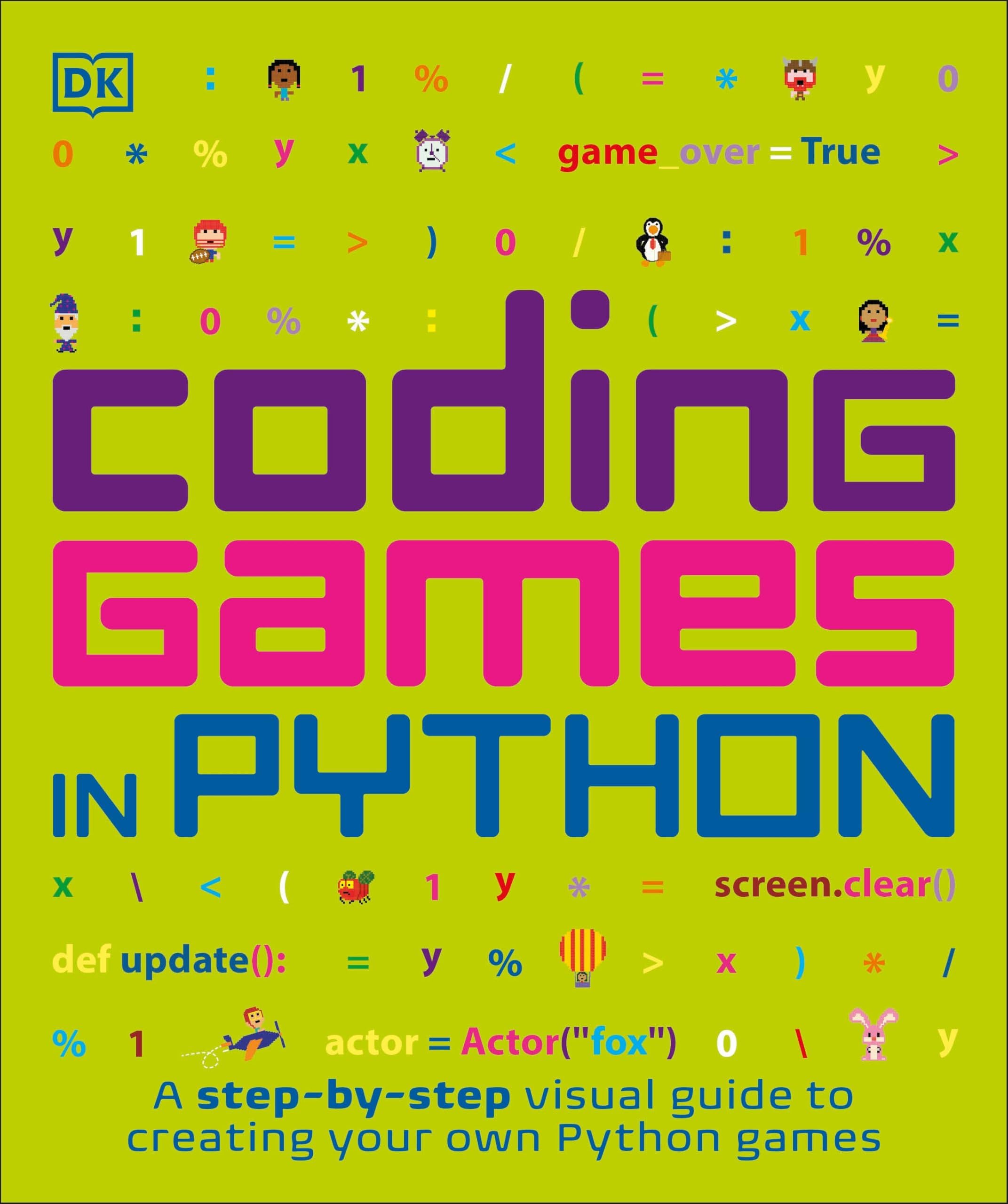
Coding Games in Python (DK Help Your Kids)
Product ID: 66738042
Desertcart purchases this item on your behalf and handles shipping, customs, and support to Kenya.
Build and play your own computer games, from creative quizzes to perplexing puzzles, by coding them in the Python programming language! Whether you're a seasoned programmer or a beginner hoping to learn Python, you'll find Coding Games in Python fun to read and easy to follow. Each chapter shows you how to construct a complete working game in simple numbered steps. Using freely available resources such as Pygame, Pygame Zero, and a downloadable pack of images and sounds, you can add animations, music, scrolling backgrounds, scenery, and other exciting professional touches. After building the game, find out how to adapt it to create your own personalised version with secret hacks and cheat codes! You'll master the key concepts that programmers need to write code - not just in Python, but in all programming languages. Find out what bugs, loops, flags, strings, and turtles are. Learn how to plan and design the ultimate game, and then play it to destruction as you test and debug it. Before you know it, you'll be a coding genius! Review: A fun introduction with some great projects - I was almost put off this book by some of the reviews, but I'm glad to say I bought it in the end and my 7yr old really enjoyed it. I can honestly say that we found the book, complete, enjoyable, and engaging. We particularly like the 'Hacks and tweaks' sections at the end of each project. This encourages the child to not just blindly follow the code the book provides, but rather encourages the child to think for themselves. The use of the pygame module also means the children can make far more colourful and engaging games than are covered in Ursborne's "Coding for Beginners: Using Python" Review: If you are giving to a child, best to go though the first chapter beforehand. - I've been going through this with my 10 year old son. He is really enjoying it. The games are a fun way to learn the basics of programming and get progressively more complex at the book goes on. I like that at the end of each chapter there are a number of suggestions to customize the games. This challenges you to try some things on your own, rather than simply sticking to the code listings. It takes you from someone that can copy out of a book to someone that can actually write software on your own. As with most programming tutorials the hardest part is getting the development environment set up in the first place. This can often be a challenge. It involves downloading and installing multiple things from the internet. It can be important to find a set of versions that work together otherwise you get odd errors. Versions of these things change far too often for a book to be up to date. I had some trouble getting pygame zero (which this book is based on) working as it had not been updated to support the latest version of python. Installing the previous version of python sorted that out, but it was not obvious from the error messages that this was the issue. Fortunately all the installing is done in the first chapter and after that the rest of the book works well and can be done without an internet connection. If you are going to give this to a child, I would recommend sitting down without them and getting the first chapter completed before leaving them with the rest of the book.








| Best Sellers Rank | 350,977 in Books ( See Top 100 in Books ) 76 in Children's Books on Computer Programming 218 in Games Programming 443 in Children's Books on Video & Electronic Games |
| Customer Reviews | 4.5 out of 5 stars 407 Reviews |
D**D
A fun introduction with some great projects
I was almost put off this book by some of the reviews, but I'm glad to say I bought it in the end and my 7yr old really enjoyed it. I can honestly say that we found the book, complete, enjoyable, and engaging. We particularly like the 'Hacks and tweaks' sections at the end of each project. This encourages the child to not just blindly follow the code the book provides, but rather encourages the child to think for themselves. The use of the pygame module also means the children can make far more colourful and engaging games than are covered in Ursborne's "Coding for Beginners: Using Python"
M**N
If you are giving to a child, best to go though the first chapter beforehand.
I've been going through this with my 10 year old son. He is really enjoying it. The games are a fun way to learn the basics of programming and get progressively more complex at the book goes on. I like that at the end of each chapter there are a number of suggestions to customize the games. This challenges you to try some things on your own, rather than simply sticking to the code listings. It takes you from someone that can copy out of a book to someone that can actually write software on your own. As with most programming tutorials the hardest part is getting the development environment set up in the first place. This can often be a challenge. It involves downloading and installing multiple things from the internet. It can be important to find a set of versions that work together otherwise you get odd errors. Versions of these things change far too often for a book to be up to date. I had some trouble getting pygame zero (which this book is based on) working as it had not been updated to support the latest version of python. Installing the previous version of python sorted that out, but it was not obvious from the error messages that this was the issue. Fortunately all the installing is done in the first chapter and after that the rest of the book works well and can be done without an internet connection. If you are going to give this to a child, I would recommend sitting down without them and getting the first chapter completed before leaving them with the rest of the book.
M**M
Based on poorly defined python package
I am sorry but the python code in this book is simply incomplete. The package doesn't seem to be well defined and additional code is required in the script. If you are buying it for a beginner/kid they may get very frustrated before they work through the issues. My advice is to buy the Usborne book coding for beginners using python. It is far more educational and uses codes that works!
A**.
Great coding book - highly recommended
Great reference book, well written - my 14 year old thinks it's fab
I**N
Empfehlenswert
Das Kind mag es
A**R
Great for Python fundamentals—Does the trick
This was a good buy. I wanted to learn the fundamentals of Python, and this book did exactly that. Even though it's marketed as a guide for kids, the way it breaks down coding logic and game development in Python is very clear and effective. It’s a straightforward, no-nonsense way to get a handle on the basics. Highly recommended if you want to learn the core principles without the typical technical bloat.
Y**U
Looks interesting
Bought for my 8y old boy. Looks interesting
V**V
Value for Money
Good quality bood
I**S
Satisfação e alegria do presenteado.
Não posso dar detalhes. Comprei para meu Neto José, de 9 anos e, segundo o relato dele, seis problemas haviam acabado. Precisam de mais comentários ? Foi um audio emocionante e feliz. Iza Barros
Trustpilot
2 weeks ago
1 month ago