⚡ Power your home network like a pro — fast, stable, everywhere.
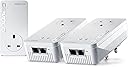
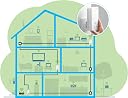
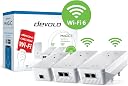
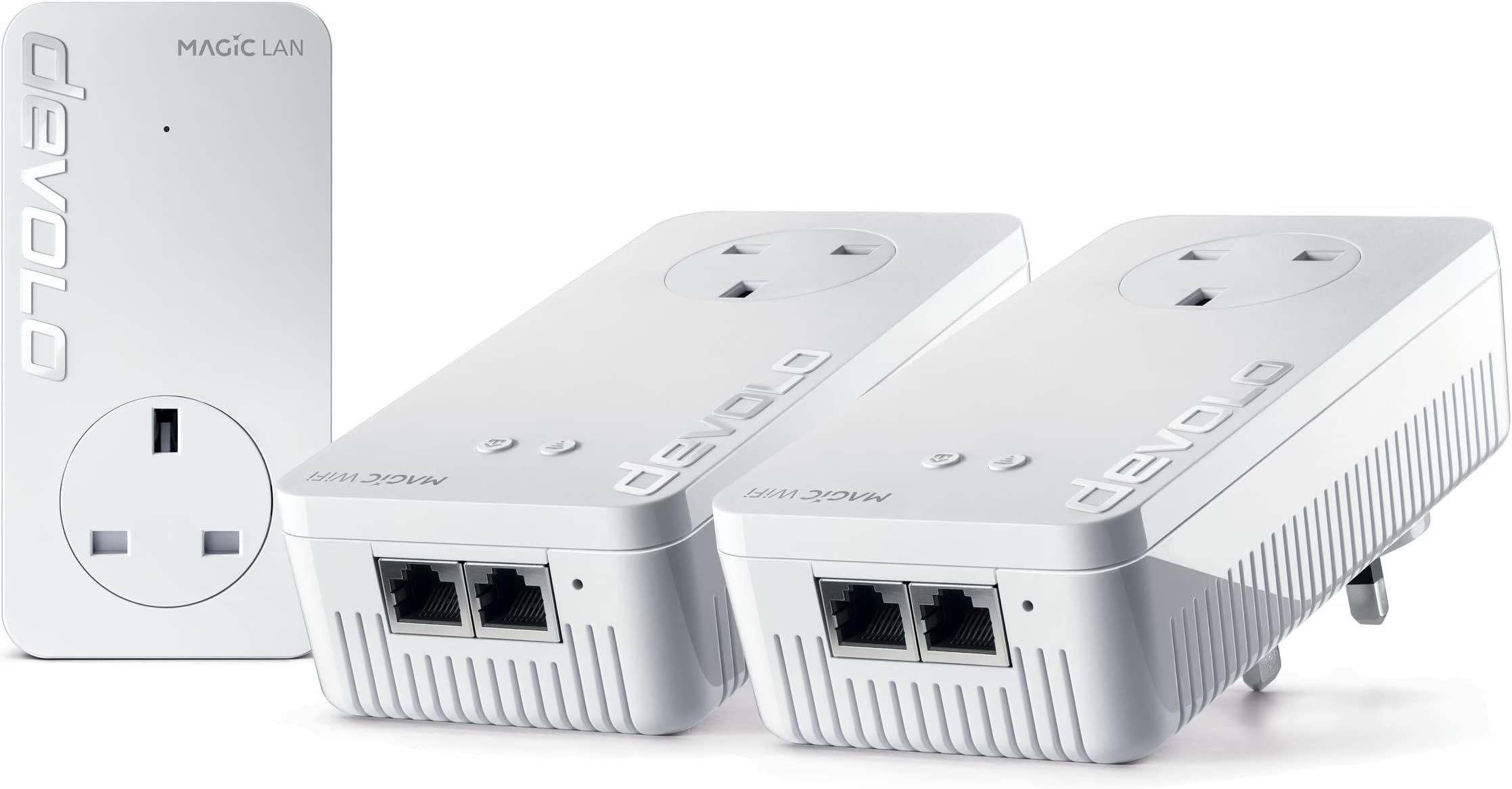
The devolo Magic 2–2400 Wi-Fi 6 Whole Home Kit combines advanced G.hn powerline technology with Wi-Fi 6 mesh to deliver up to 2400 Mbps wired and 1800 Mbps wireless speeds. Designed for multi-floor coverage and heavy multi-user environments, it includes three adapters (2 Wi-Fi, 1 LAN) with five Gigabit Ethernet ports, enabling seamless UHD streaming, stable home working, and easy network expansion.
| ASIN | B09JWRRFWD |
| Best Sellers Rank | #67,669 in Computers ( See Top 100 in Computers ) #115 in Powerline Network Adapters |
| Brand | devolo |
| Built-In Media | 2 x Magic 2 WiFi 6 and 1 x Magic 2 LAN |
| Color | white |
| Colour | white |
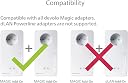
| Compatible Devices | Compatible with all wi-fi routers, devolo MAGIC and G.hn adapters and wi-fi-capable devices |
| Compatible devices | Compatible with all wi-fi routers, devolo MAGIC and G.hn adapters and wi-fi-capable devices |
| Customer Reviews | 3.8 out of 5 stars 62 Reviews |
| Data Link Protocol | WiFi 6 (802.11 ax), Gigabit Ethernet |
| Data Transfer Rate | 2400 Megabits Per Second |
| Data link protocol | WiFi 6 (802.11 ax), Gigabit Ethernet |
| Data transfer rate | 2400 Megabits Per Second |
| Hardware Interface | Ethernet |
| Hardware interface | Ethernet |
| Item Weight | 1.29 Kilograms |
| Manufacturer | Devolo |
| Mfr Part Number | 8952 |
| Model Number | 8952 |
| Number of Items | 2 |
| Number of Packs | 2 |
A**R
تردد المنتج 50Hz لا يتوافق مع مصدر الطاقة في المملكة 60Hz
المنتج جيد لكن ترد. المنتج 50Hz لا يتوافق مع تردد مصدر الطاقة في المملكة العربية السعودية 60Hz
D**C
Easy set up of quality poweline plugs - although expensive!
Bought to replace my failing dLan set up - had given 5+ years of service with one plug failure but was often a pain to reset/reboot when needed (too often). Debated but decided to stick with Devolo, glad I did. These were so easy to set up and add to - just plug in, add network details, and wait a few mins. All good so far, speeds up a bit but not massively, main limit is the part fibre 60 odd feed. Now have 3 wifi plus one non and all work 100% - need as internal walls have blocks with high metal content.... Expensive, almost twice that of the equivalent(ish) competition but I'm happy with both ease of set up and functioning now installed.
A**R
Great product and easy to use
This mesh network is a great way to extend your home wifi into anything from garden rooms to garages and to cover your house with good signal for the modern day needs of devices. The setup is very much plug and play as they call it when using the intuitive app and you can do it yourself even if you're relatively short of knowledge in a technical sense. It offers a great solution and although it comes at a relative cost as a reliable future-proofed, long term solution this didn't deter me and I've reliably been using the connection it provides for VPN's etc without any disconnections.
A**N
Don't buy
TLDR: Super expensive. Terrible instructions. Terrible UI. Didn't work properly at all. The automatic pairing nature and designating a LAN/Master was a shambles. Do not buy. So lets acknowledge something quickly. I am not complaining that the speeds weren't fast enough or that powerline adaptors aren't good. I'm complaining about these ones specifically. My parents have always had issues with internet (big house thick walls, lucky them) so I splashed out on what I thought would be high end adaptors after the tp-links they were using were ok, but not really cutting it. I lost a day trying to get these to pair correctly. The instructions are bad. They say things like "Connect all your devices" and then in the next sentence "Connect your LAN". I tried both methods. Or wanting you to connect your devices. and then plug your router into one of the devices. But then this messes up the network meshing, due to unplugging your router, during setup in my experience. And a few other contradictory instructions. Even when you follow them correctly the network loves incorrectly designating the wrong device as being connected to your router (as the LAN/master adaptor). So you have one of your satellites acting as the signal source and trying to talk to your router through the wifi, and then sharing the signals with your other satellite adaptors. Meanwhile your LAN adaptor's sitting ether-netted up twiddling its thumbs. You have no way to manually assign the correct one. It can also constantly jump between adaptors as the LAN/master. And whilst its doing this you're dropping your whole powerline/network. And if you do try troubleshoot it you end up with them just cloning networks and a huge mess in the app screen. I think i had every possible combination of a LAN and 3 satellites at one point. And none worked. I Tried setting them up at their eventual final designated sockets. Or sockets all next to each other and moving them. Neither worked correctly. For the price this is just absolute garbage.
I**.
Significant upgrade
Made a big difference vs my old devolo set up which suddenly wasnt working very well . Very expensive though.
Trustpilot
2 days ago
1 month ago