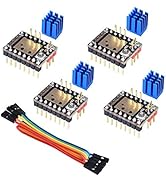
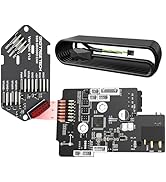
Desertcart purchases this item on your behalf and handles shipping, customs, and support to Kenya.
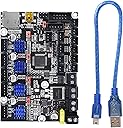
🚀 Elevate your Ender 3 game with the silent powerhouse motherboard!
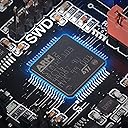
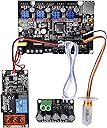
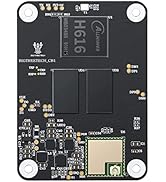
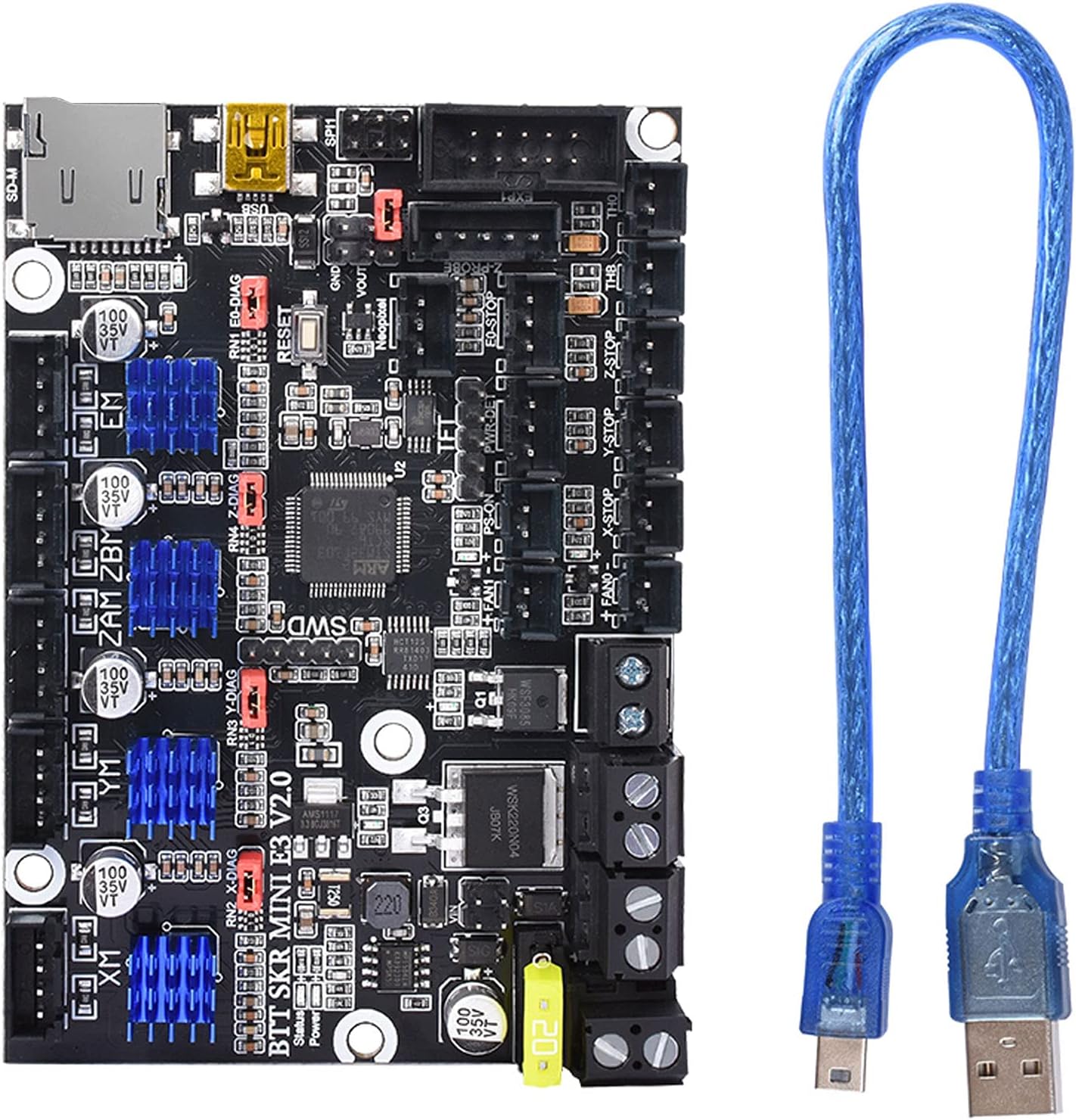
The BIGTREETECH SKR Mini E3 V2.0 is a cutting-edge 32-bit control board designed for Ender 3 series 3D printers. Featuring ultra-quiet TMC2209 stepper drivers, advanced thermal management with WSK220N04 MOSFETs, and smart features like filament runout detection and power-off resume, it delivers a seamless plug-and-play upgrade that enhances print quality and reliability while reducing noise.


| ASIN | B0882QGFZR |
| Brand | BIGTREETECH |
| Brand Name | BIGTREETECH |
| Color | Black |
| Colour | Black |
| Customer Reviews | 4.5 out of 5 stars 1,210 Reviews |
| Display Type | LCD |
| Display type | LCD |
| Global Trade Identification Number | 00778416923359 |
| Included Components | BIGTREETECH SKR Mini E3 V2.0 |
| Manufacturer | BIGTREETECH |
| Material | PCB |
| Material Type | PCB |
| Model | 1 |
| Operating Temperature | 25 Degrees Celsius |
| Operating temperature | 25 Degrees Celsius |
| Part Number | KINGPRINT-ZZB000412 |
| UPC | 778416923359 |
| Voltage | 3.3 Volts , 5 Volts |
E**E
Presque envie d'en acheter une autre sans raison
Pas besoin de faire de manip pour charger un nouveau logiciel ou autre. Ca marche une fois branché. Pour le bruit, c'est incroyablement efficace : je n'entend plus que les ventilateurs que j'ai pourtant remplacé par des silencieux. Mon imprimante est maintenant aussi bruyante que mon PC. Le seul inconvénient étant sur l'EEPROM (je pose le terme pour ceux qui veulent se pencher sur la question). Il s'agit de l'endroit où les informations de paramétrage utilisateur sont stockés, comme le calibrage de la position des moteurs, les températures de préchauffage, etc. Avec cette carte mère, cet espace n'existe simplement pas donc les paramètres sont à refaire à chaque démarrage OU en créant une version modifier du micro-logiciel de la carte. Il y a pas mal de tuto et de documentation, ce n'est pas difficile et ne requiert pas de matériel supplémentaire, mais il faut de la patience et c'est pas mon cas. Je me suis donc tourné vers le système D : - le réglage du plateau pour être centré peut se faire en décalant les interrupteurs de fin de course des moteurs plutôt qu'en donnant un "offset" à l'imprimante. - Il est également possible de modifier un peu les caractéristiques de l'imprimante dans le slicer (cura, prusa slicer, etc). En y renseignant la taille de mon plateau en y ajoutant le décalage de la buse, le problème est réglé. - Idem pour les températures, je la change dans le slicer et ca marche comme je le souhaite.
N**3
Ideal Upgrade
I bought an Ender 3 Pro last December and I've spent a bit of money and time on various upgrades. The last real upgrade I wanted was the motherboard, as I understood that the 1.2 version of this board was far superior to the stock board. Luckily this 2.0 version was released before I got round to purchasing the board so I took the chance even though it was quite a bit more expensive. The swap over took about half an hour (I took my time and took photos of the wiring before unplugging everything) and it was relatively easy even for me - I'm not the most techinically minded chap if I'm being honest. Wow what a difference. The stepper motors are ridiculously quiet - literally the only noise you can hear is the fans. Time will tell if it improves print quality for me - my machine is dialled in and prints well anyway, however I have seen others mention it does improve aspects of the print. There are a ton more options and the menus are blazingly quick. I'm not going to make use of the BLTouch functionality as I have no issues levelling with paper (good springs!) but it's nice to know I have the option. My printer is probably as good as it's going to get, and I feel this was very much worth the money. Finally, if you're worried about having to mess about with firmware and compiling and the like - don't be. It's literally plug and play - unless you want the BL touch. If that's the case there is a lot of help out there.
J**R
Super leise, für super Preis. (und easy plug and play)
Dank diesem Board: Das lauteste an meinem momentanen Build ist wirklich nur noch der Hotend Lüfter. Easy Plug and play mit Ender 3 / Ender 3 pro. Es ist ein wenig knifflig wenn man noch nie ein Board gewechselt hat, aber bei der Gelegenheit kann man auch gleich die Kabel enden krempen. (sehr empfehlenswert da die gelöteten Enden nicht geschraubt werden sollten) Die aktuelle Marlin Version ist schon drauf also reinbauen und los geht's. Nicht nur sind hier die Stepper leiser, sonder auch wichtige teile wie die "haupt" Sicherung besser und der Bed heating mosfet ist viel größer und somit auch kühler. Für den Preis einfach das beste Upgrade für jeden Standard Ender drucker. Muss jedoch noch sehen ob die Prints auch gut raus kommen wie vorher.
J**C
Breathed new life in my old Prusa clone
I used this to replace the dead 8-bit board of my old Prusa clone (HicTop 12) Note: You need to really know what you are doing, and have to be comfortable to crimp and solder your own cables if not using this for an Ender! Was overall very easy for me to install in my Prusa clone. The new drivers are amazing! Compared to the super old drivers from the old 8 Bit board these are virtually noiseless. I can actually sit in the same room and work when the printer is printing. Overall very positively surprised that the swap out went so smoothly. I cannot say anything about the MOSFET quality as I am using two separate big ones for bed and hot-end use. So no experiences using the on-board ones. Tip: Use separate big MOSFETs, they come cheap (2 pack for way below $30) and usually ready to use, with cable clamps etc., they reduce any heating issues, reduce fire issues and take any heat/power strain off the board. Bought mine on Amazon years ago, never regretted it. Pros: 1. Very compact design, in fact it is truly "mini" 2. Excellent drivers, make a noisy printer virtually silent, cooler included 3. Marlin 2.0 shines on this board 4. Works exceptionally well with my Orion Piezo auto leveller, I now get the bed perfectly levelled with 9-point in less than a minute. Every print's first layer is now pure art 5. Board build quality and online documentation ranges from very good to absolutely sufficient for such a competitively priced board. 6. Noticeably better performance with this 32-bit board. 7. Super easy to flash the firmware updates 8. Lots of people own this and there is quite a lot to google out there if you ever get stuck. Did not have to use their customer service once. Cons: 1. You should really be comfortable with configuring Marlin, soldering, cable crimping, etc. if you do not do a direct Ender board update but use this for a different printer. Because you will have to make at least some new cables and connectors. 2. Patience is necessary, as a move to a new board is never trivial, lots of fun (?) testing is necessary 3. Had to buy the Color TFT E3 V 2.0 from BT as well, as my old screen would just not work with the board, but, to be honest, totally worth the investment, as the TFT not only is a touch-screen but a very powerful mini Octoprint as well, among other things it has a rather useable terminal built-in. No more running back and forth between the computer with Octoprint and the printer.
M**9
Stealthchop is Magic, Silence is Golden
I got the SKR Mini E3 V2.0. At first, I was going to add a boot loader to the Creality stock board to add additional Marlin firmware features. Why bother? The SKR Mini E3 has all of that and is a really nice drop-in replacement for the Ender 3 Pro. It works well out of the box, but I ended up compiling the latest Marlin 2.0.6 firmware anyway. The boot loader makes it easy, just add firmware.bin to a flash card, insert and turn on the printer. The firmware loads in 10 seconds. Included is a 128 MB flash card that I use for this firmware.bin and nothing else. Compiling the firmware.bin with VSCode/PlatformIO requires watching Teaching Tech's youtube video. The attached pictures are from Teaching Tech and they helped me with the install wiring from old board to new. I am also using this new board with the stock Ender 3 display. No issues there and the original display works well with Marlin. Once you get this running, you will rejoice at how quiet the stepper motors are. The TMC 2209 drivers have everything to do with this. This is a great option to upgrade the motherboard and the price is better than the Creality Silent Board. A few of the options are moved around in Marlin firmware, like AutoHome and Preheat PLA, but once you find them, it is easy to work with. I love the mesh bed leveling feature where the firmware takes you to 9 different points on the bed, keeping the steppers locked, while using the display dial to control the Z motor axis to make tiny adjustments. Just keep the sheet of paper under the nozzle and feel away. Manual bed leveling was never this easy. The processor then auto-corrects for bed imperfections to get the best bed adhesion. Make sure that your Start GCode includes M420 S1 after G28 (G28 disables the mesh). I am using a borosilicate glass bed and there are indeed slight imperfections that this can accommodate for. This SKR Mini E3 V2.0 board rocks.
Trustpilot
2 weeks ago
3 weeks ago